
Connect to OneDrive
This step-by-step guide explains how to connect your OneDrive account to CustomGPT.ai to import and use documents stored in your OneDrive folders.
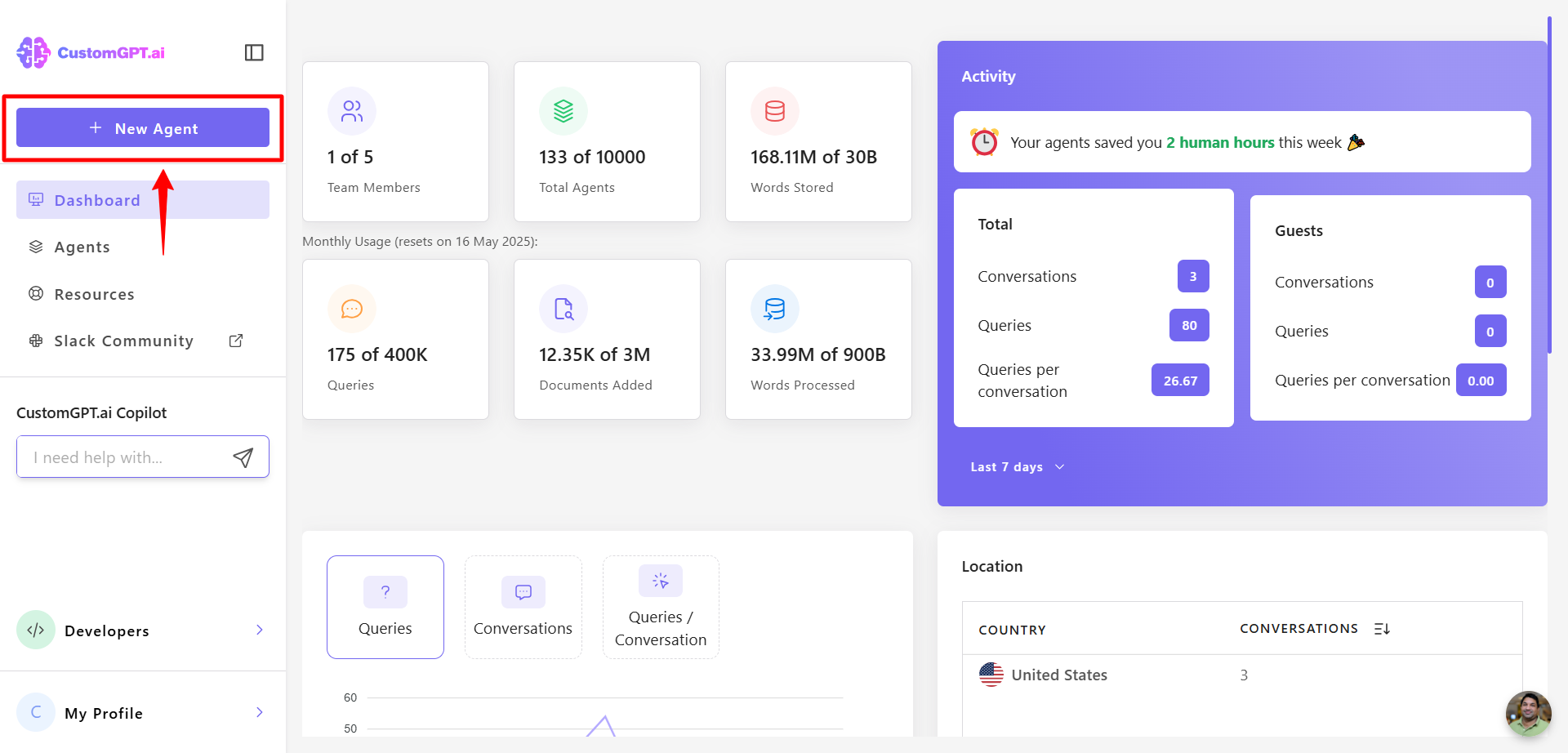
- Click New Agent to begin setting up your AI agent.
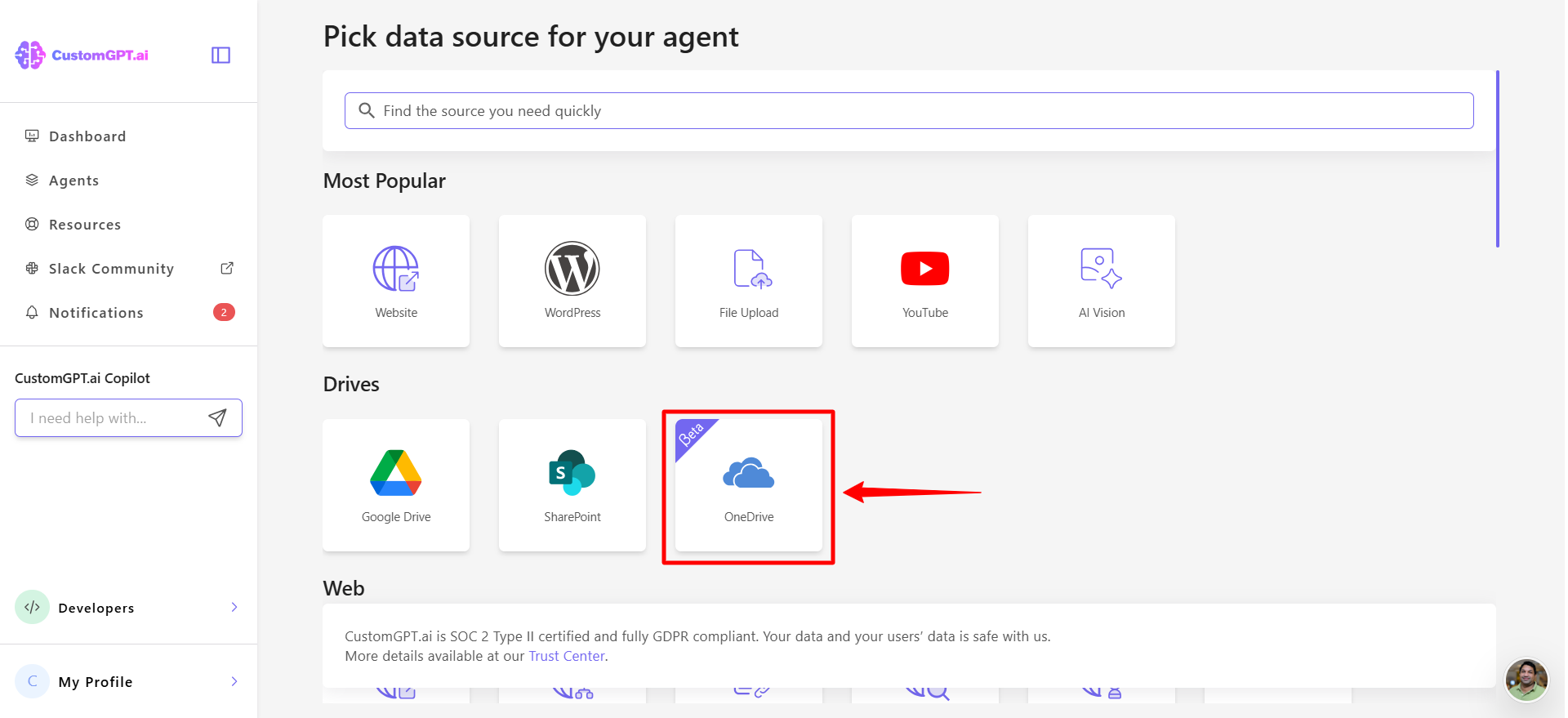
- Under the Drives section, select OneDrive to start the integration.
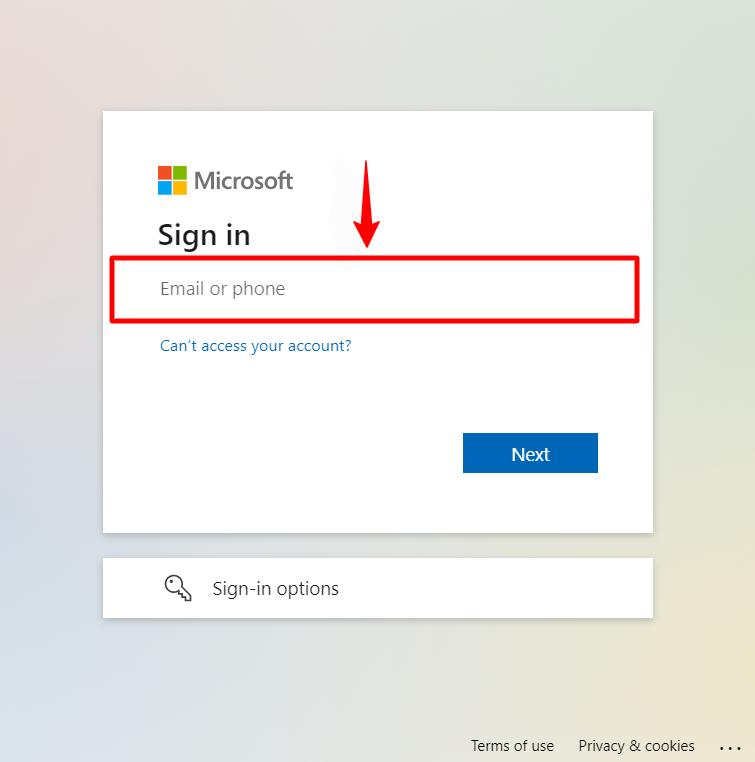
- Sign in using the email and password associated with your OneDrive account.
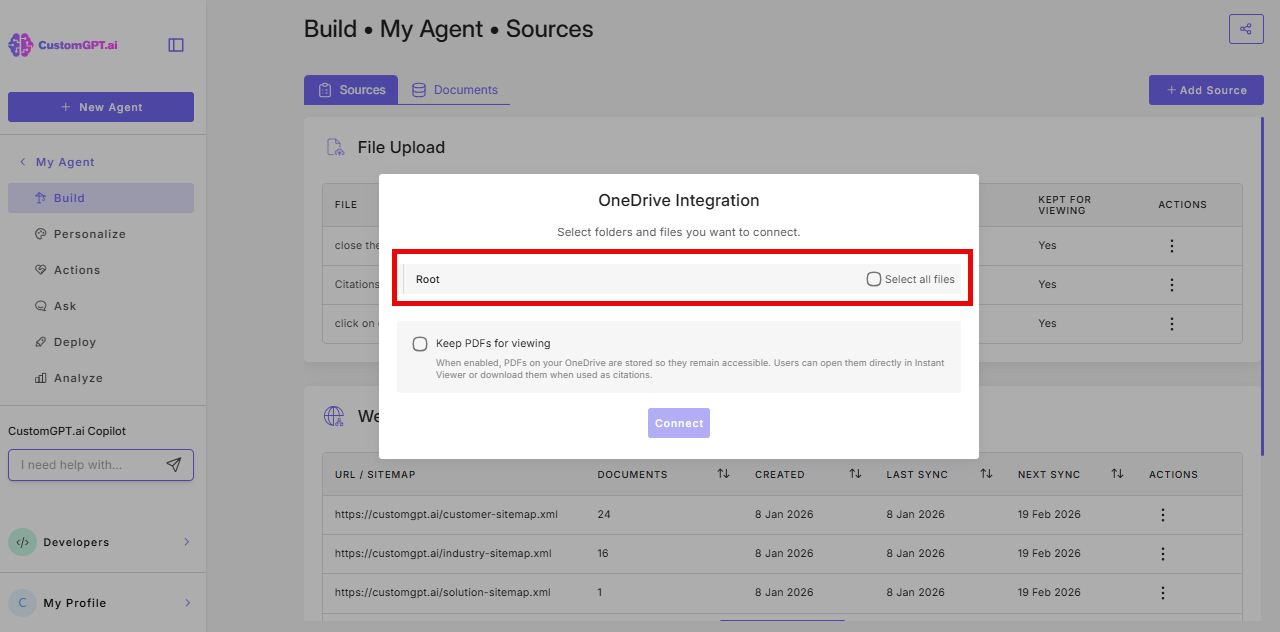
- When prompted, grant the required permissions to the CustomGPT.ai app and select the folder or file you want to integrate.
Note:Only documents up to 450MB are supported. Files larger than this will not be processed.
- A settings window will appear. You will see an option called Keep PDFs for viewing. This is turned off by default. Turn it on if you want your PDFs to be saved so end-users can view or download them later, even if the original file is moved or restricted on SharePoint
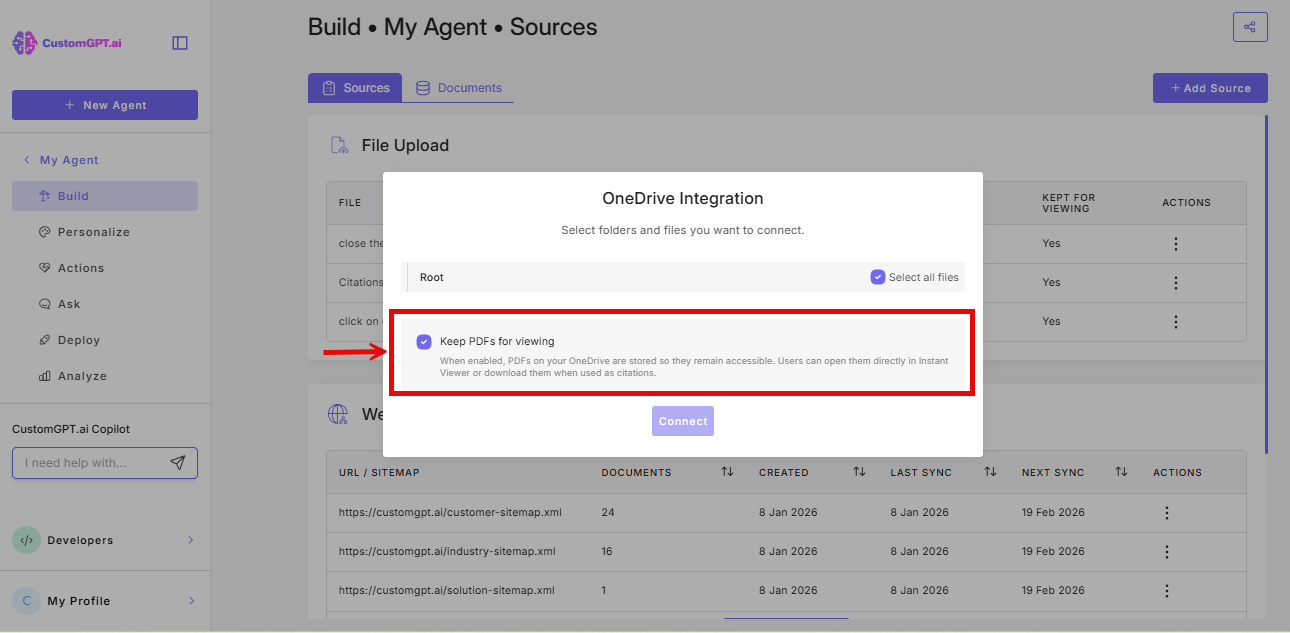
Important: This setting only saves PDFs that are added after you turn it on. PDFs already in your agent will not be affected.
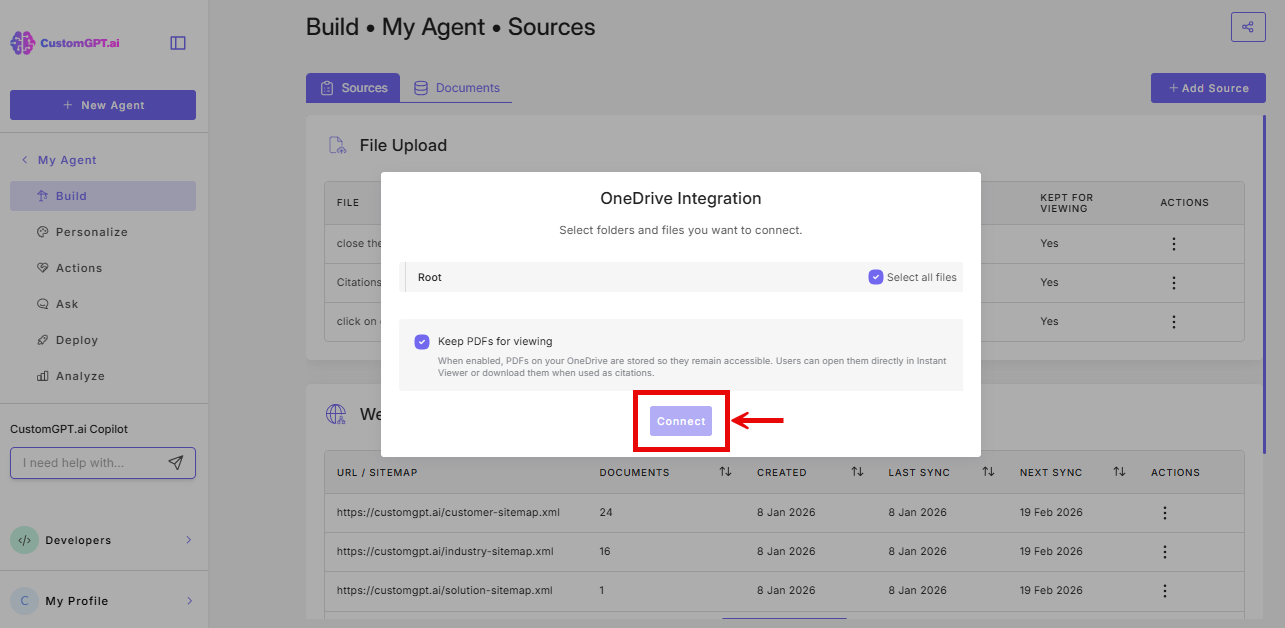
- Click Connect to confirm your file or folder choice.
Note:While base OneDrive connection is available to everyone, the auto-sync is available only on Enterprise plans. For Enterprise users, auto-sync runs instantly whenever a file changes in OneDrive.
Updated 6 months ago
Did this page help you?