
Preview your agent with Try It Out
This guide explains how to use the Try It Out button to preview and test your agent's appearance and functionality across all deployment types before sharing with end users.
Try It Out lets you preview how your agent will appear and function for end users. Each deployment type opens an interactive preview so you can test your agent before sharing it with others.
In simple terms: See exactly how your agent looks and works without leaving your dashboard.
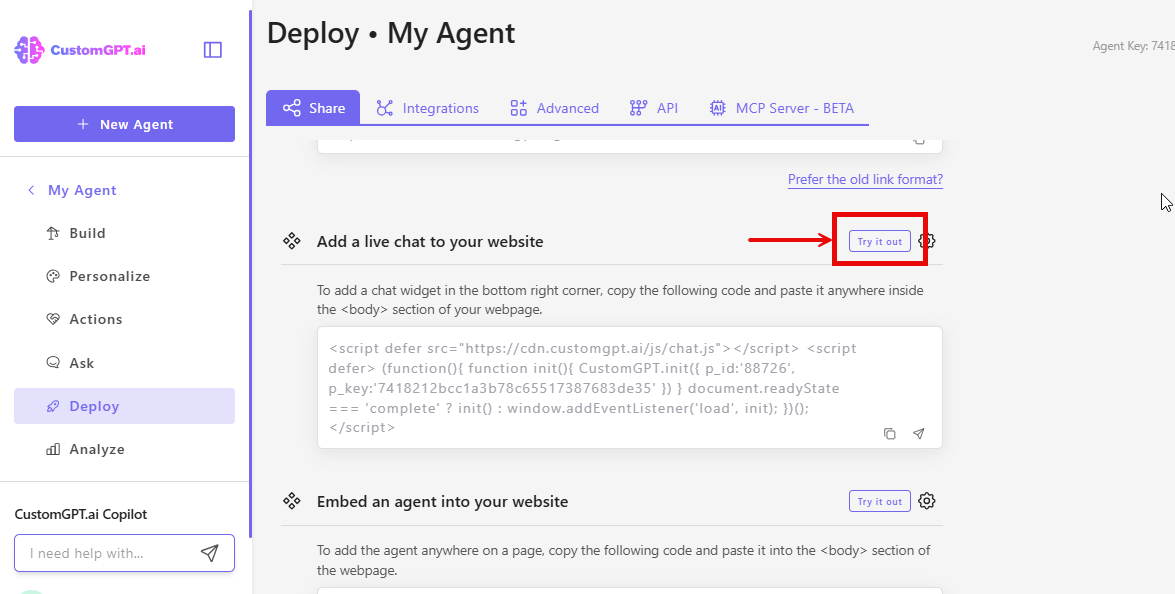
Where to find it: Each deployment type has a Try it out! button
What you can preview:
- Live Chat appearance and positioning
- Embed widget functionality
- Website Copilot interface
- Instant Viewer with PDF display
- Search Generative Experience (SGE)
Note: Try It Out shows the live version of your agent with current settings and content.
How to Preview Your Agent
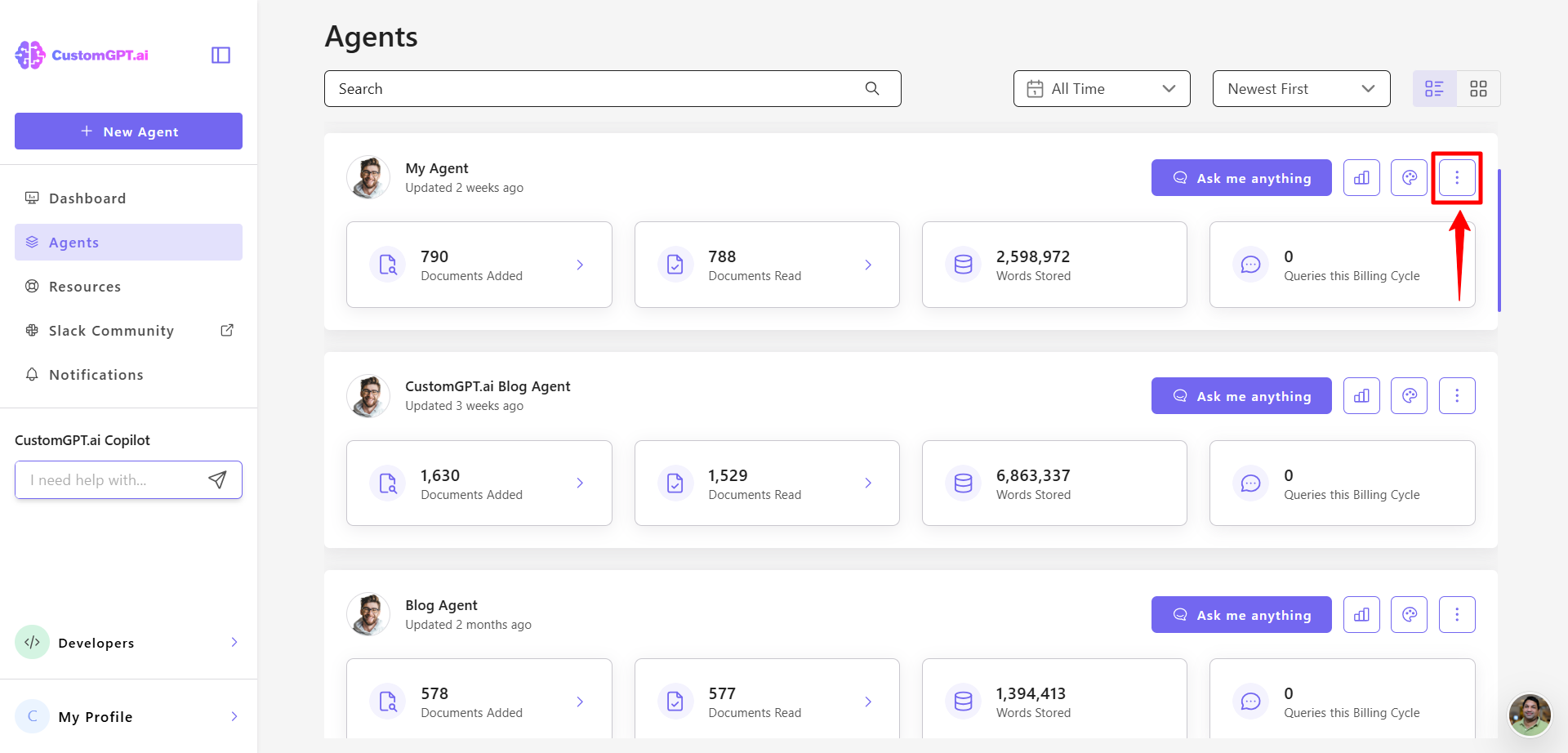
- On your CustomGPT.ai dashboard, click the three dots menu.
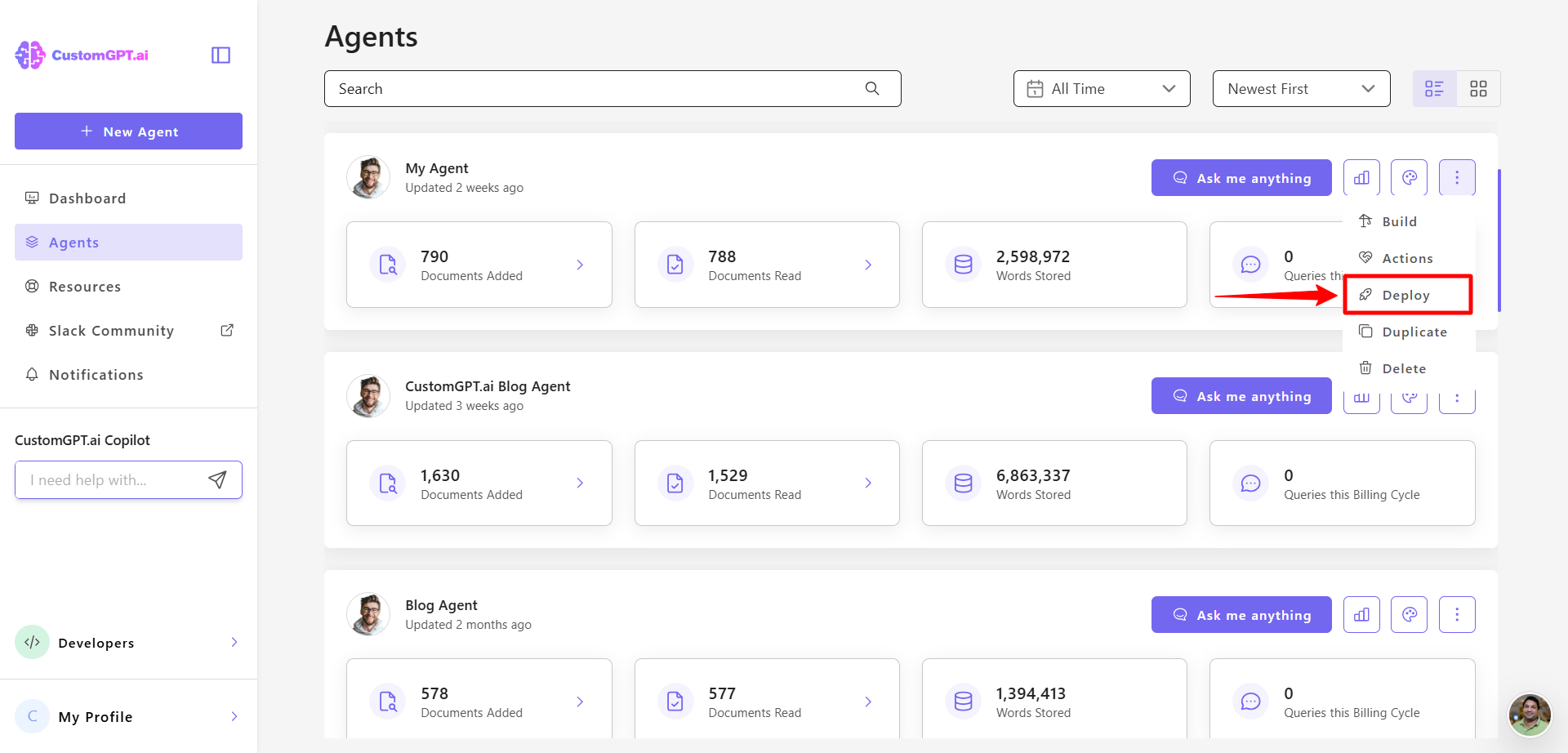
- Click on Deploy in the menu
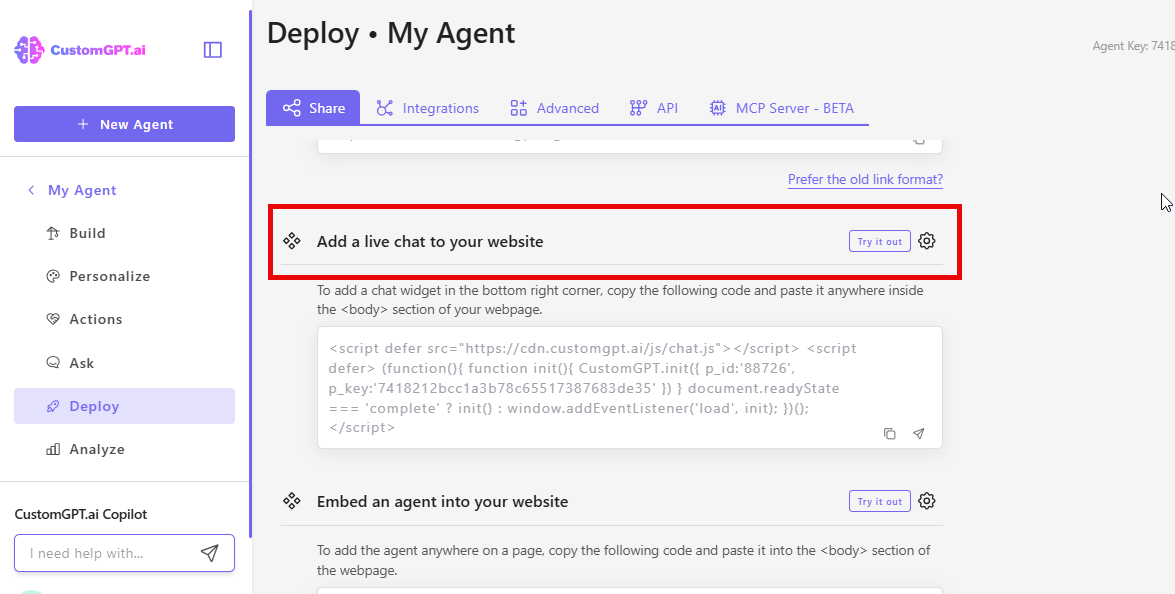
- Navigate to the deployment type you want to preview
- Look for the Try it out! button and click on it
- A preview window opens showing your agent
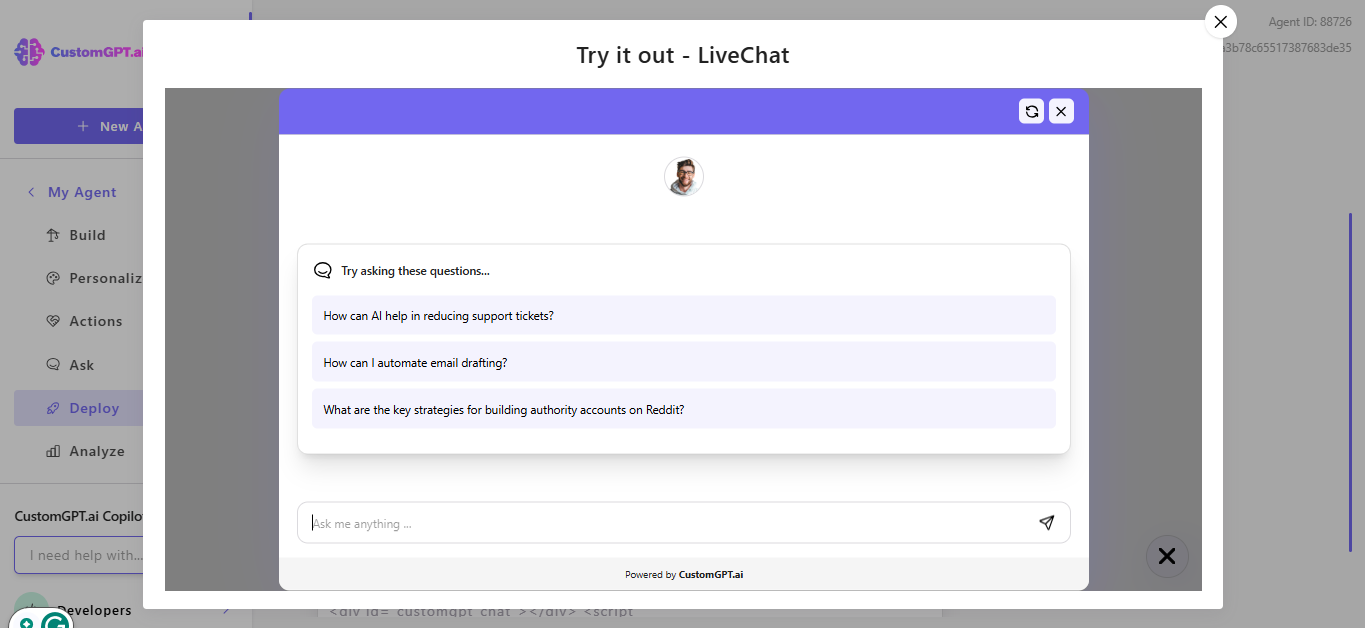
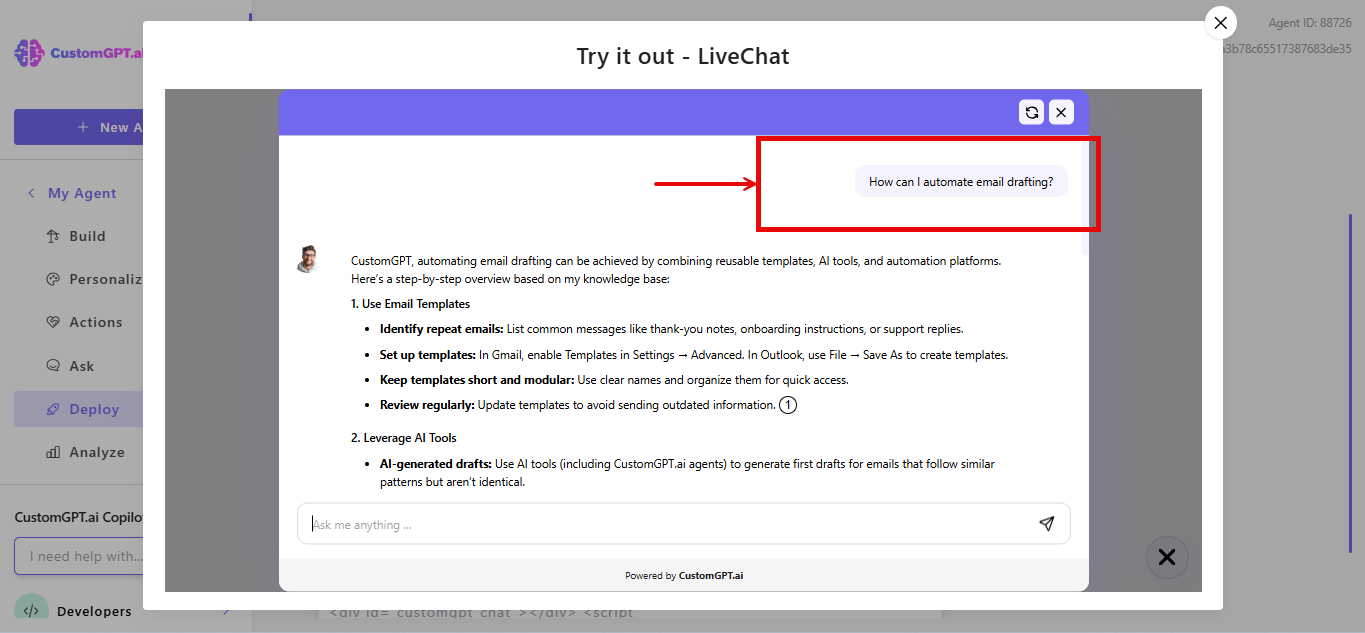
- Interact with your agent as end users would. Ask questions, test features, check appearance
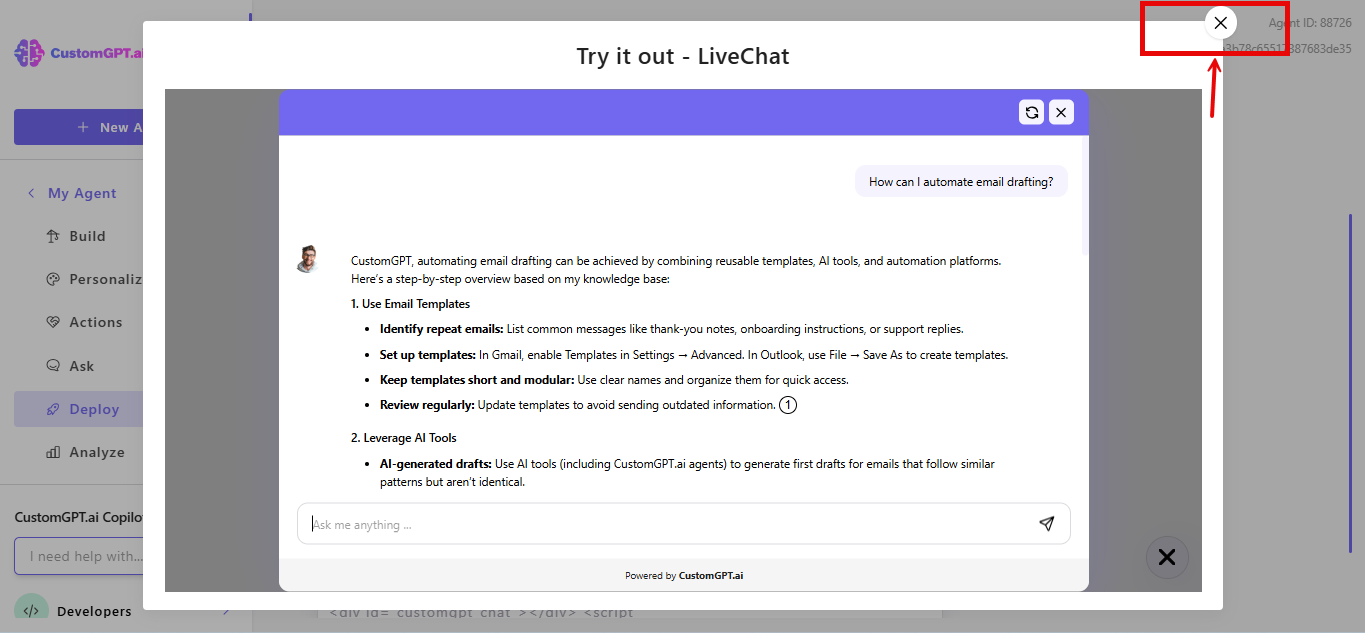
- Close the preview when finished
How It Works
For each deployment type:**
Live Chat:
- Opens full-screen preview
- Shows chat icon in selected corner
- Test conversation flow
Embed
- Opens embedded widget preview
- Shows agent in chat bubble
- Test all embedded features
Website Copilot
- Opens preview with launch button
- Click to activate copilot interface
- Test website assistance features
Instant Viewer
- Opens preview with launch button
- If PDFs are used as sources, they display in integrated viewer with relevant sections highlighted
- Test document navigation
Search Generative Experience (SGE)
- Opens search input field
- Enter search query to test
- See how search results generate
Tip: Make changes to your agent settings and use Try It Out to see updates immediately.
Updated 10 months ago