
Actions cost
This guide explains how CustomGPT.ai assigns query credits to advanced actions, helping you understand and manage your usage.
What is an action cost?
Every interaction with a CustomGPT.ai agent- whether a regular chat message or a specialized feature- consumes query credits. Agentic actions perform multiple reasoning steps, and because of that they consume more query credits than standard interactions.
Important:Important: When your agent performs an action, your usage balance will be debited by 1 query credit plus the credit for that particular action.
How pricing works
- Each agentic action has a defined cost, which is applied in addition to the regular 1 query credit.
- Standard chat messages consume 1 query per message; agentic actions consume more due to increased costs caused by multiple reasoning steps.
- If two or more agentic actions were performed in one query, the cost will be 1 standard query credit plus the cost of each individual action.
On agents with Plan & Act enabled, if you stop a response, any action that had already started still counts in full against your query credits. Actions that hadn't started aren't counted. Refer to Stop a response while it's generating.
Cost for all available actions
- Lead Capture costs 1 additional query credit on the Premium plan every time the agent scans for or records contact information during the conversation, and 2 additional query credits on the Standard plan..
- Drive Conversions costs 1 additional query credit on the Premium plan per response, and 2 additional query credits on the Standard plan.
- Webpage Awareness costs 1 additional query credit on the Premium plan per response that utilizes context awareness, and 2 additional query credits on the Standard plan.
- Document Analyst costs 9 additional query credits on the Premium plan per response that performs document analysis, and 14 additional query credits on the Standard plan.
- KB Doc Analyst costs 9 additional query credits on the Premium plan per response that performs document analysis, and 14 additional query credits on the Standard plan.
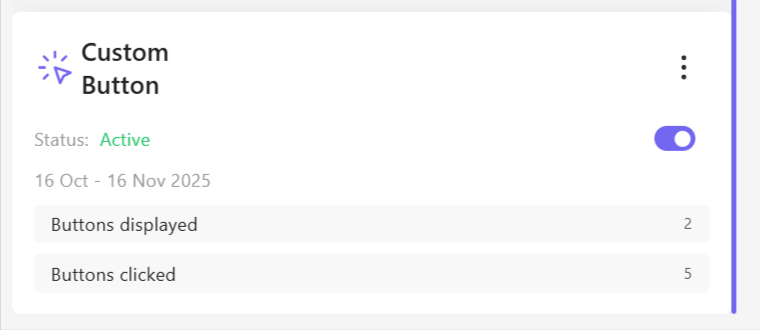
- Custom Button has no additional cost. It is completely free to use on all Premium plans, and enabling or triggering buttons does not consume any extra query credits.
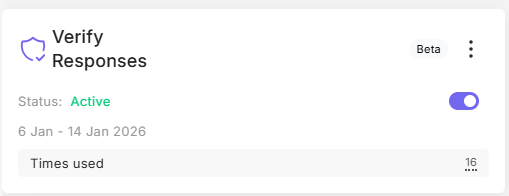
- Verify Responses costs 4 additional query credit on the Premium plan per verified response, and 9 additional query credits on the Standard plan.
- Web Search costs 2 additional query credits on the Premium plan per web search performed, with a maximum of 3 searches per user query, and 3 additional query credits on the Standard plan, with a maximum of 1 search per user query.

Plan & Act mode
Queries made using the Plan & Act mode start at 0 query credits. When agent handles a message, the following costs apply:
- Task planning - this happens at the start of every response, at the cost of 3 query credits
- Task evaluation - if one or more agentic actions was used in the response, the agent will evaluate task status at the cost of 3 query credits, regardless of the number of actions used
- Ending the response - at the end of the response, one of the following will happen, but never both:
- Quick response at the cost of 1 query credit, which usually means that no action was taken, for example, agent is looking for your input
- Final response at the cost of 2 query credits, where agent will compile its final response after all actions run their course
Each action used will add its own cost, as described above..
For simple messages like "hello", the Plan & Act mode will not be triggered and the message costs 1 query credit.
Smart Tasks
Smart Tasks don't have a fixed query credit cost, but are instead charged dynamically based on token consumption:
| Cost item | Query credits |
|---|---|
| Base cost per run | 3 |
| Per 4,500 words of uploaded files | 1 |
| Per 4,000 characters of generated code | 1 |
See Smart Tasks for details.
Knowledge Base
The Knowledge Base agentic action is free.
Managing your usage
Monitor your credits regularly on the billing & usage page. As soon as agent performs the action, those credits are deducted from your balance.
For more related guides, see:
Updated 11 days ago