
Document and content status
This guide explains what each document and content status means on your agent's Documents page, and what the numbers next to each filter option represent. Use it to understand why a page shows a particular status, or what a count next to a filter means.
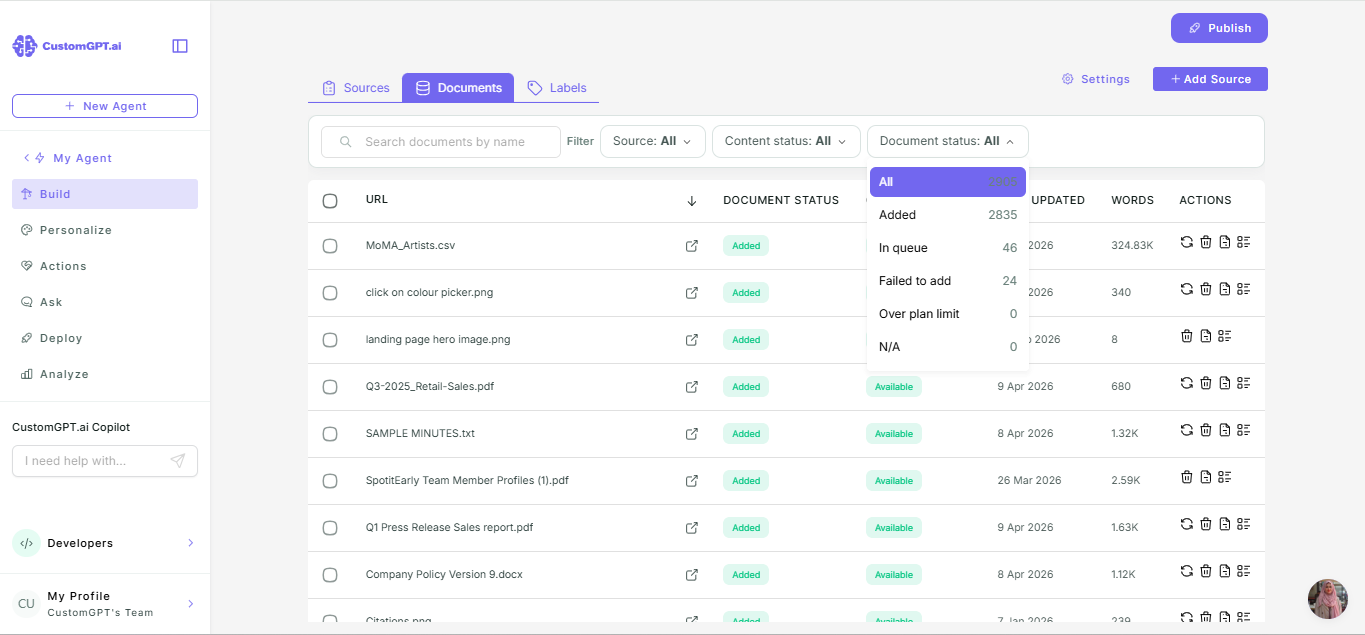
Document status
Document status shows whether a page's URL was successfully reached.
| Status | Meaning |
|---|---|
| Added | The page was reached and its content was fetched |
| In queue | The page is waiting to be fetched |
| Failed to add | The page could not be reached or fetched |
| Over plan limit | The page wasn't fetched because your plan's page limit was reached |
| N/A | The page's content was completely empty, so there was nothing to process |
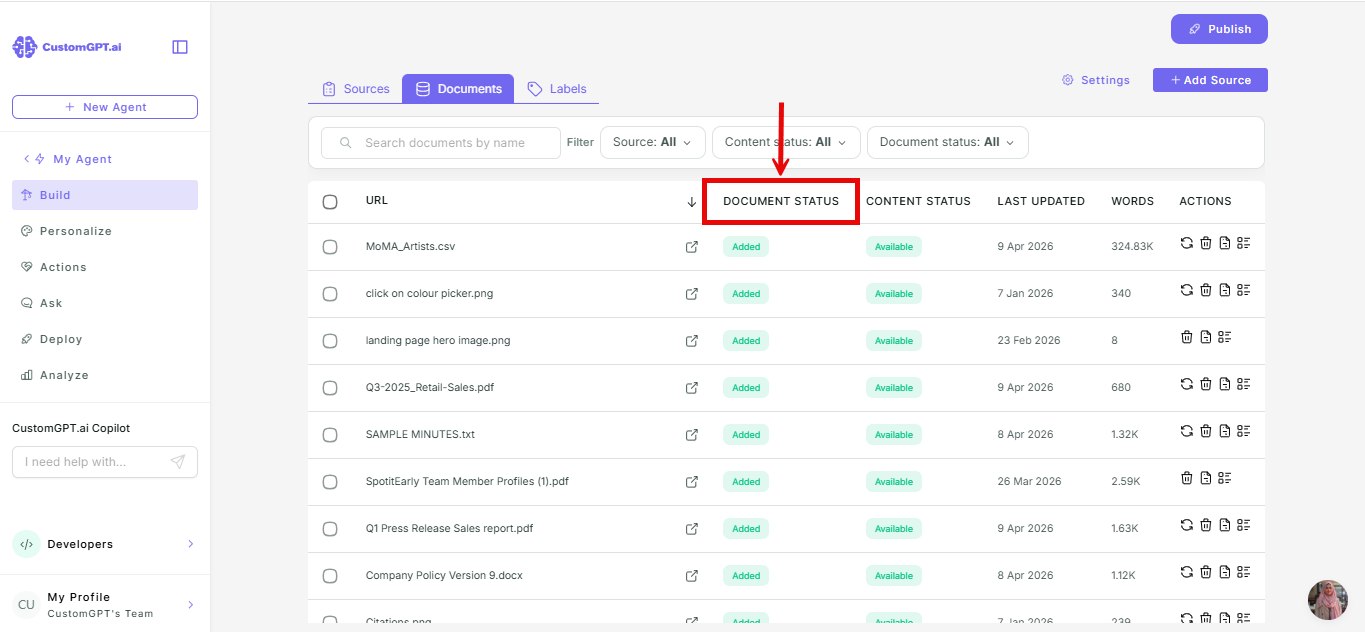
Content status
Content status shows whether a page's content is available for your agent to use in its answers.
| Status | Meaning |
|---|---|
| Available | The content was added to your agent's knowledge base and can be used in answers |
| Processing | The content is being added to your agent's knowledge base |
| Processing failed | The content could not be added to your agent's knowledge base |
| Over plan limit | The content wasn't added because your plan's page limit was reached |
| N/A | The page's content was completely empty, so there was nothing to process |
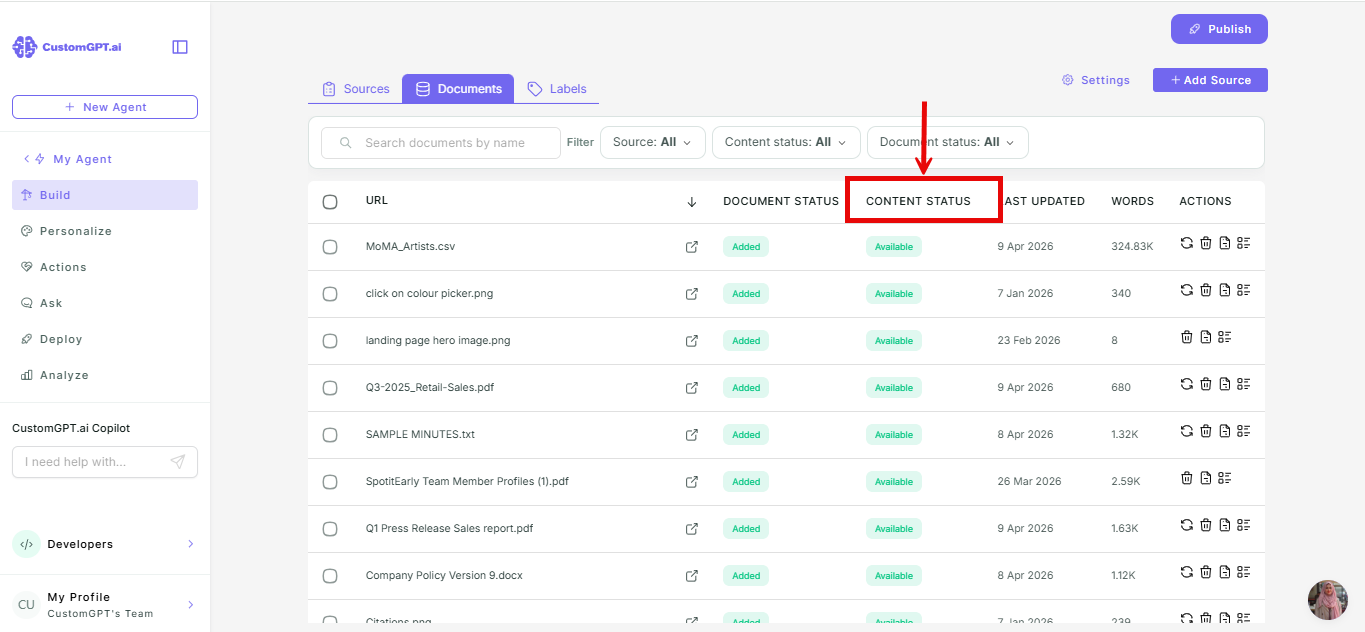
A page's document status and content status can differ. For example, a page can show Added for document status but still show Processing for content status while it's being added to the knowledge base.
Related articles
Updated 3 months ago
Did this page help you?