
Connect to a Ghost website
This step-by-step guide explains how to integrate a CustomGPT.ai agent with your Ghost website to make your content available for AI-driven interactions
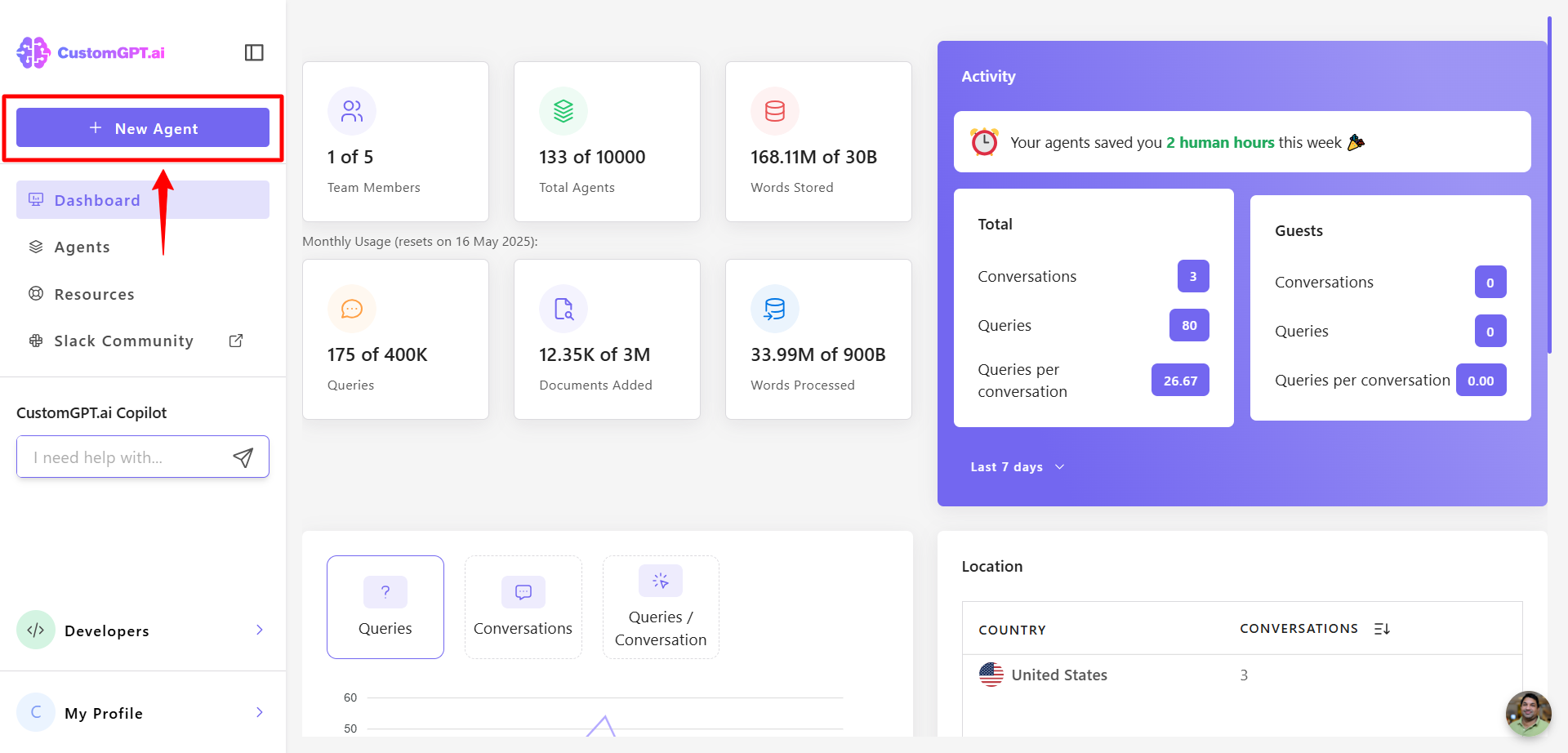
- Click New Agent to create a new AI agent.
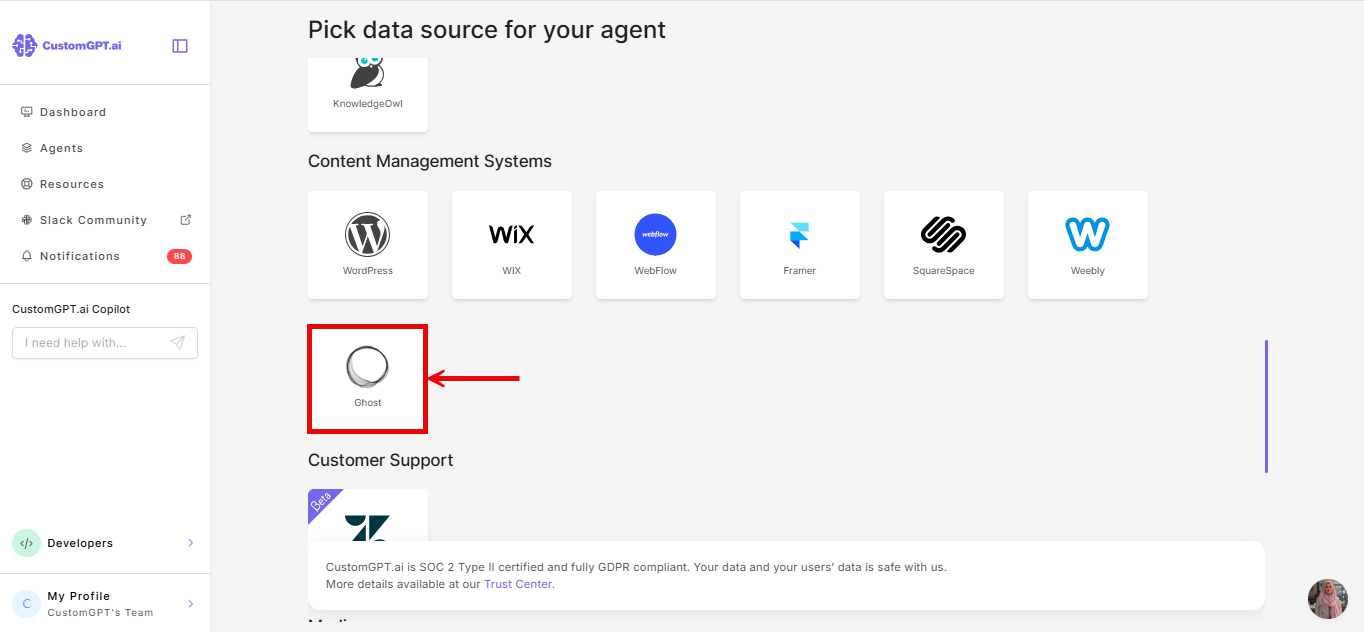
- Scroll to the Content Management System section and click Ghost.
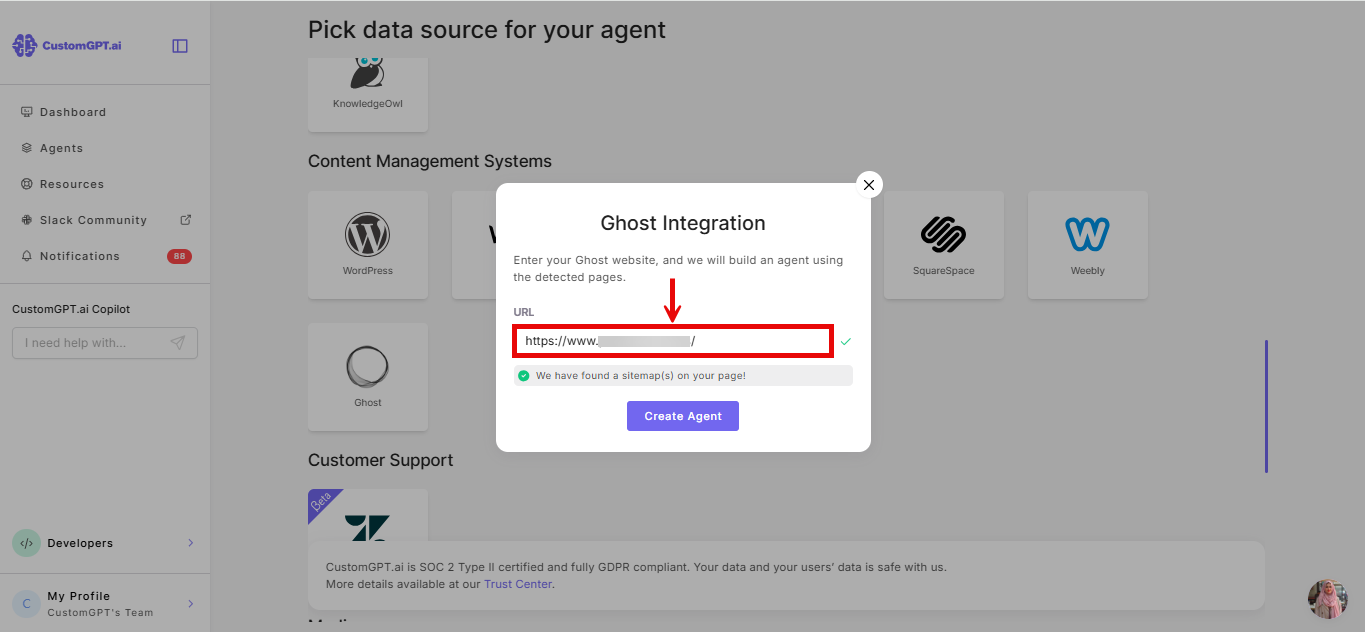
- Enter your Ghost website URL in the provided field and CustomGPT.ai will automatically detect the pages on your site.
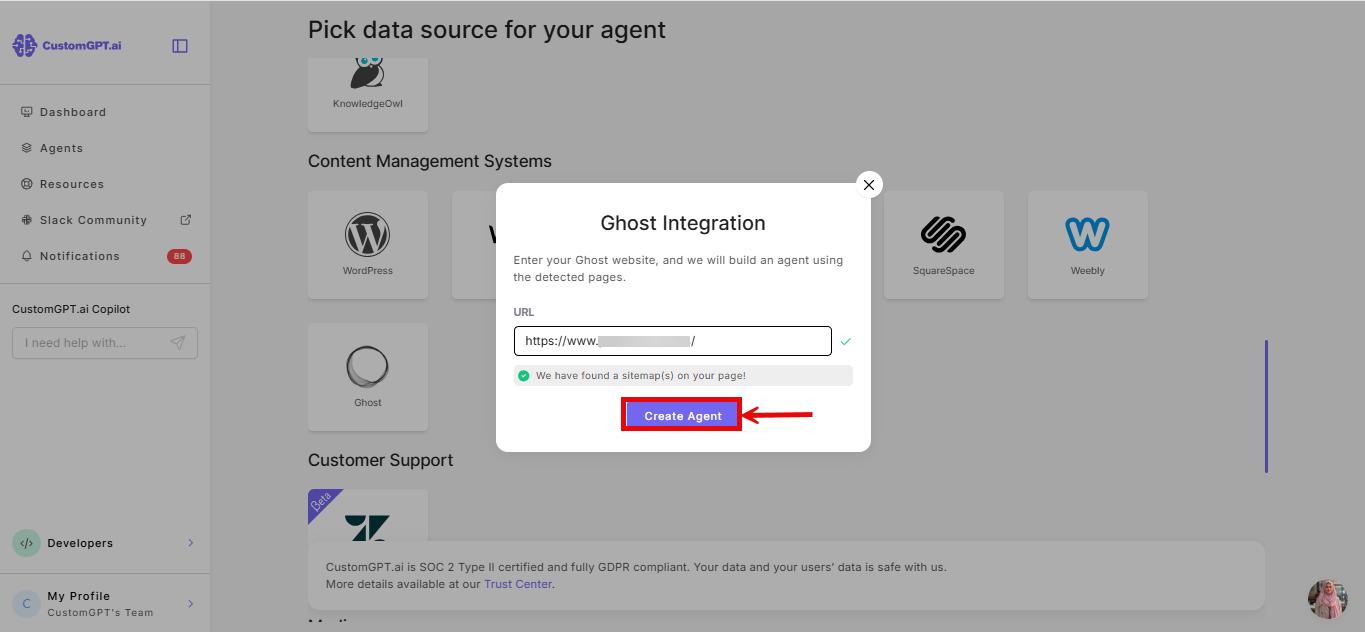
- Click Create Agent to build your AI agent using the detected pages.
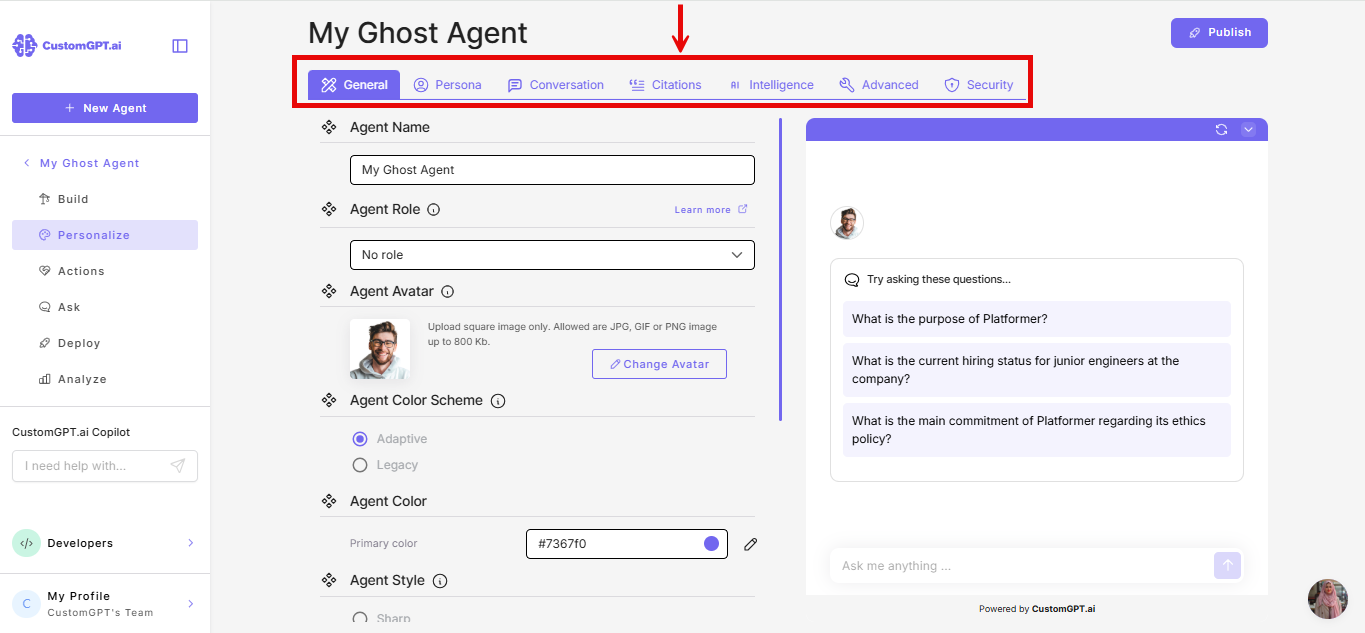
- Customize your AI agent in the Personalize settings and adjust its appearance, language, and style to match your brand.
Related article
Updated 4 months ago
Did this page help you?