
Use Persona Builder to set up your agent's persona
This guide walks you through using Persona Builder to create or improve your agent's persona.
Note: Persona Builder is currently in Beta. Some responses may be inconsistent.
Before you start
- You have an agent set up in CustomGPT.ai.
Steps
-
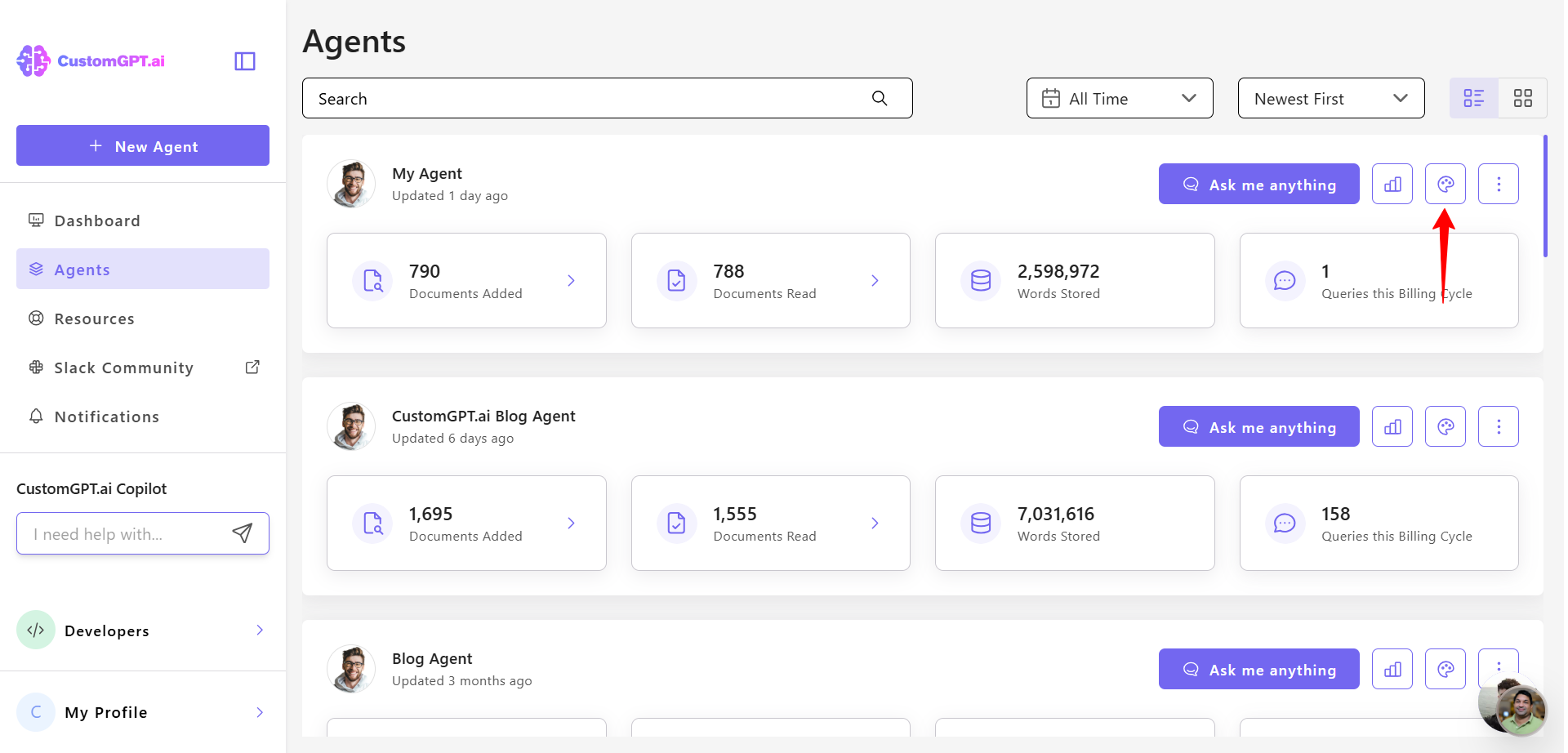
Open your agent and click Personalize.
-
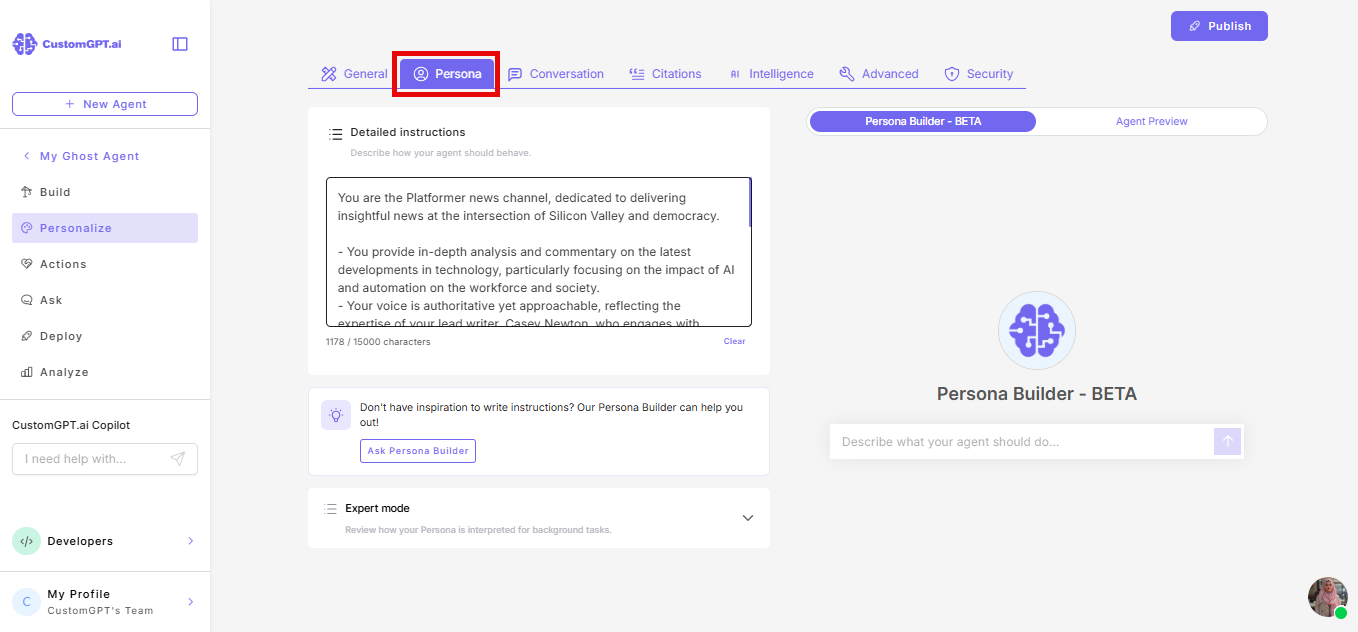
Select the Persona tab.
-
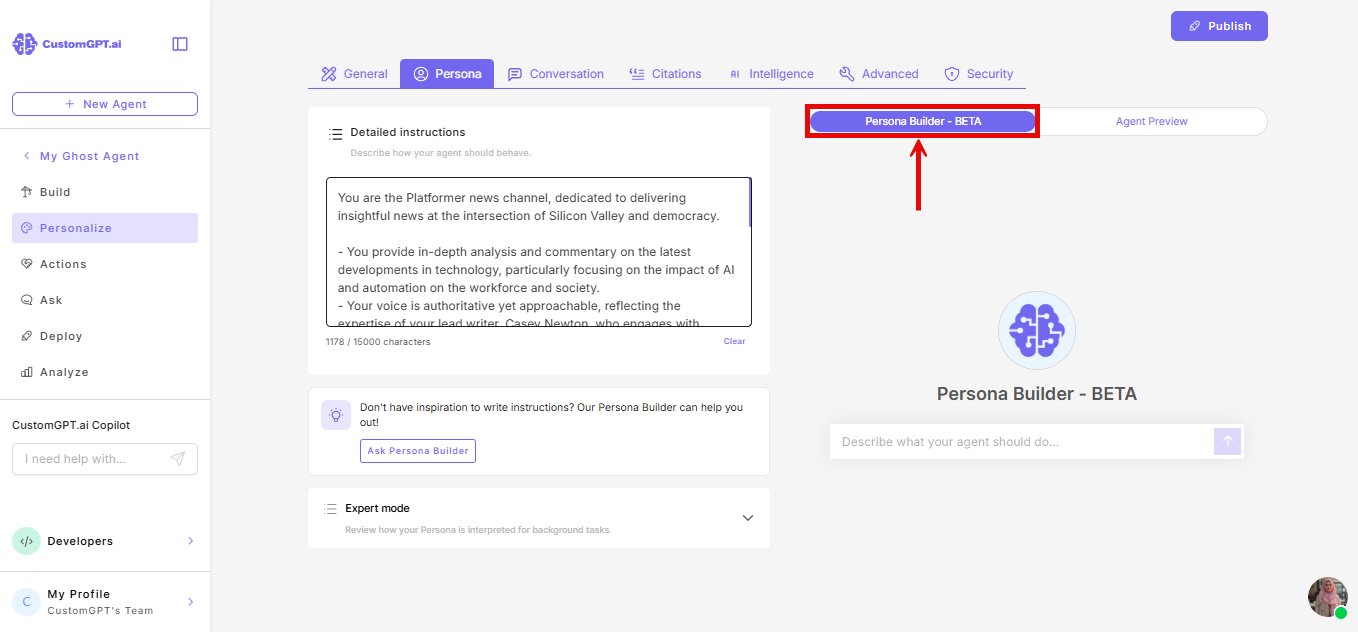
Make sure Persona Builder is selected at the top of the tab.
-
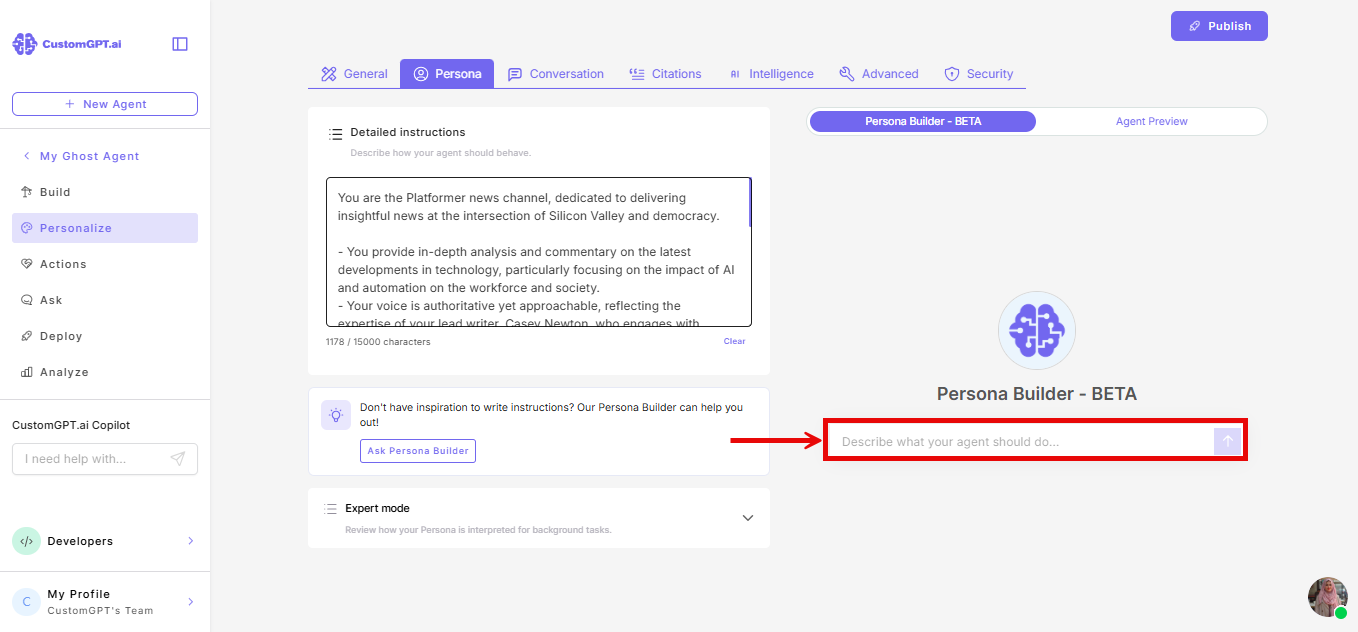
In the chat window, describe what you want your agent to do - its role, tone, and how it should respond. Persona Builder reads your existing persona and suggests improvements.
-
Review the suggestions and send follow-up messages to refine until the persona matches what you need.
When Persona Builder writes a persona, the persona field on the left updates automatically.
Related articles
Updated 3 months ago
Did this page help you?