
Stop a response while it's generating
Stop your agent's answer partway through by clicking the Stop button in the chat.
This guide shows you how to stop your agent's answer before it finishes. Use it when you've sent a message by mistake or no longer need the answer.
Note: Stop is available only on agents with Plan & Act mode enabled. Refer to Enable Plan & Act mode to turn it on.
Stop a response
- Send a message to your agent.
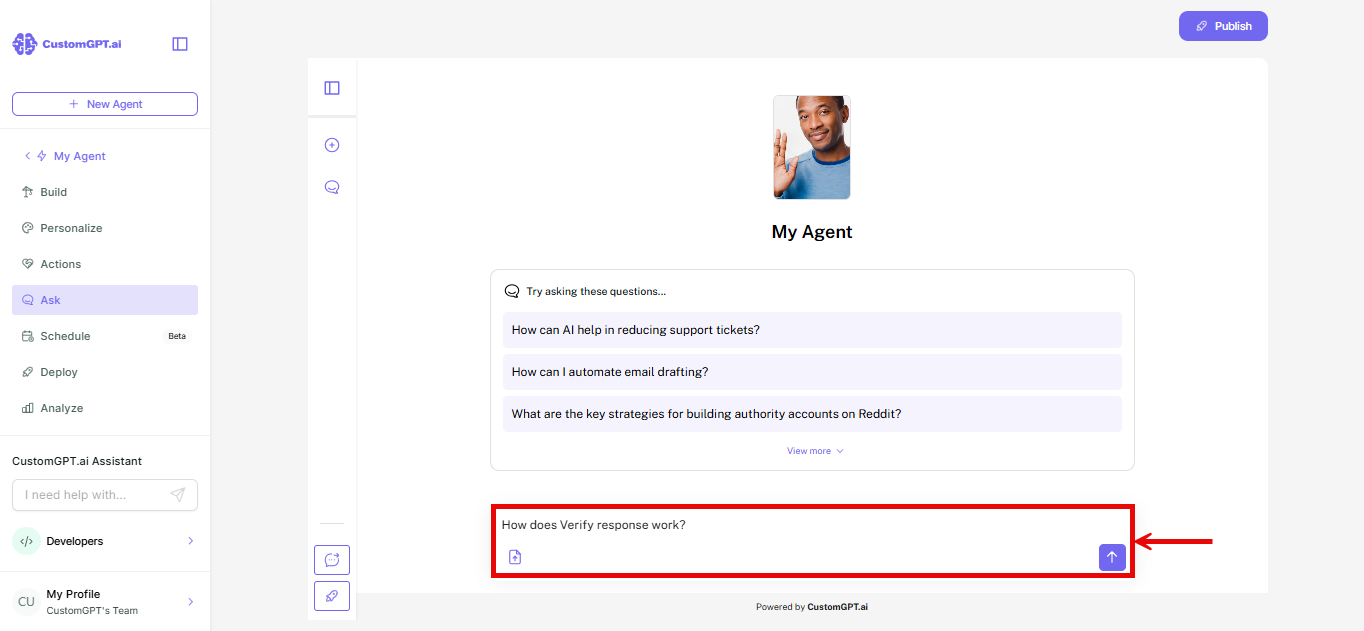
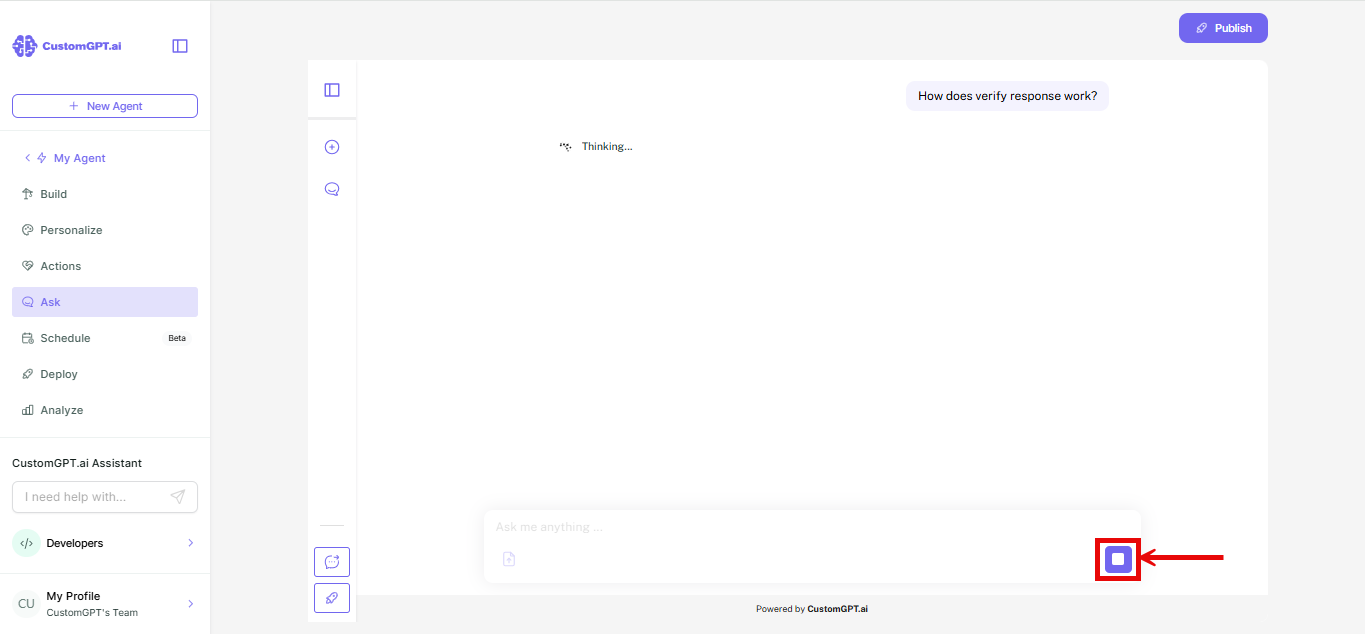
- While the agent is working on its answer, click the Stop button. It replaces the Send button.
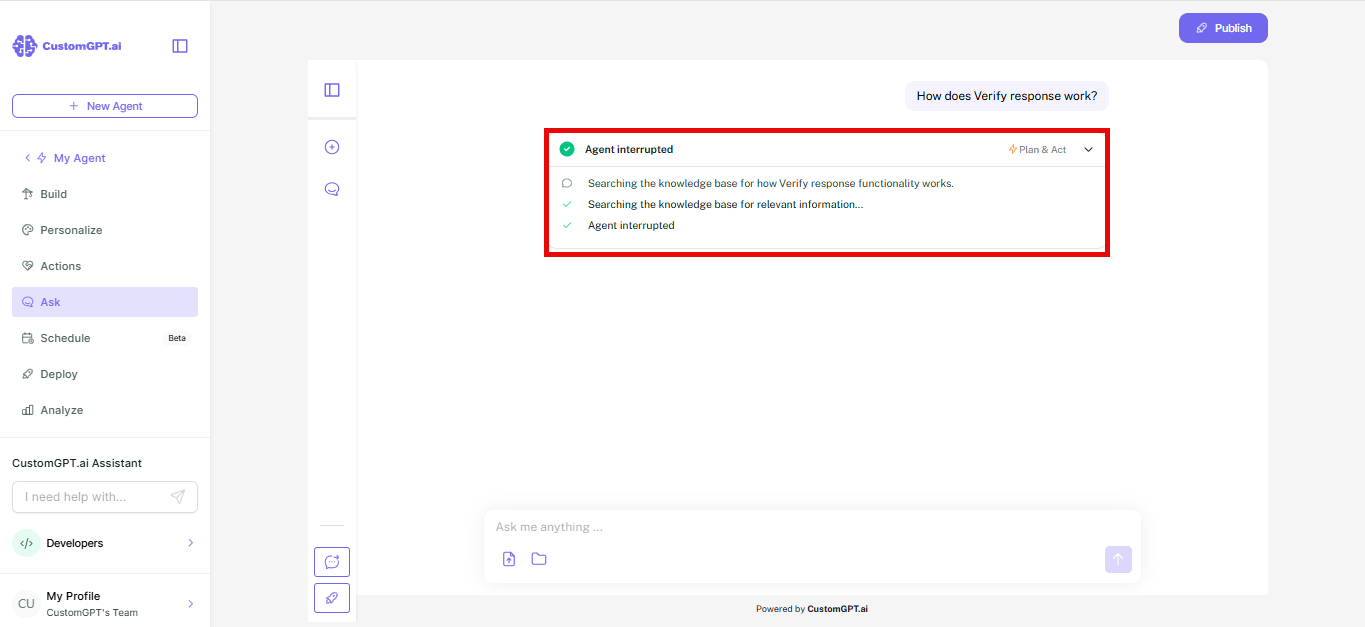
The answer stops. You can click Stop at any point between sending your message and the end of the answer.
Note: If you stop a response, any action that had already started still counts in full against your query credits. Actions that hadn't started aren't counted. Refer to Actions cost for how actions are counted.
Related articles
Updated 20 days ago
Did this page help you?