
View a document snapshot
Find the Library Map snapshot of a document.
This guide shows you how to find the Library Map snapshot of a document.
View a snapshot
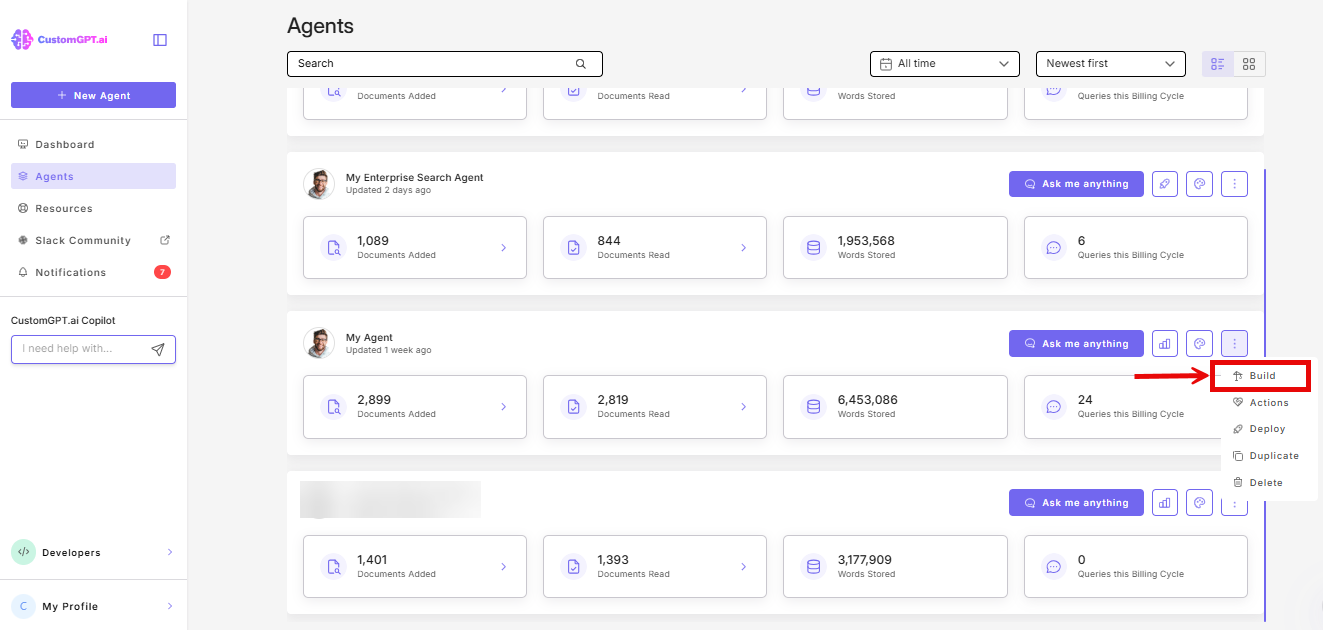
- On the agent, click the three-dot menu.
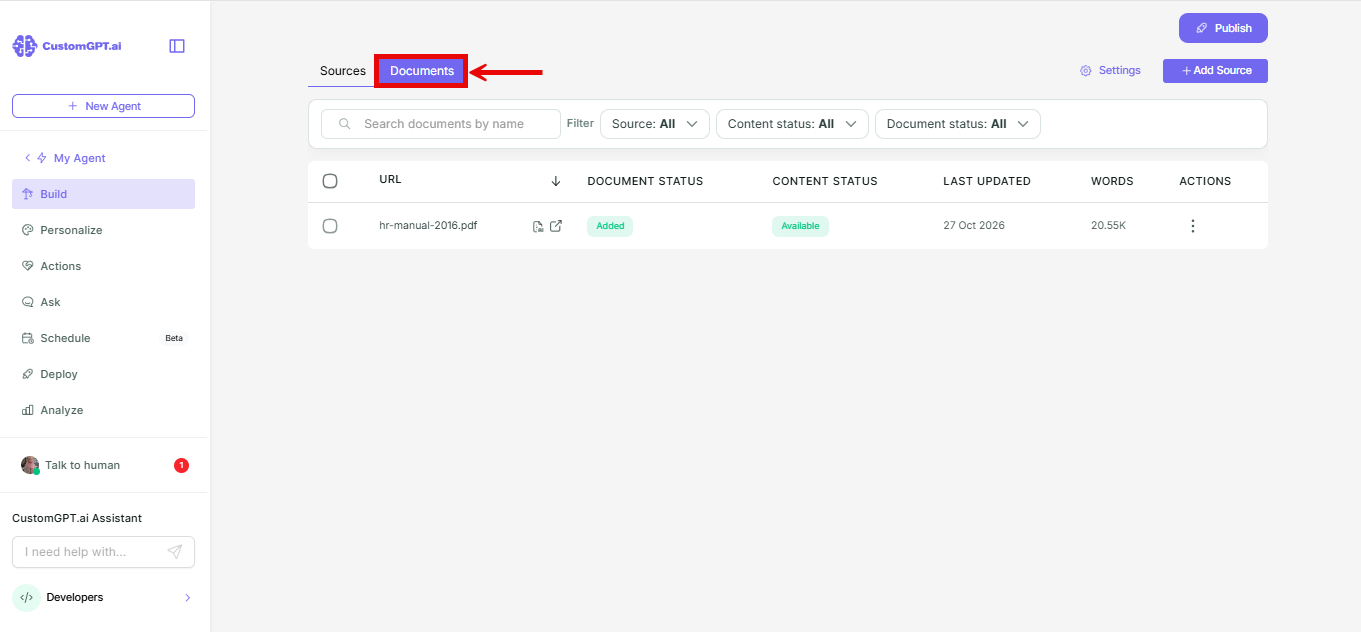
- Select the Documents tab.
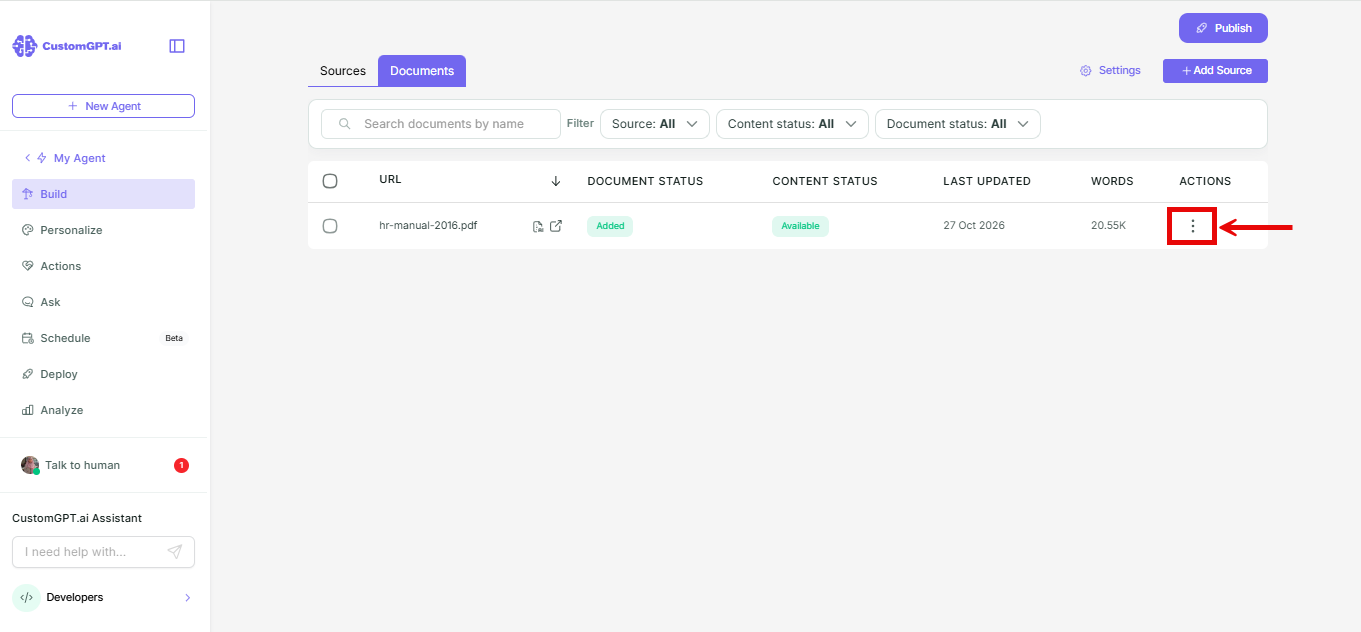
- In the Actions column, click the three-dot menu next to the document.
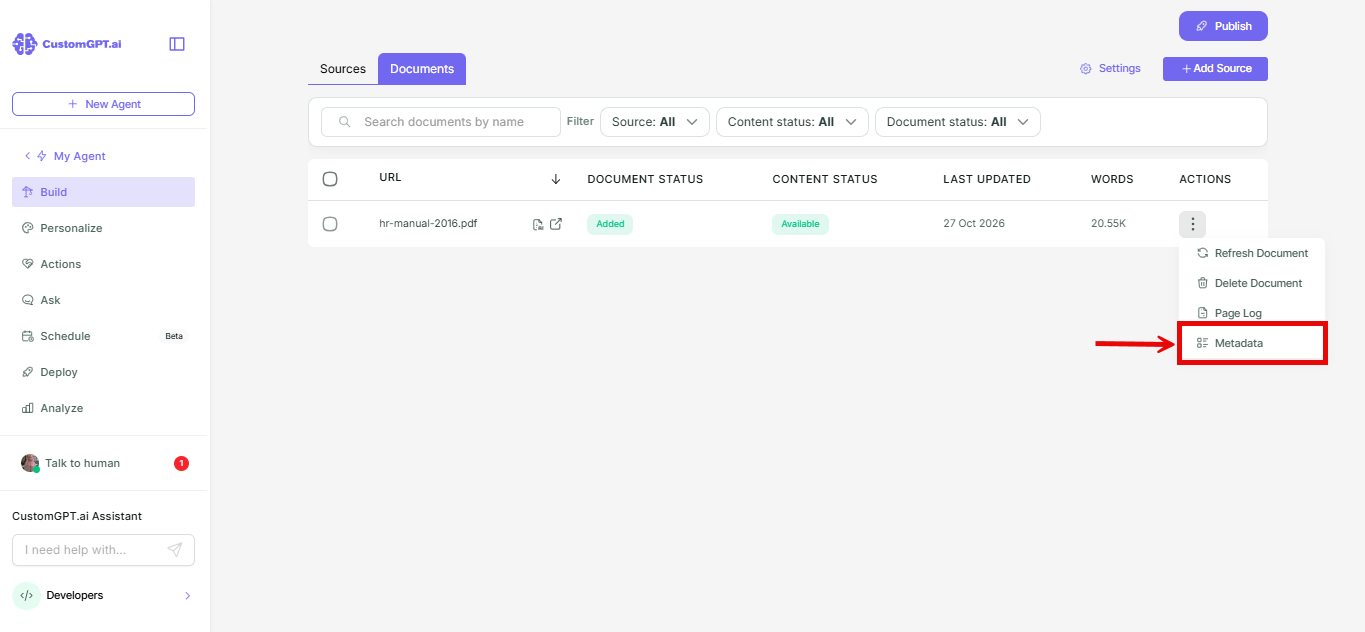
- Select Metadata.
- In the Document Metadata window, find the Library Map snapshot field.
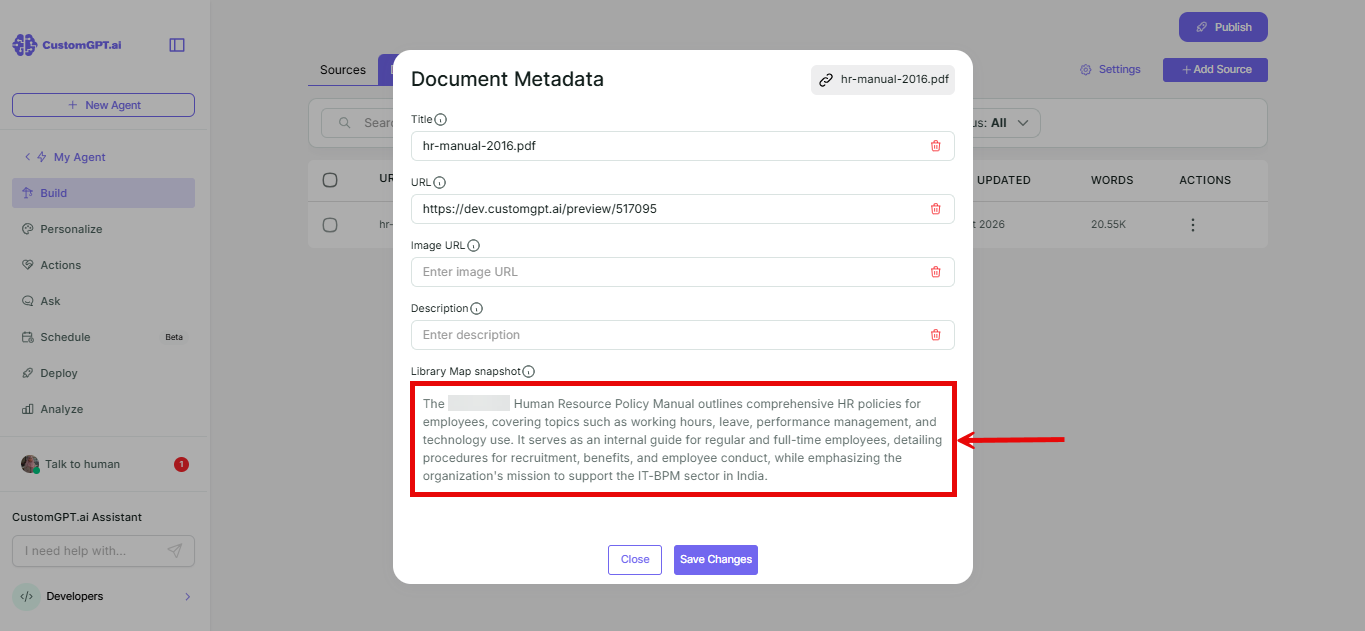
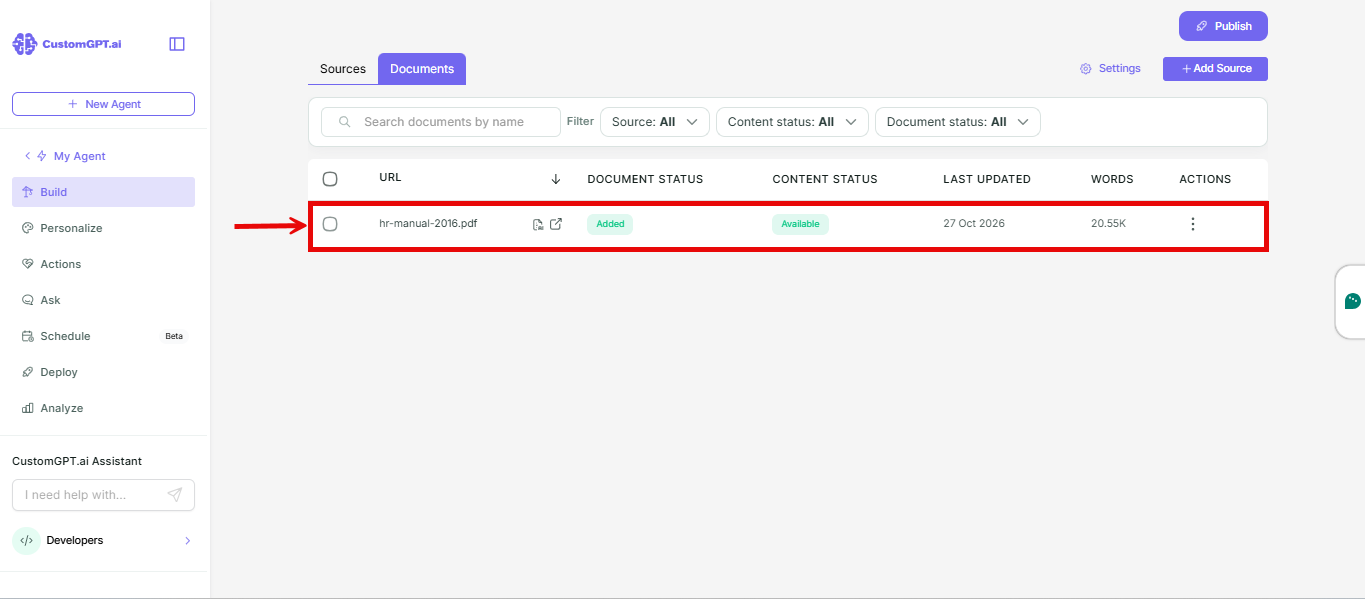
Find documents that have a snapshot
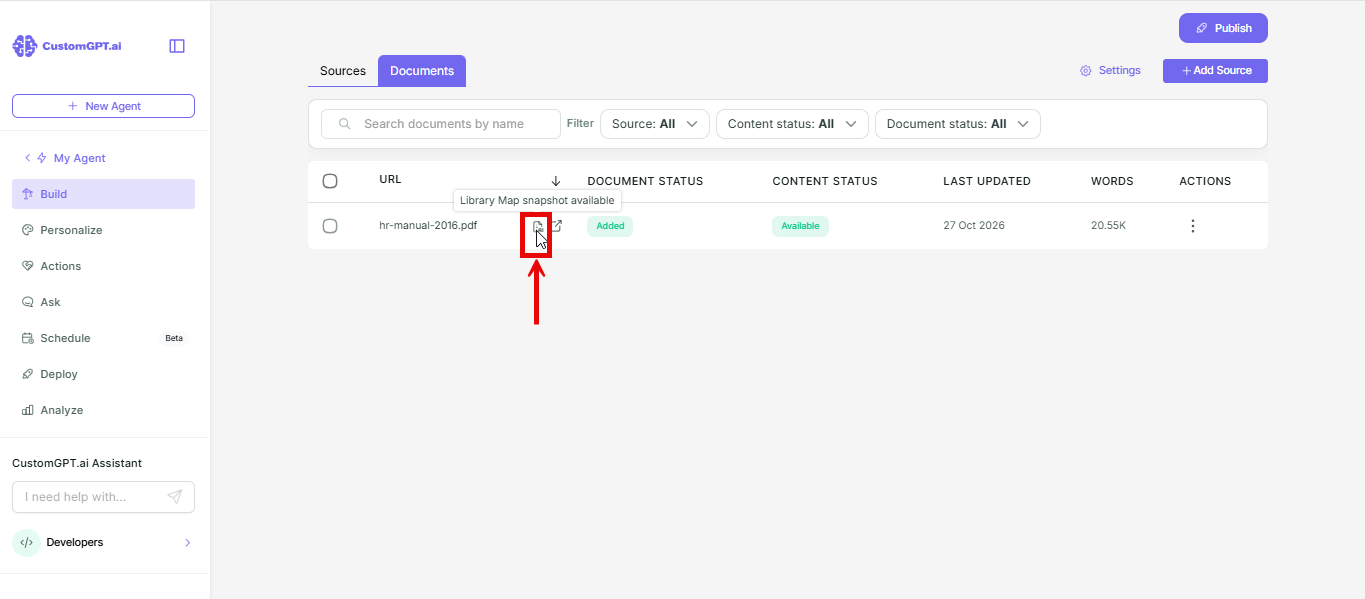
- On the Documents tab, look for the document icon next to the document name.
- Hover over the icon to see Library snapshot available.
Related articles
Updated about 2 hours ago
Did this page help you?