
Enable and configure Smart Tasks
Before you start
- Smart Tasks requires the Plan & Act mode to be enabled on your agent.
- Available on Standard, Premium, and Enterprise plans.
Enable Smart Tasks
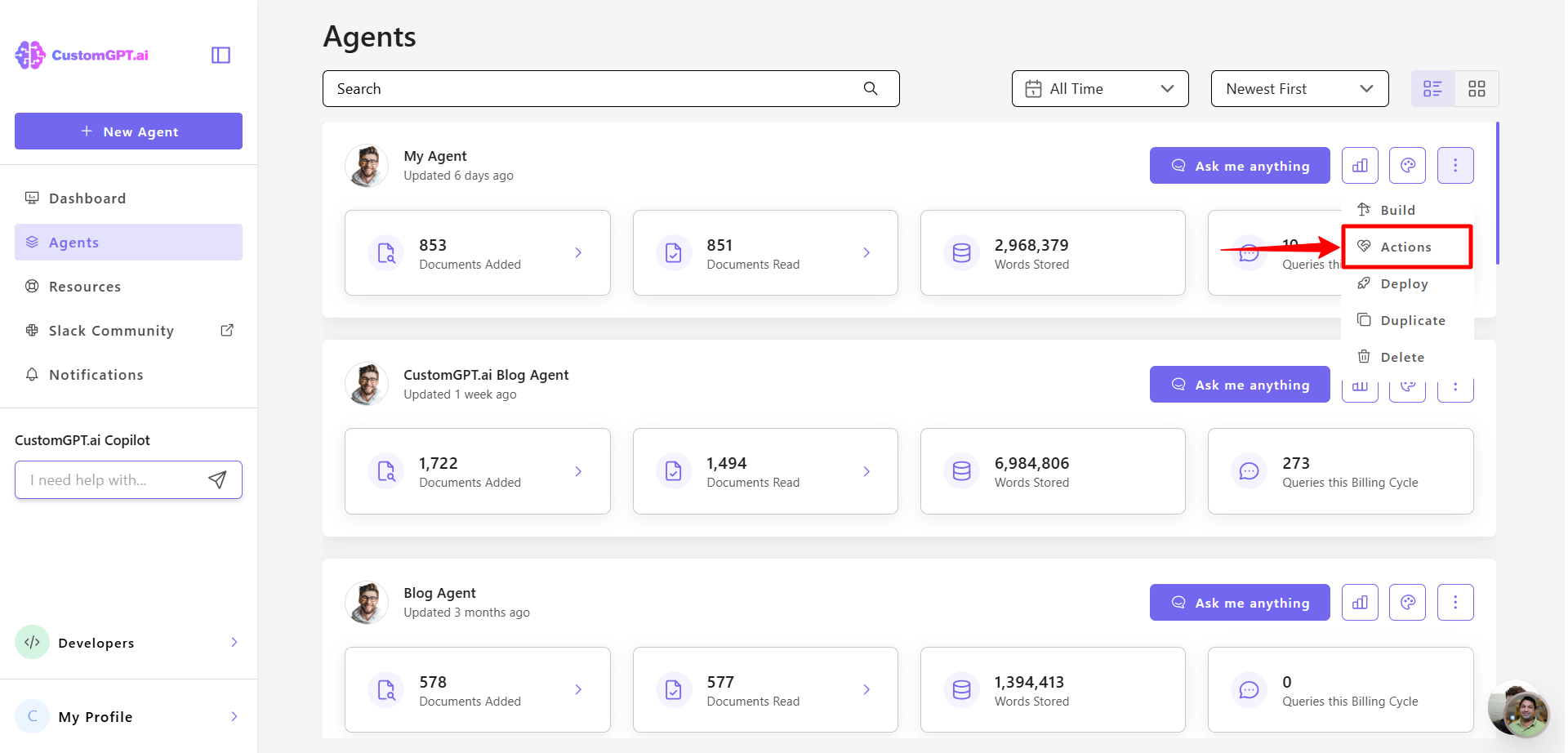
- Click the three-dot menu (⋮) next to your agent and select Actions.
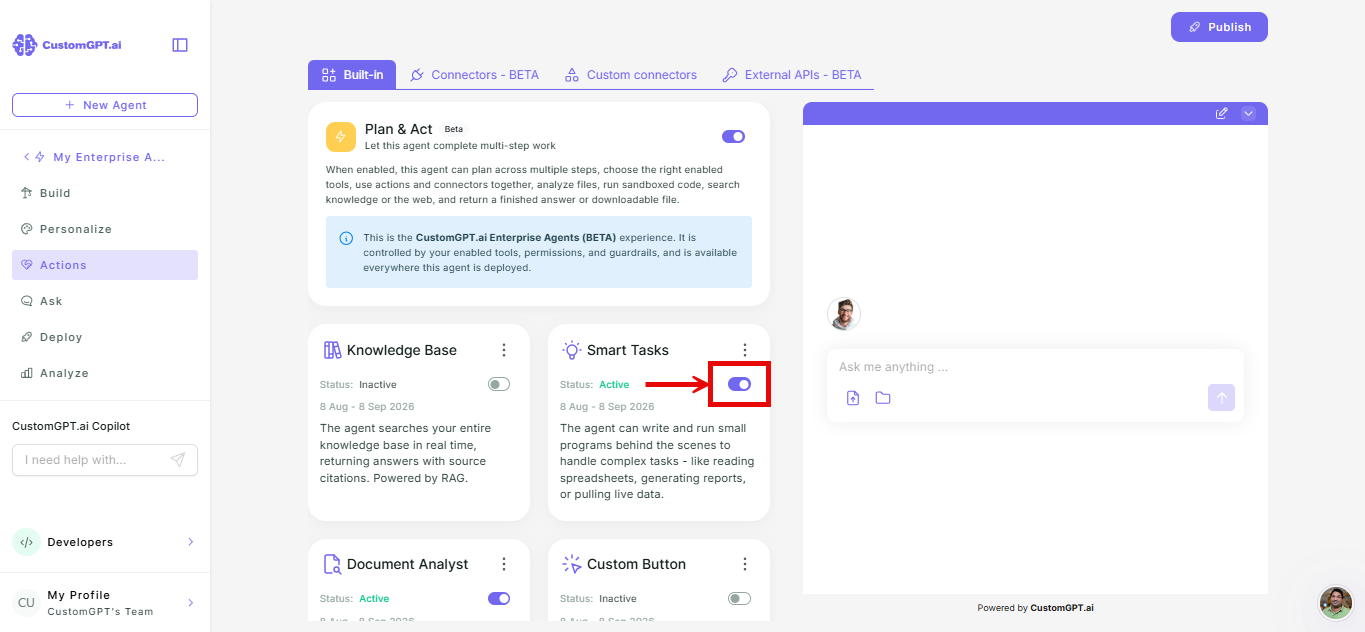
- Find Smart Tasks in the actions list and toggle it on.
Configure Smart Tasks
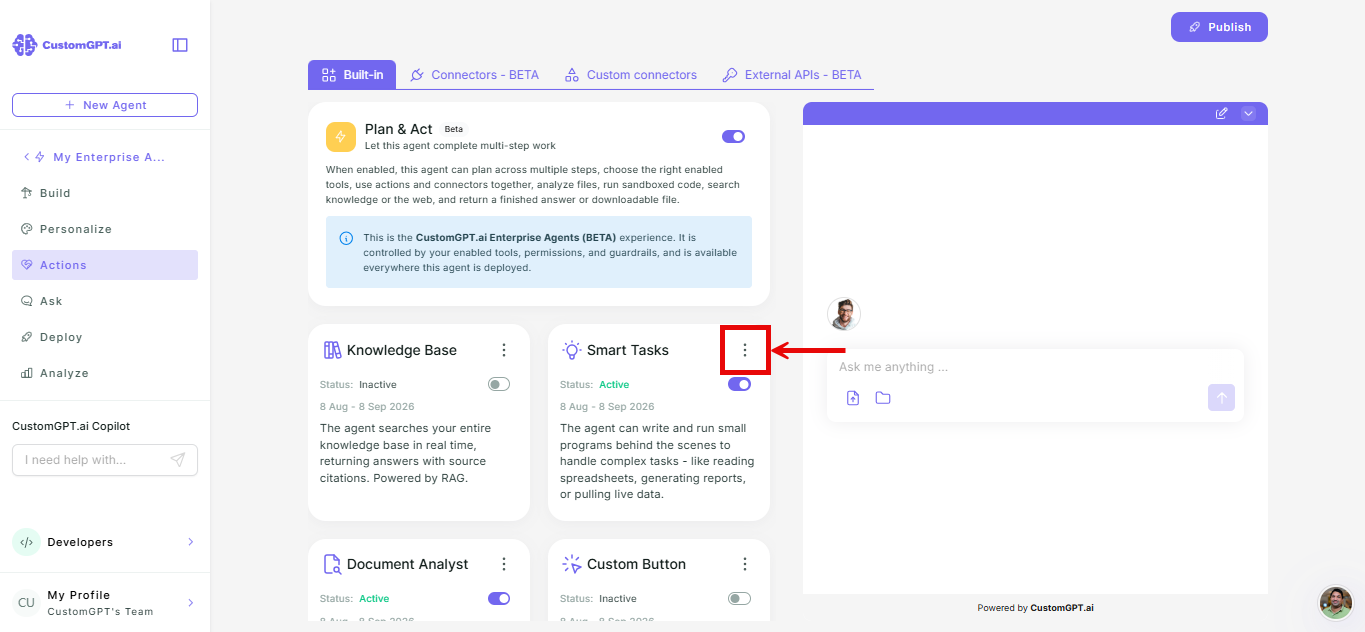
- Click the three-dot menu next to the Smart Tasks card.
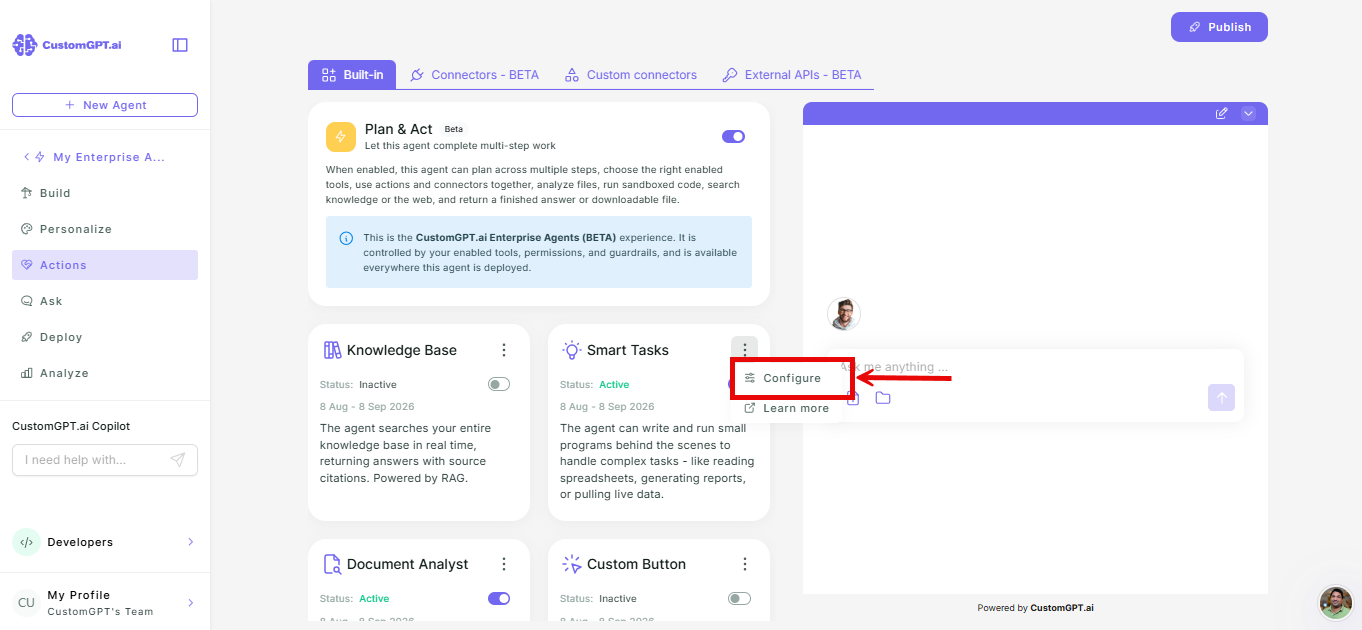
- Select Configure.
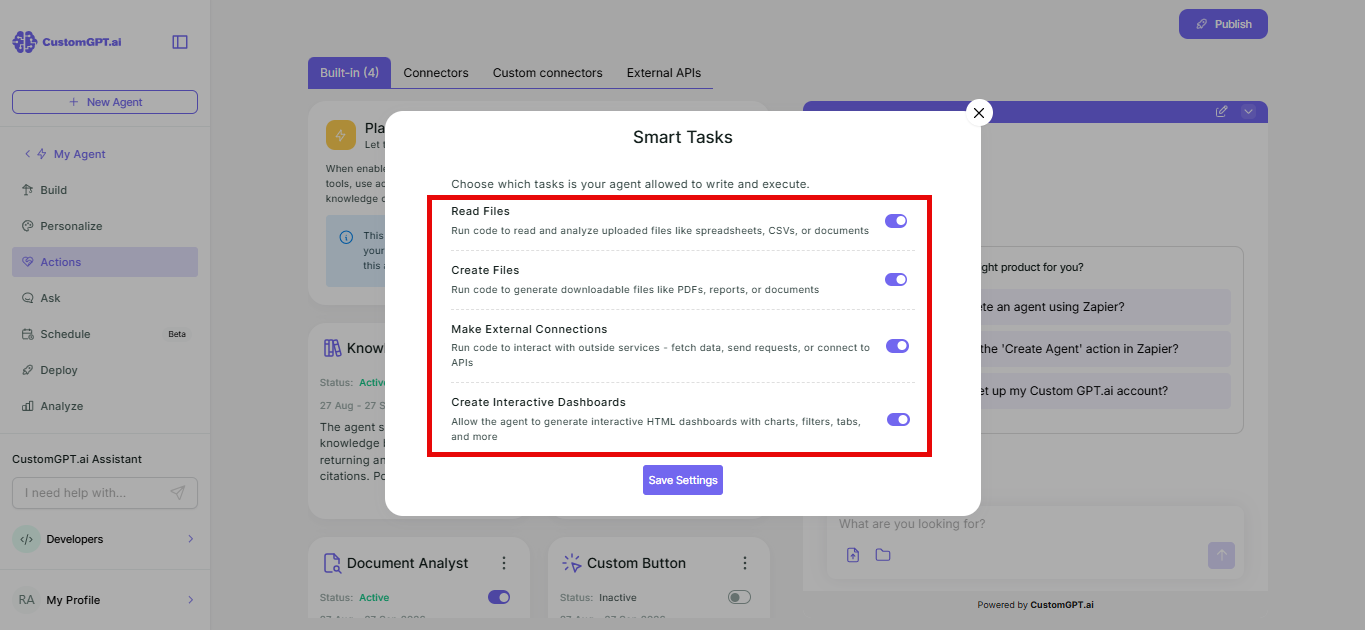
- Enable the capabilities you want:
| Capability | What it allows |
|---|---|
| Read Files | Agent reads and analyzes files users upload |
| Create Files | Agent generates downloadable files (txt, md, csv) |
| Make External Connections | Agent connects to outside services and APIs. |
| Create Interactive Dashboards | Agent generates interactive dashboards |
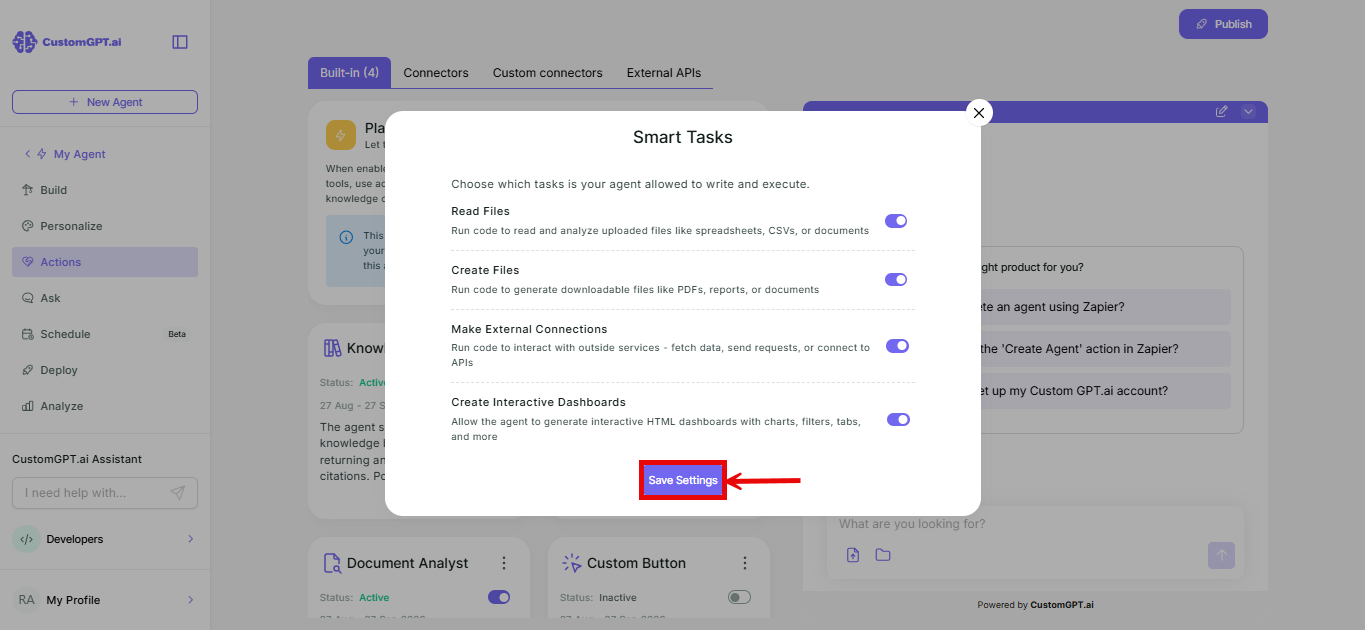
- Click Save Settings.
Things to know
- Capabilities are independent, and you can enable any combination.
- Make External Connections allows the agent to reach outside your environment. Only enable it if your use case requires live external data.
- Interactive Dashboards require data in the conversation - from an uploaded file, knowledge base results, or code output - to generate a dashboard.
Query credits
Smart Tasks may run multiple times per query. Each run costs:
| Cost item | Query credits |
|---|---|
| Base cost per run | 3 |
| Per 4,500 words of uploaded files | 1 |
| Per 4,000 characters of generated code | 1 |
Related articles
Updated about 2 months ago
Did this page help you?