
Customize or remove branding on your agent
This guide walks you through customizing or removing the branding on your agent.
Replace the "Powered by CustomGPT.ai" line under your agent's chat with your own text, an optional link, and an optional logo, or remove the line. Use it to credit a sponsor, a partner, or the agency that built your agent, or to point visitors to a page.
Before you start
- On Premium and Enterprise you can customize or remove the line. On Standard, your agent shows "Powered by CustomGPT.ai".
Customize your branding
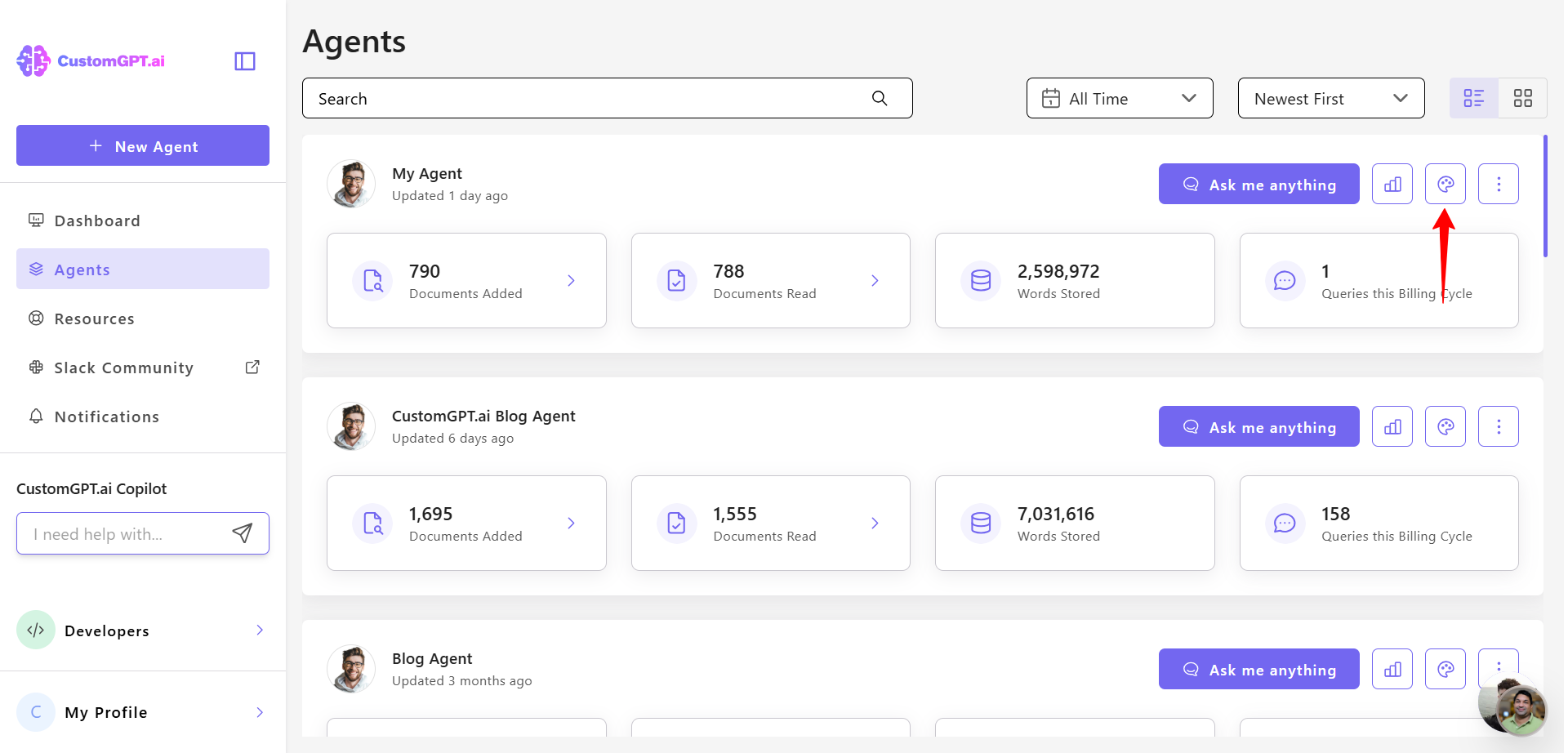
- Click the Personalize icon next to the agent you want to customize.
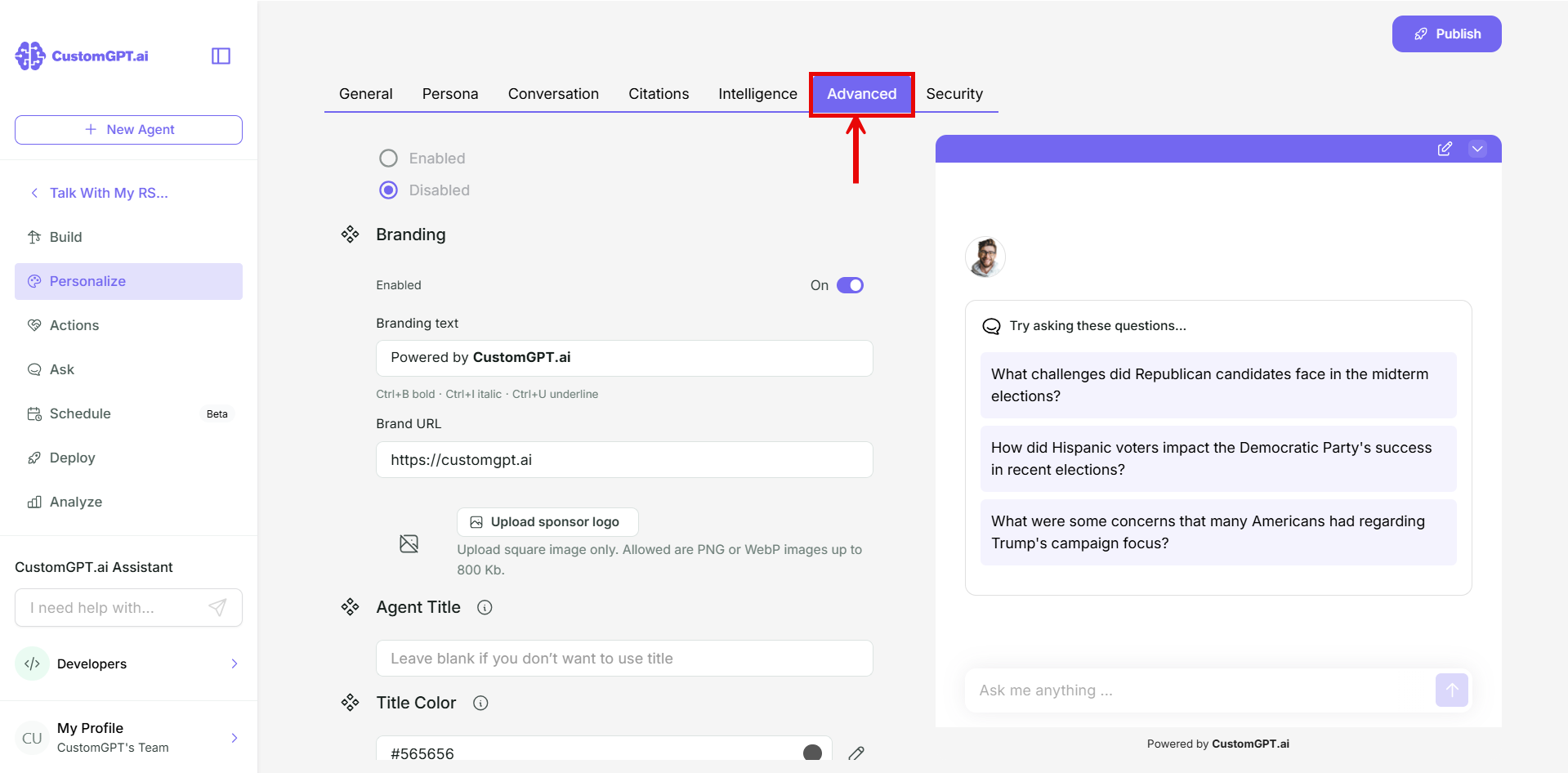
- Click the Advanced tab.
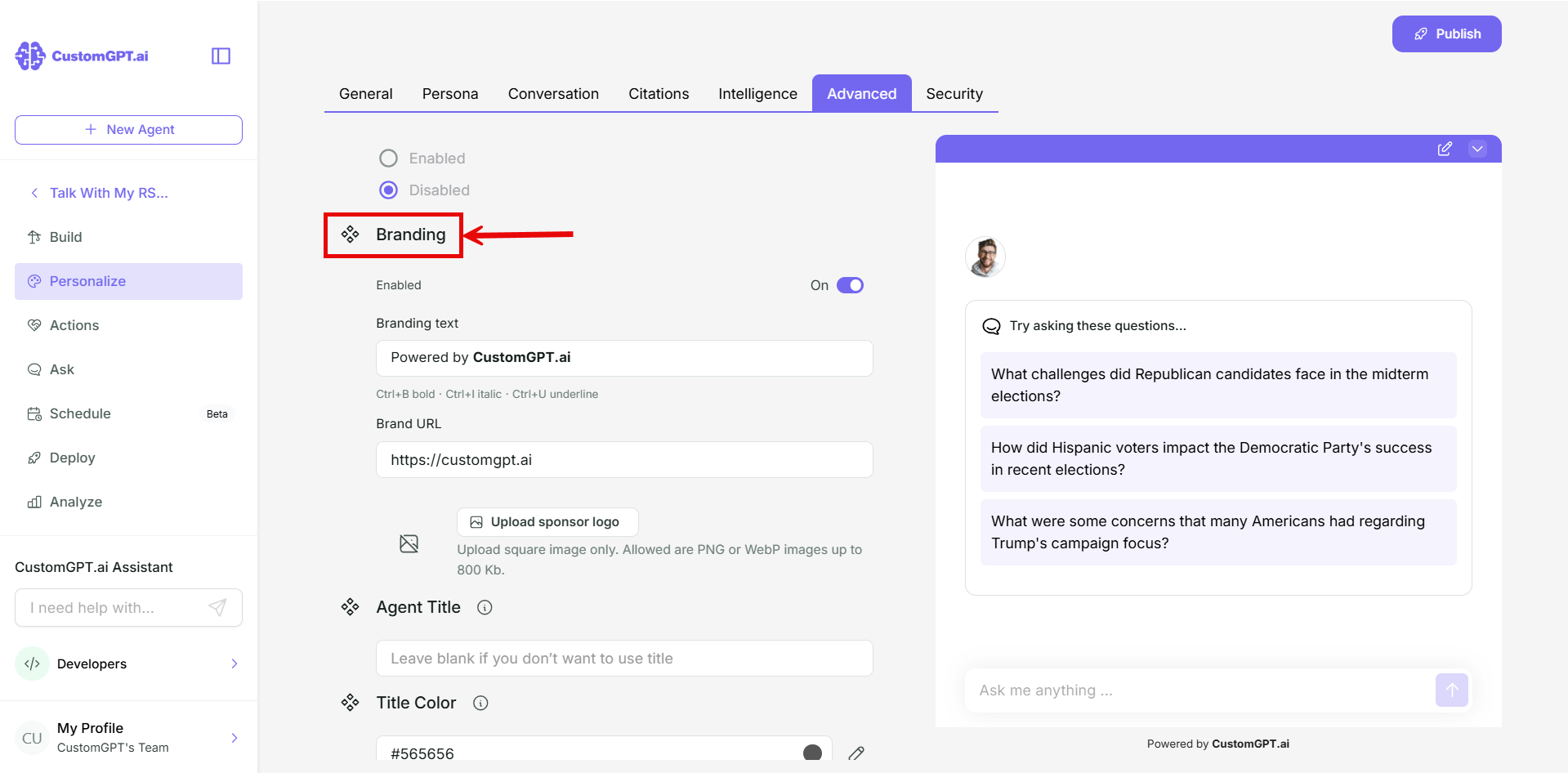
- Scroll to Branding.
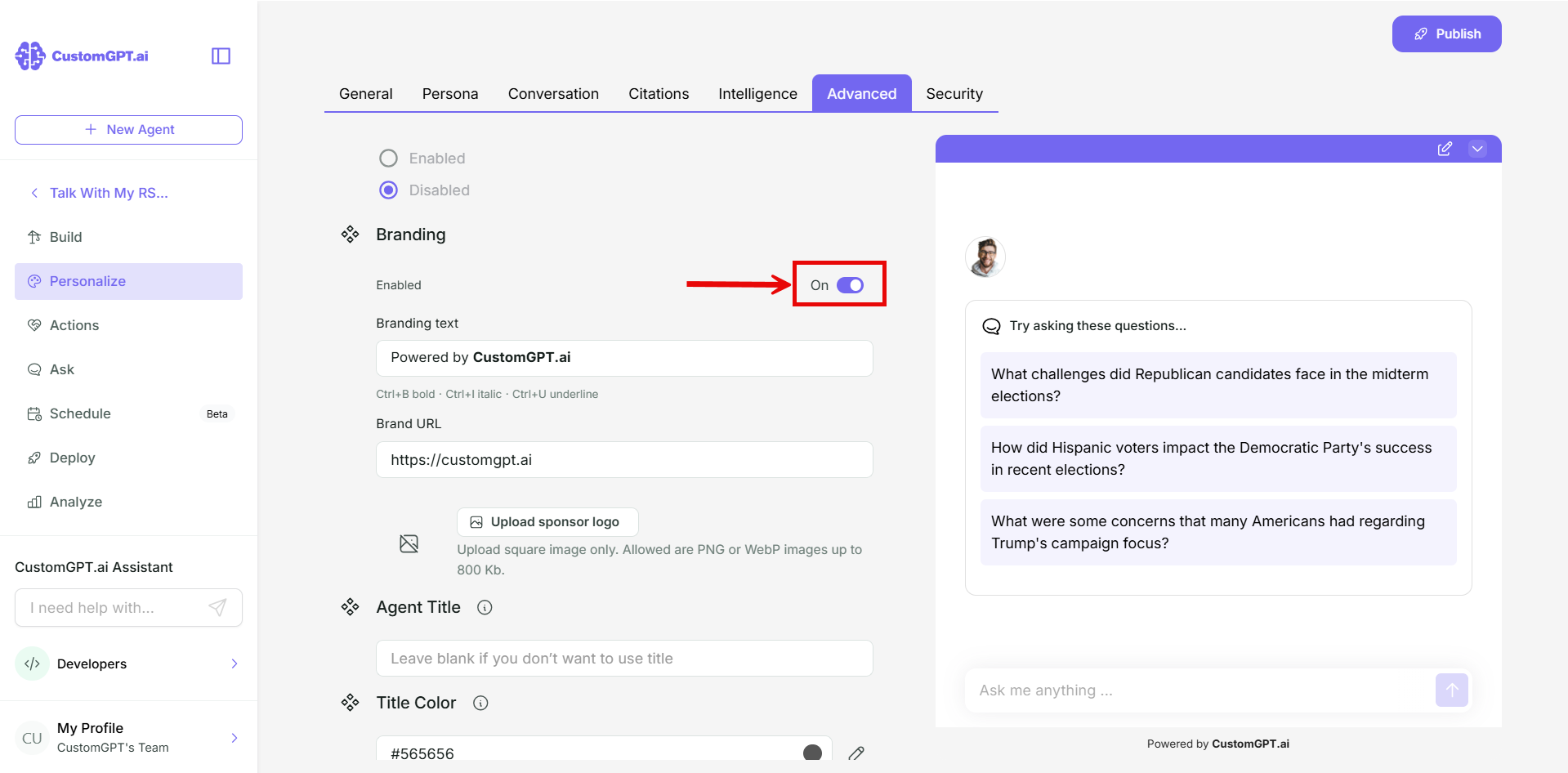
- Toggle on Enabled.
- In Branding text, replace "Powered by CustomGPT.ai" with the text to show under the chat, for example "Sponsored by Acme Western Wear". Refer to [Custom branding limits and requirements] for the character limit and formatting.
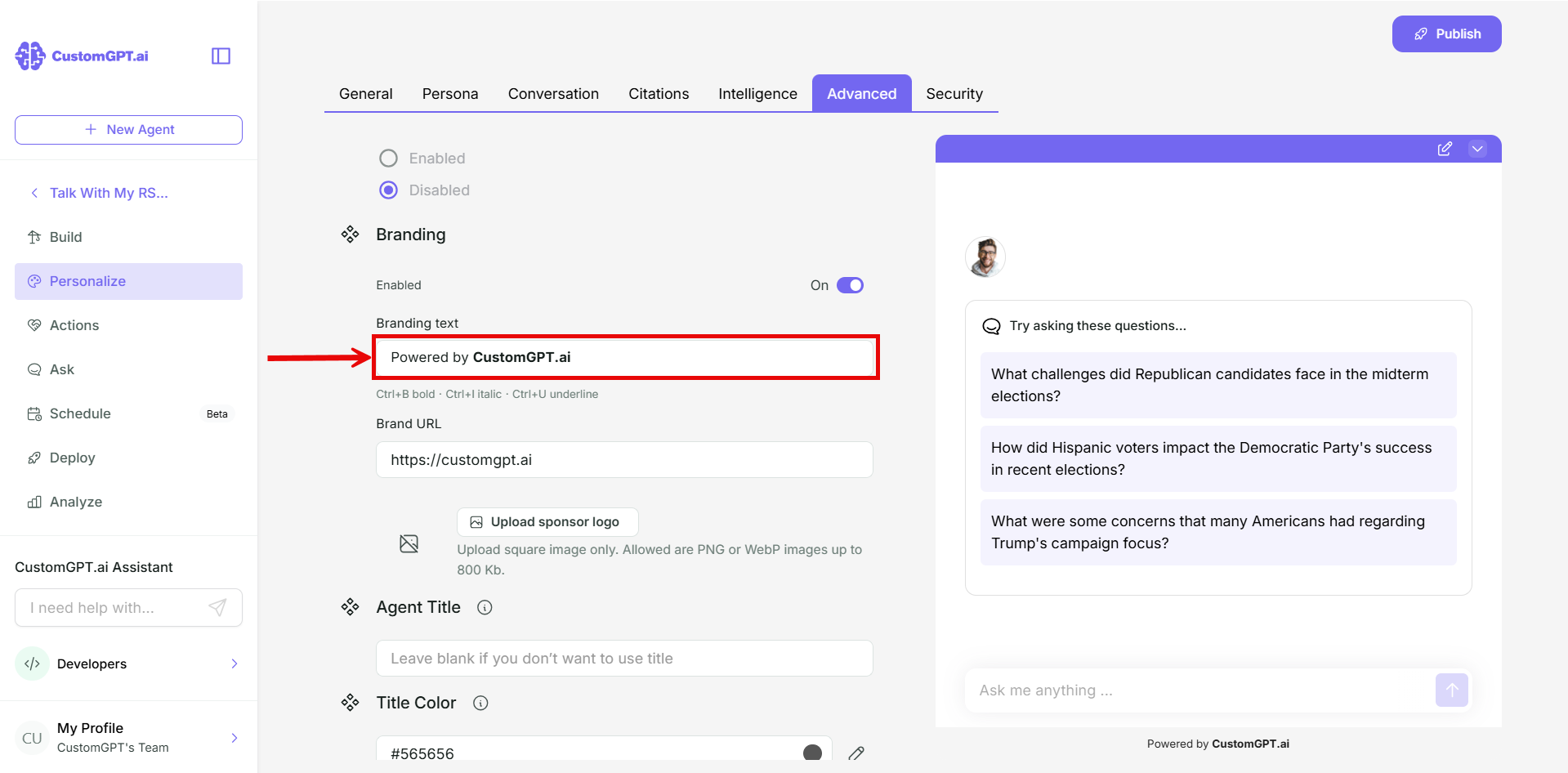
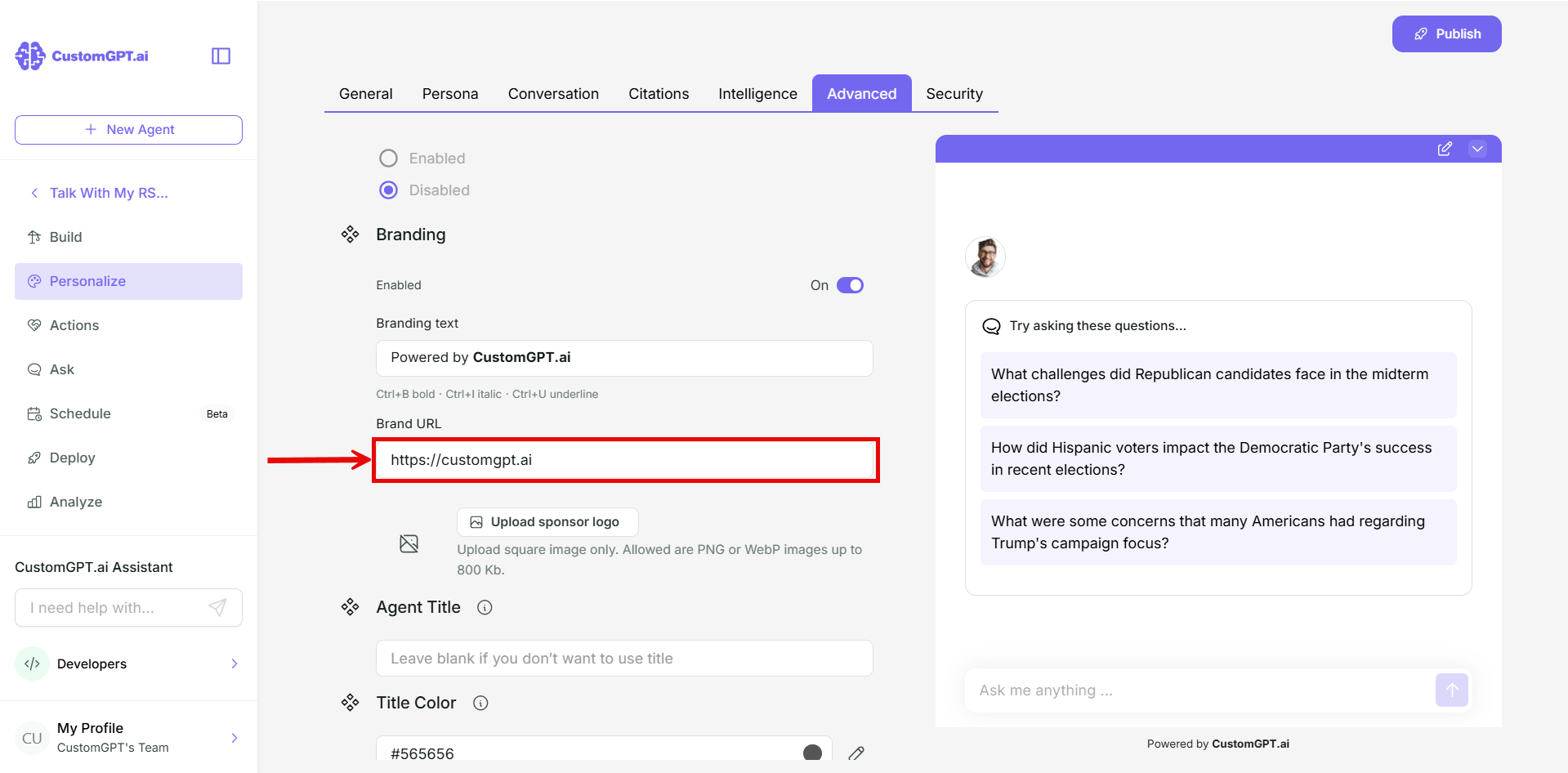
- Optional: in Branding URL, enter your sponsor's link. Leave it empty to show plain text. Refer to [Custom branding limits and requirements] for the link requirements.
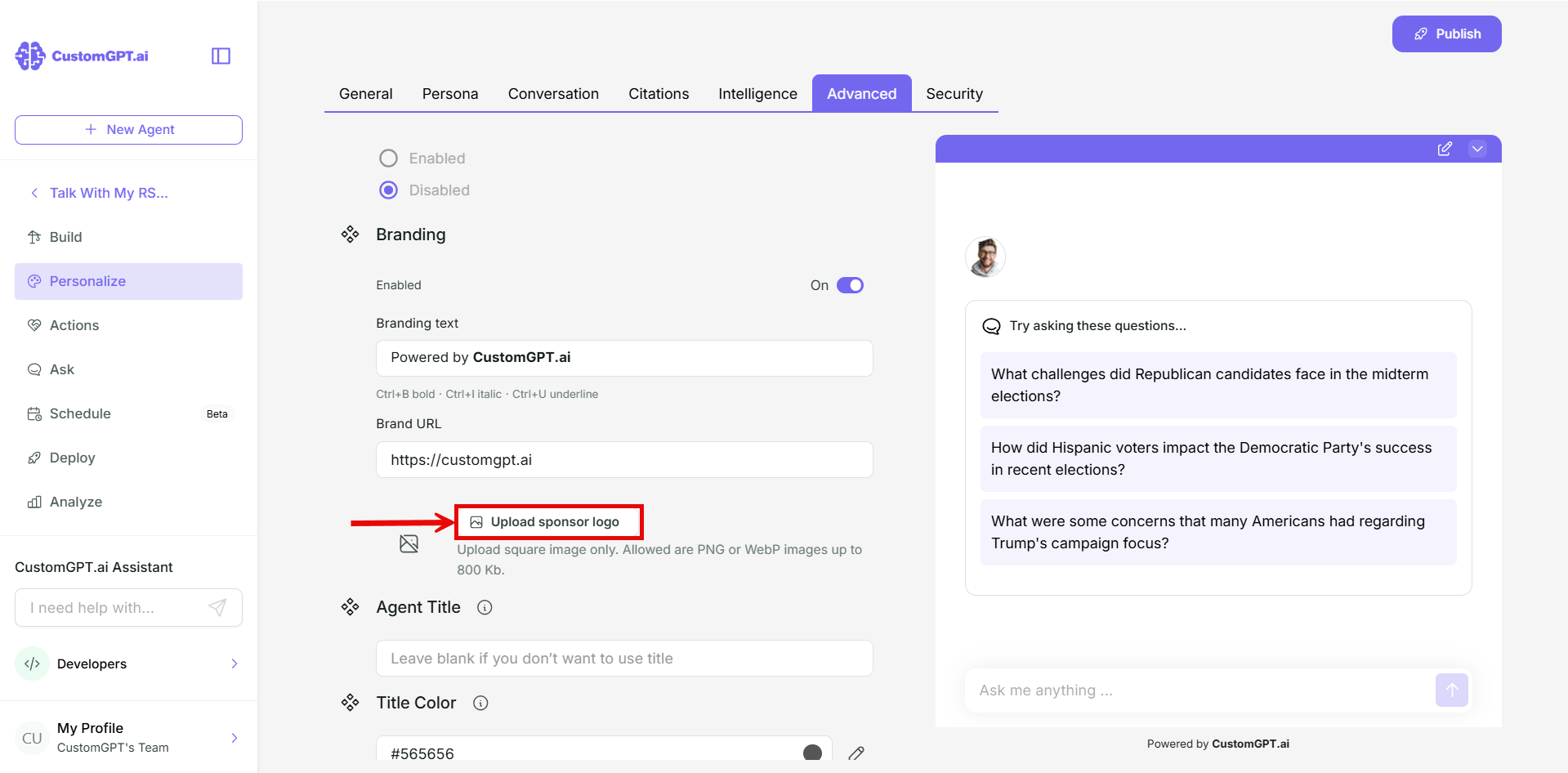
- Optional: click Upload sponsor logo and choose your sponsor's logo. Refer to [Custom branding limits and requirements] for the logo requirements.
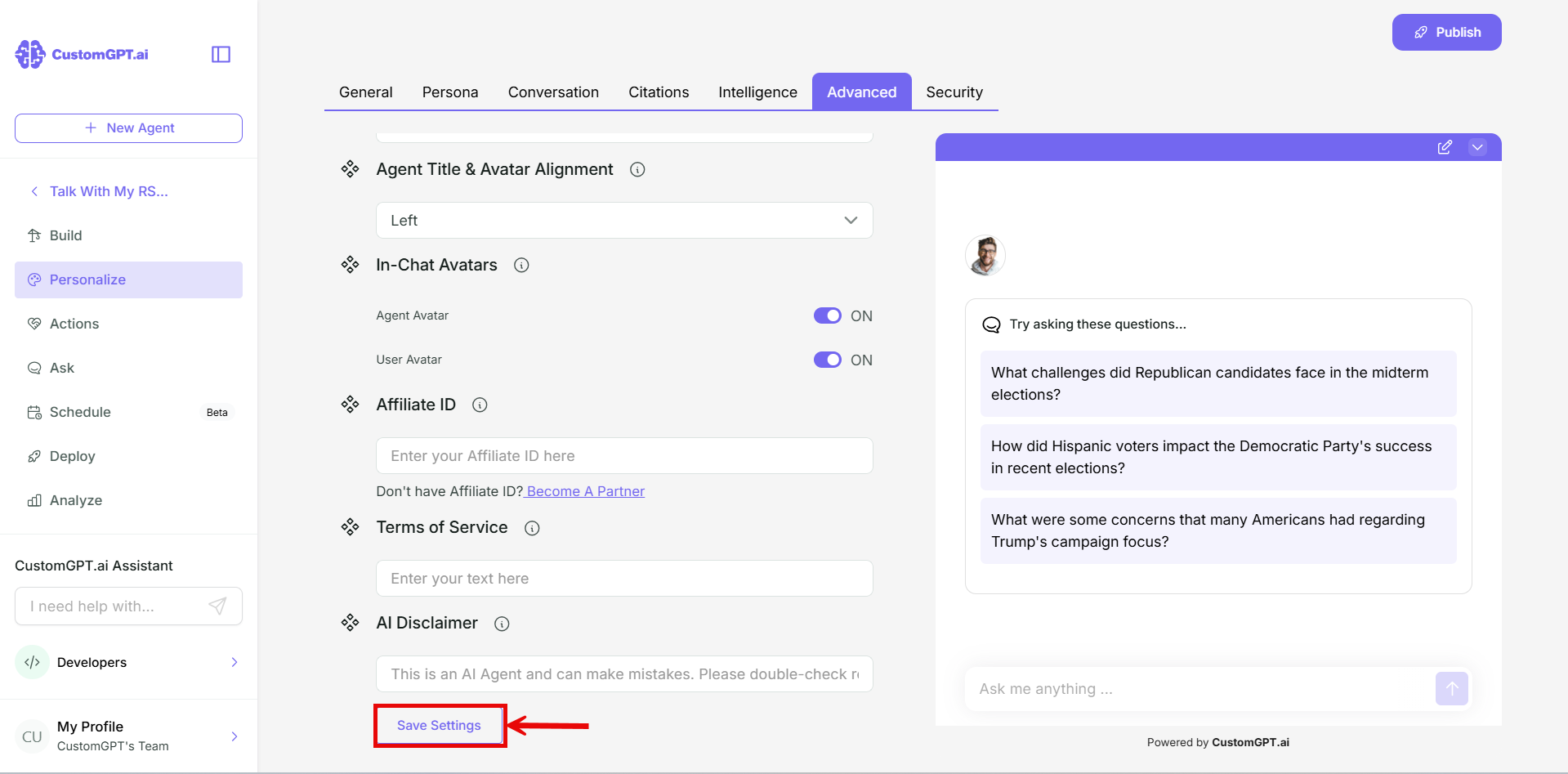
- Click Save Settings.
Change or remove your branding
To change your branding, edit the text, link, or logo and click Save Settings.
To hide the line, toggle off Enabled and click Save Settings.
Related articles
Updated 28 minutes ago
Did this page help you?