
Add a podcast to your agent
This guide walks you through adding a podcast to your agent from a single link.
Paste one link and your agent learns every episode of your podcast. Use it when you want an agent that can answer from your show.
Before you start
- You need a link to your show on one of the supported podcast platforms, or your podcast's RSS feed link.
- Podcast sources are available on every plan - Standard, Premium, and Enterprise.
- Auto Sync is available on Premium and Enterprise.
Add a podcast to a new agent
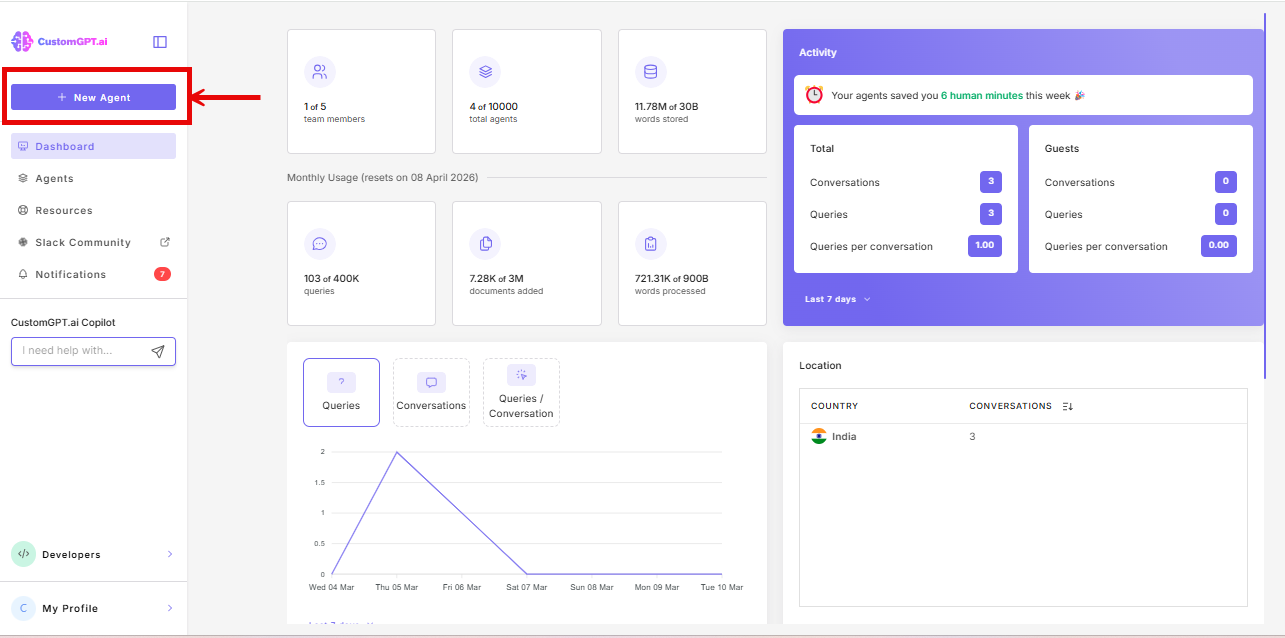
- Click New Agent.
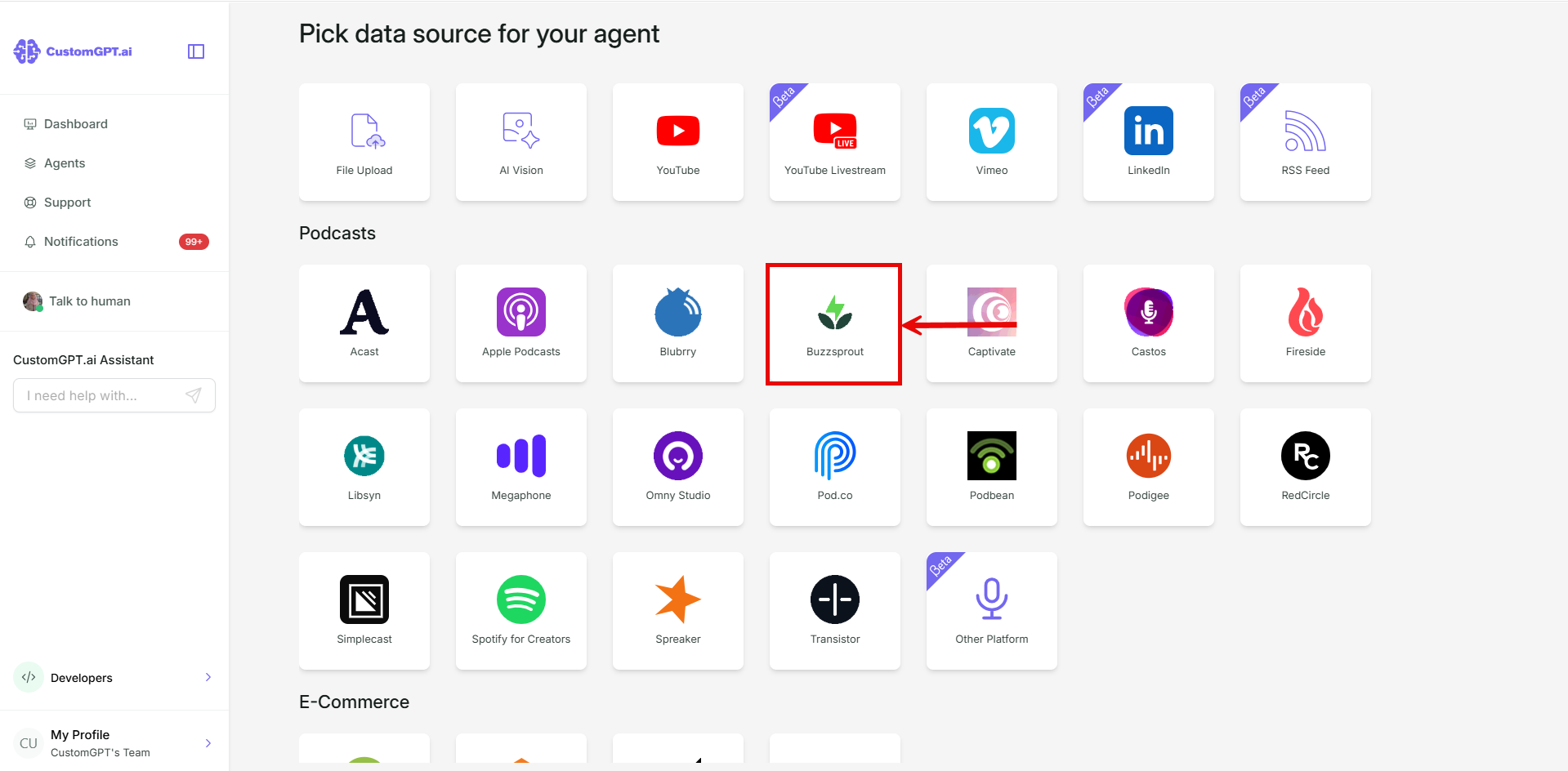
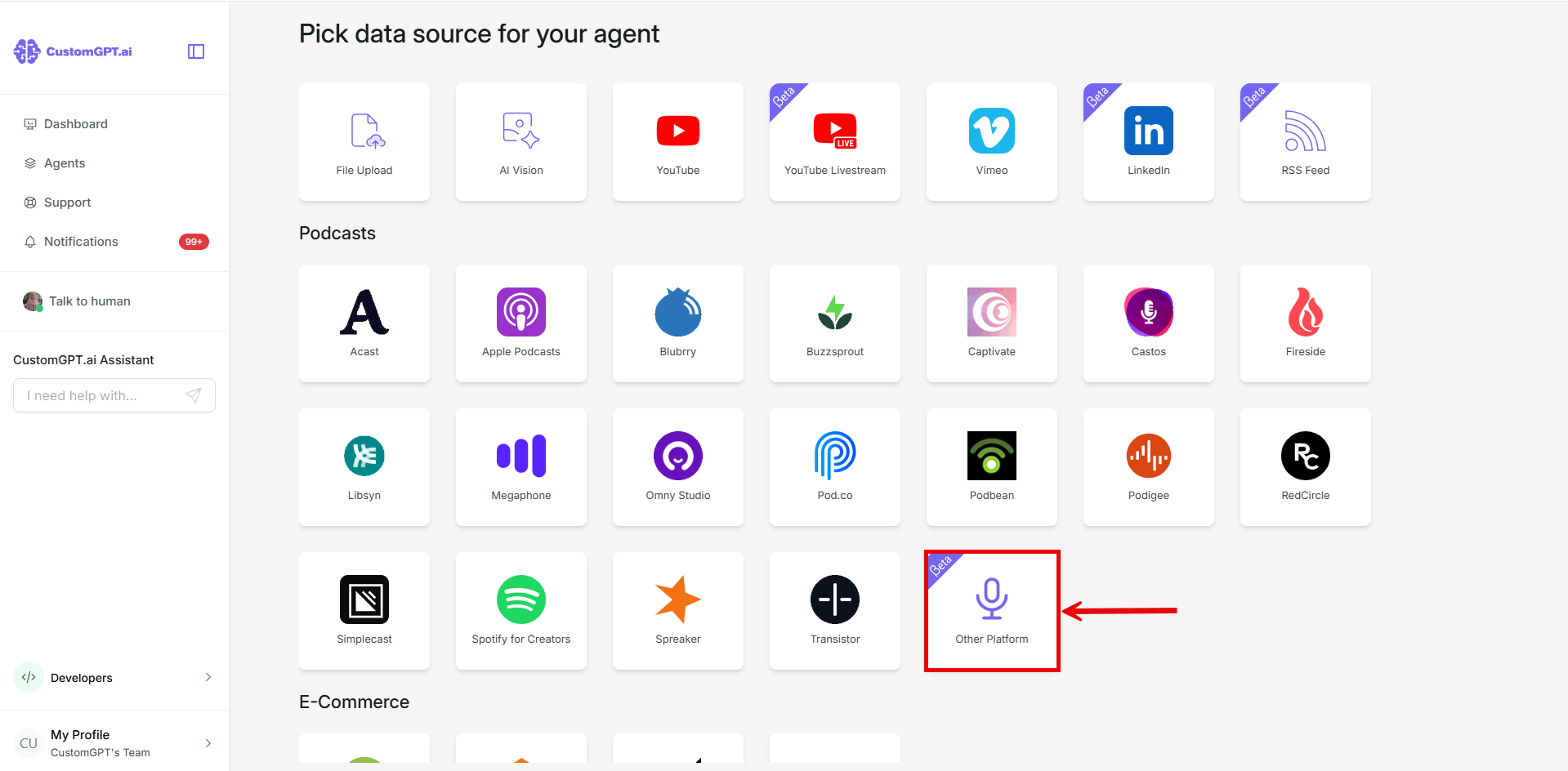
- In the Podcast section, click the card for the platform your show is on. Refer to Podcast and RSS supported links and limits for the platform list.
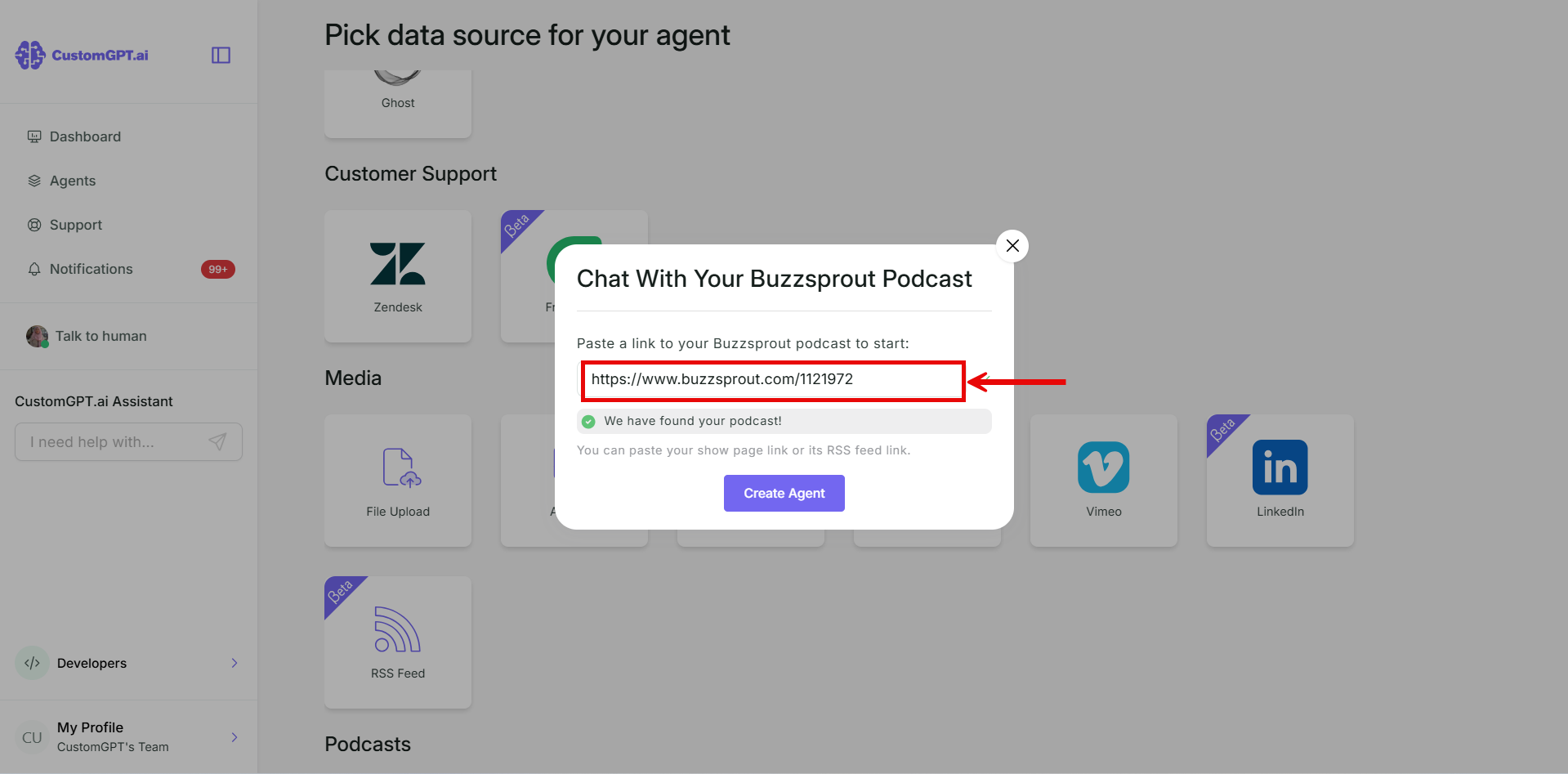
- Paste the link to your show.
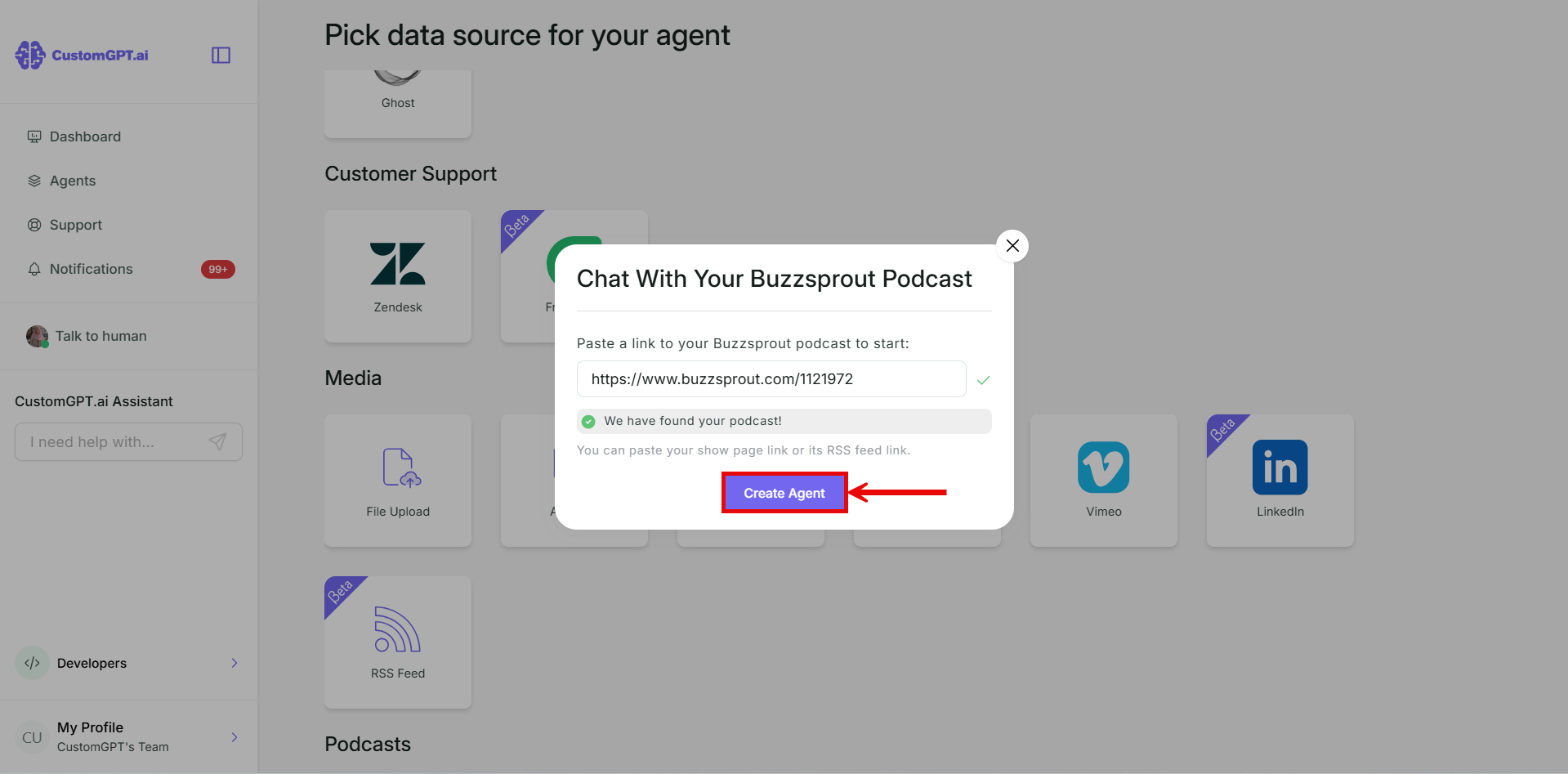
- Click Create Agent.
If your platform isn't listed, click Other platforms in step 2 and paste your podcast's RSS feed link.
Add a podcast to an existing agent
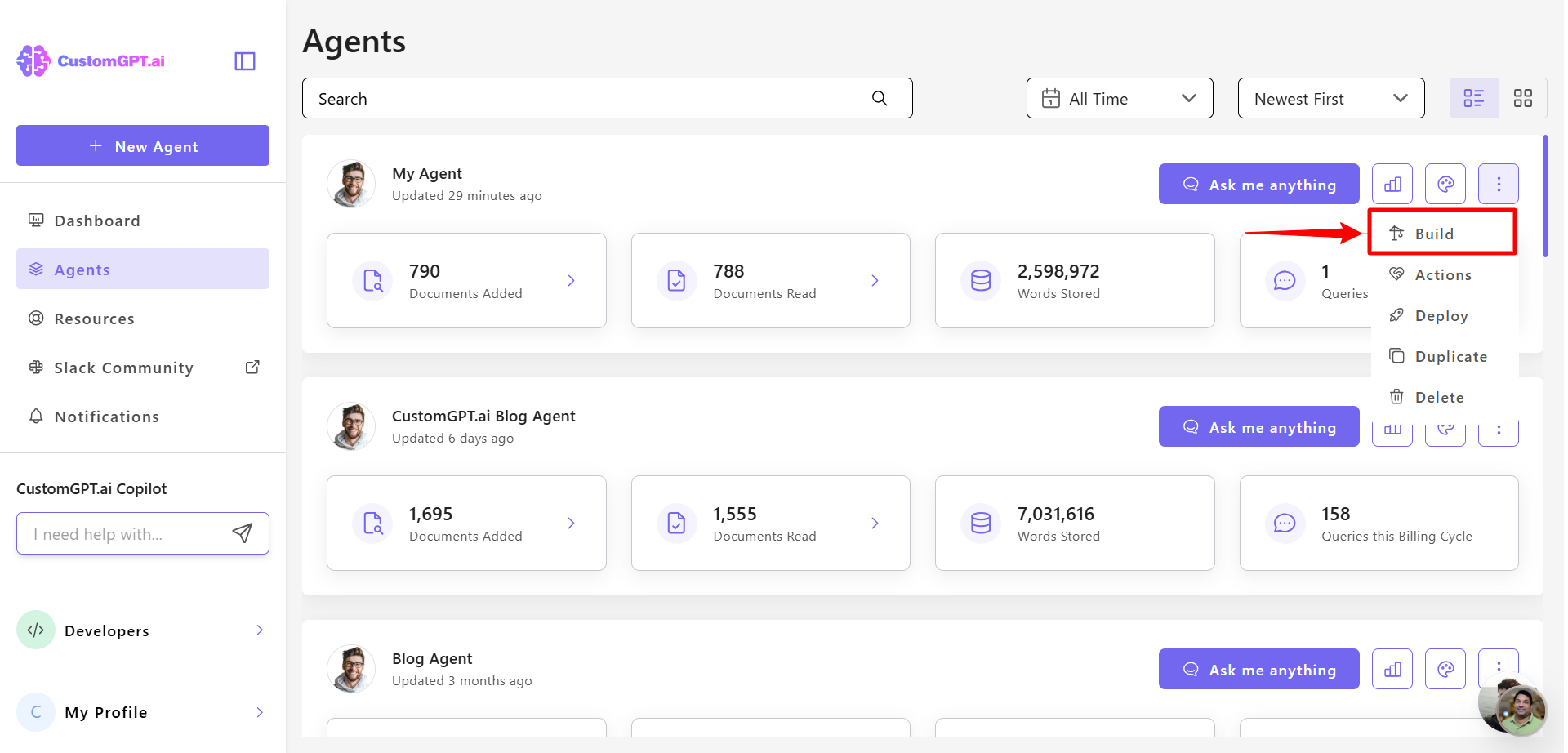
- On the agent you want to add it to, click the three dots and select Build.
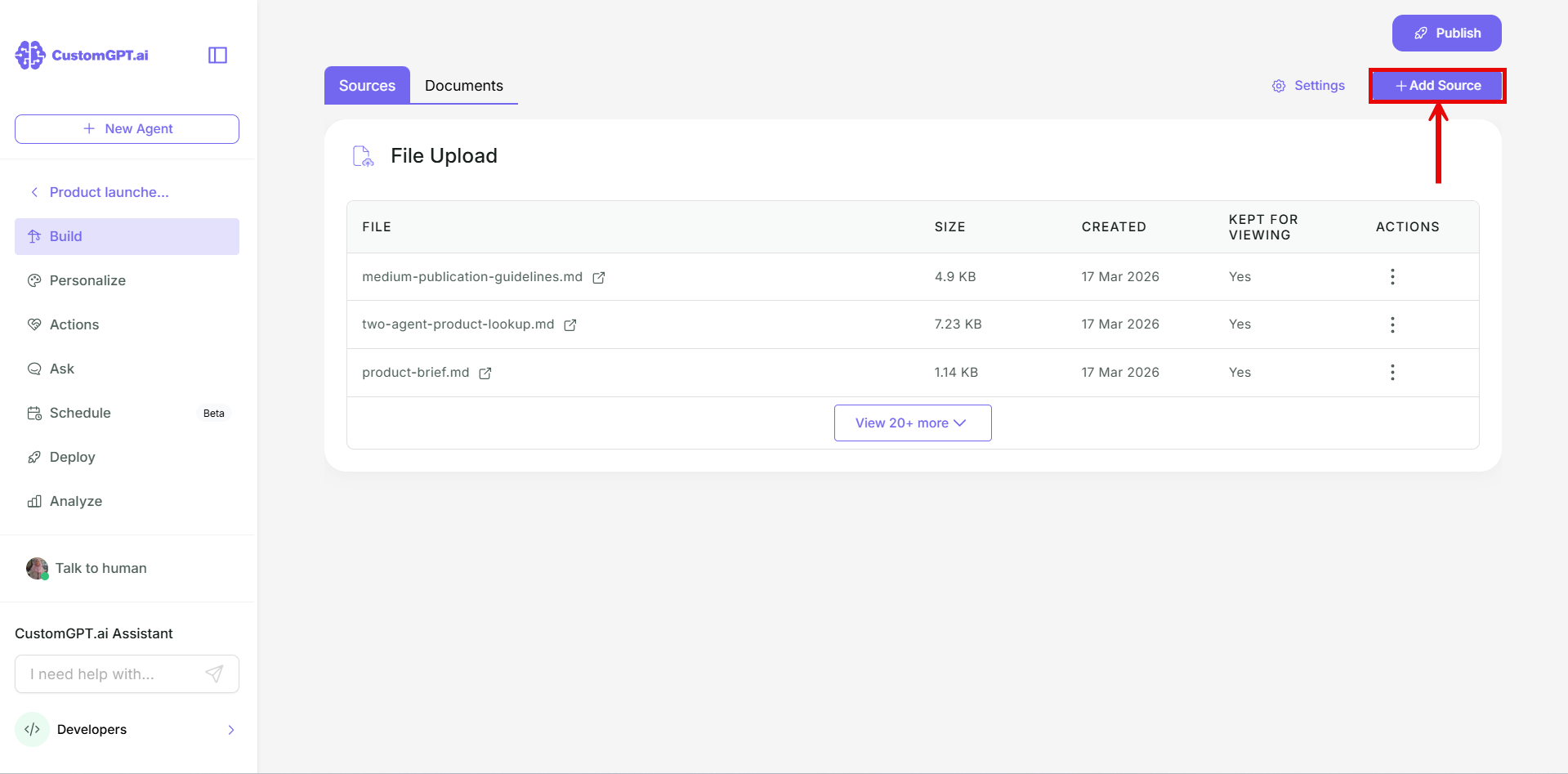
- Click Add Sources.
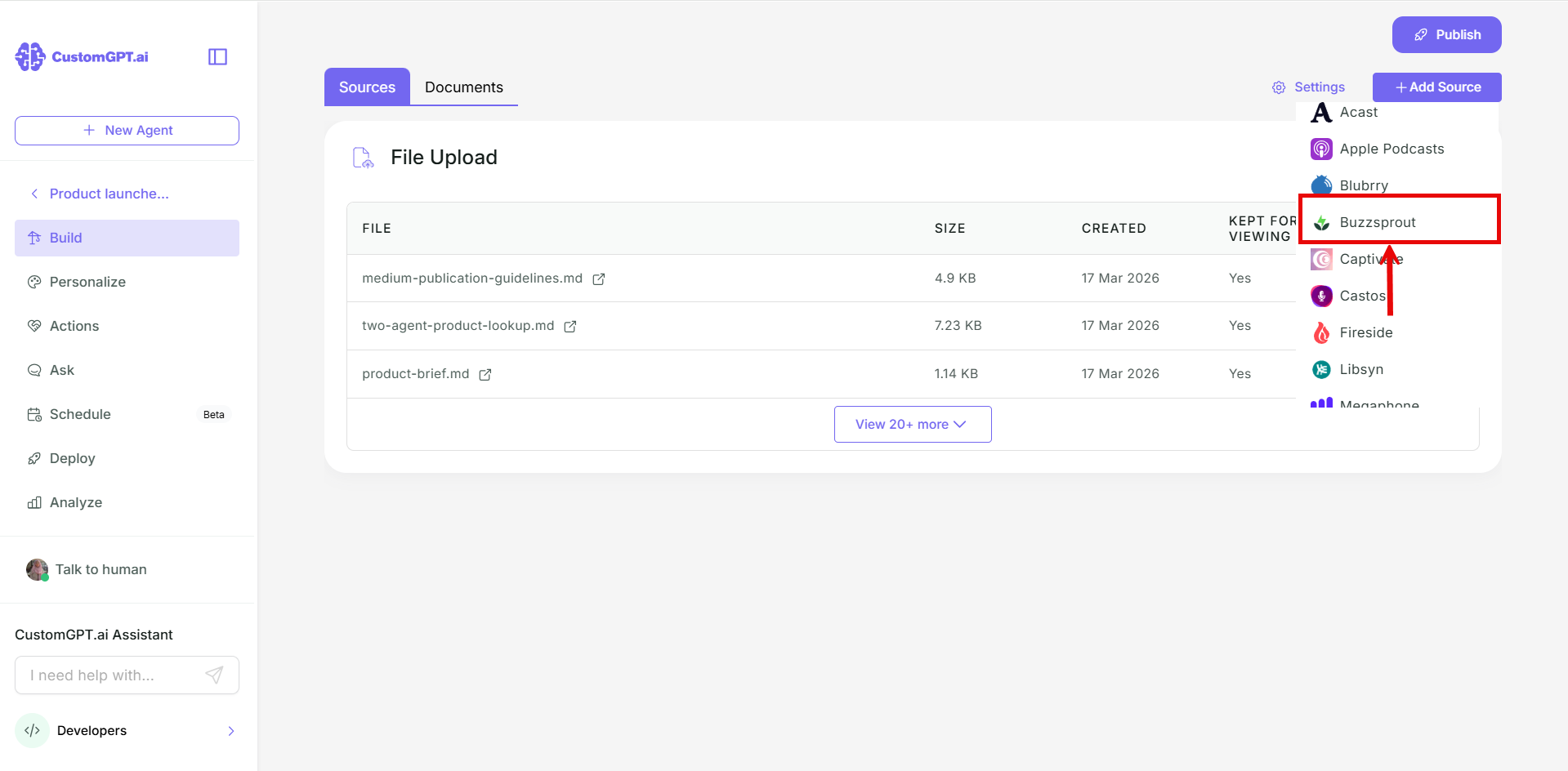
- In the dropdown, select the platform your show is on, or Other platforms.
- Paste the link to your show.
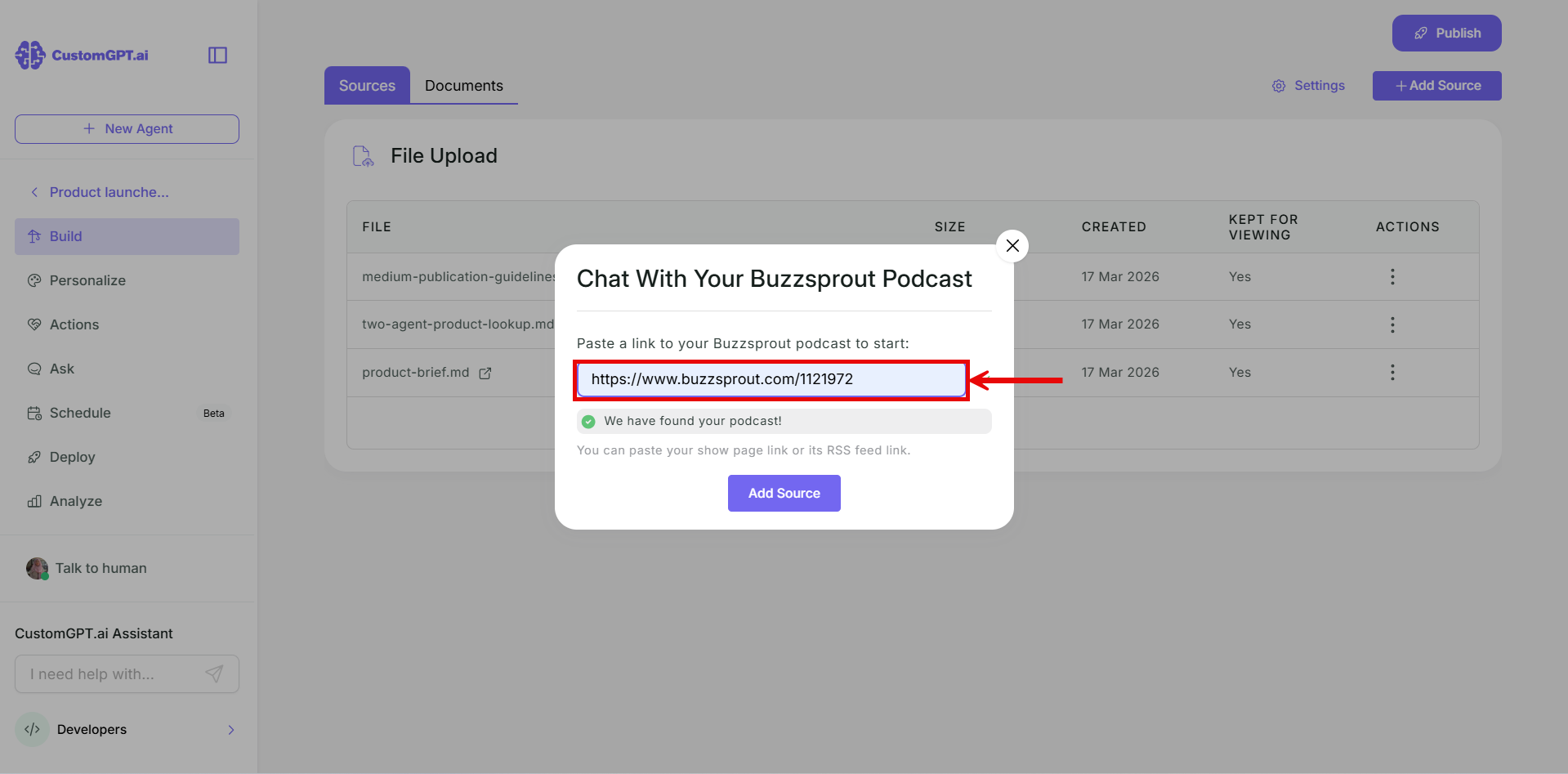
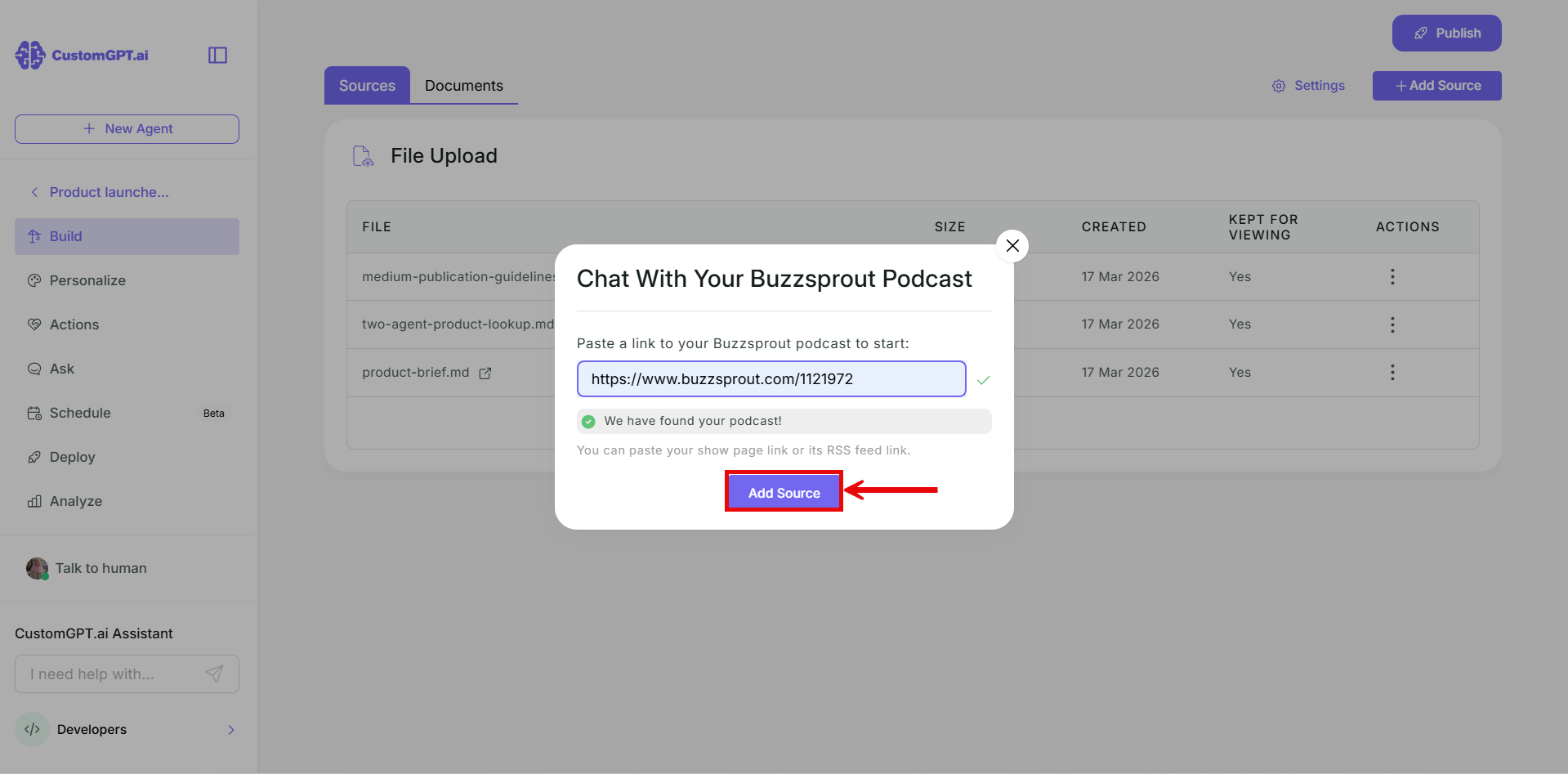
- Click Add Sources.
Keep your agent up to date
Turn on Auto Sync to keep new episodes coming in. Refer to Enable auto-sync for podcasts and RSS feeds.
Related articles
Updated about 3 hours ago
Did this page help you?