
Enable auto-sync for podcasts and RSS feeds
This guide walks you through turning on Auto Sync for a podcast or an RSS feed in your agent.
Set a schedule and your agent picks up new episodes and entries and drops removed ones, without you re-adding the source.
Before you start
- Auto Sync is available on Premium and Enterprise.
- Force content update is available on Enterprise.
Steps
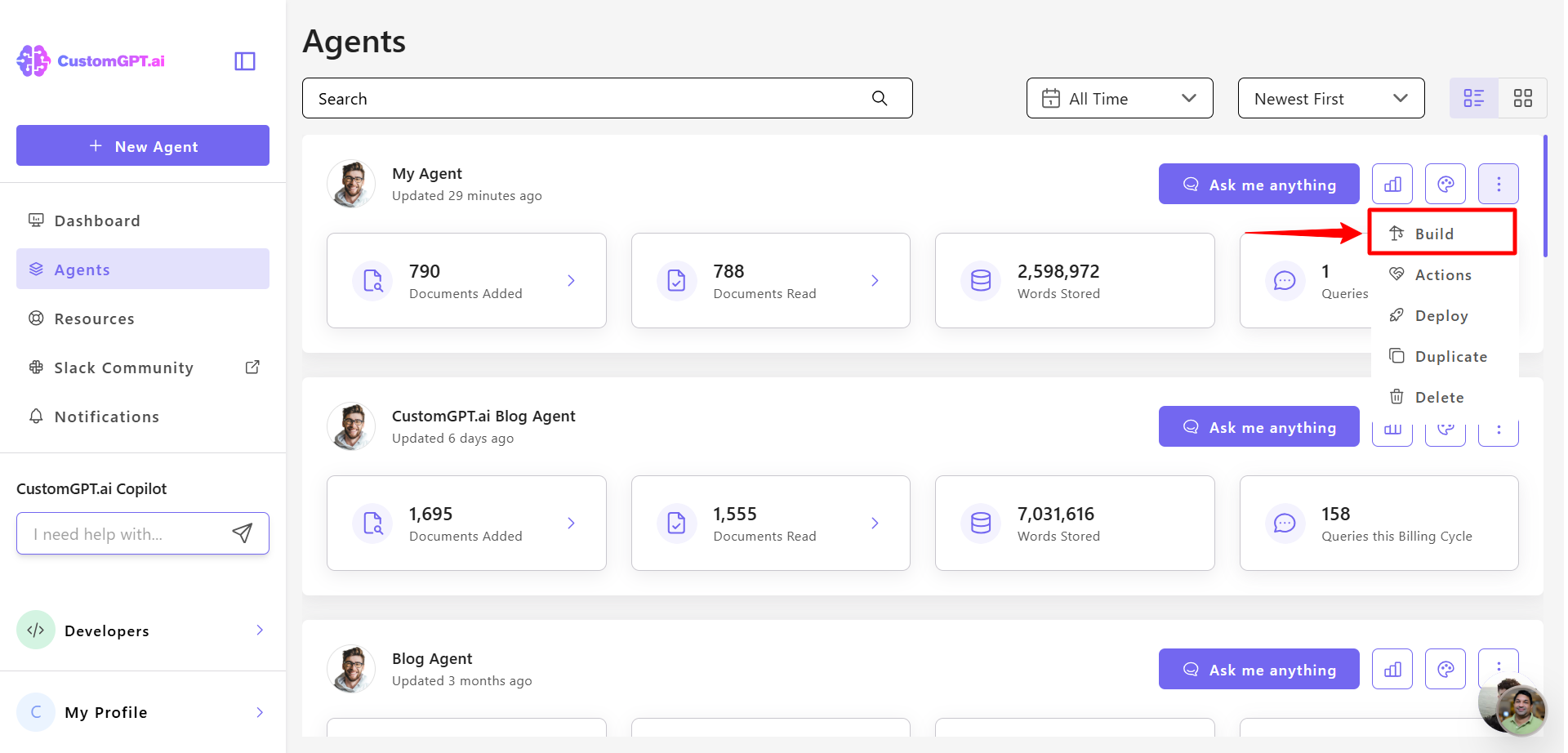
- Click the three dots next to your agent's name and select Build.
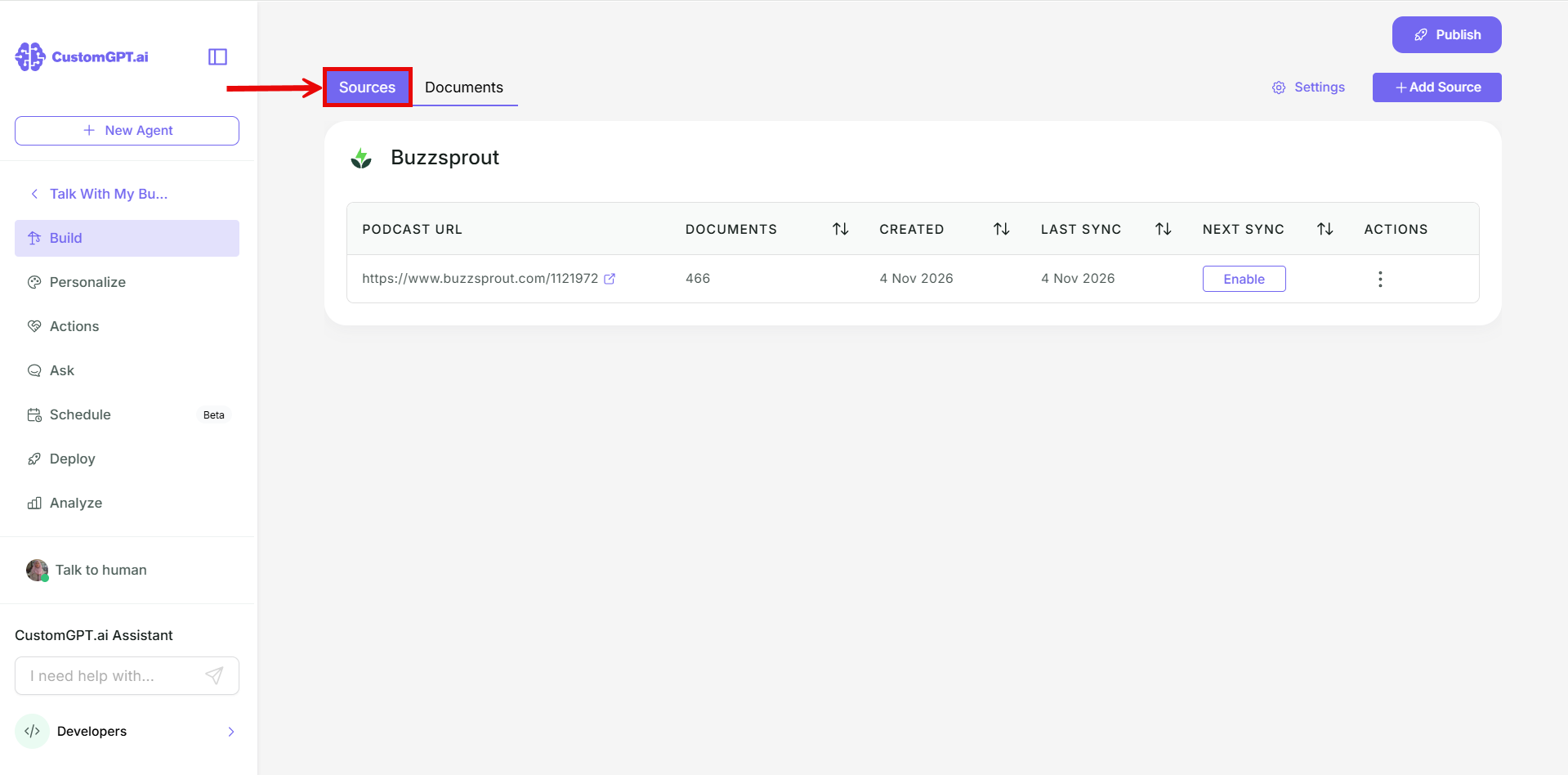
- Go to Sources.
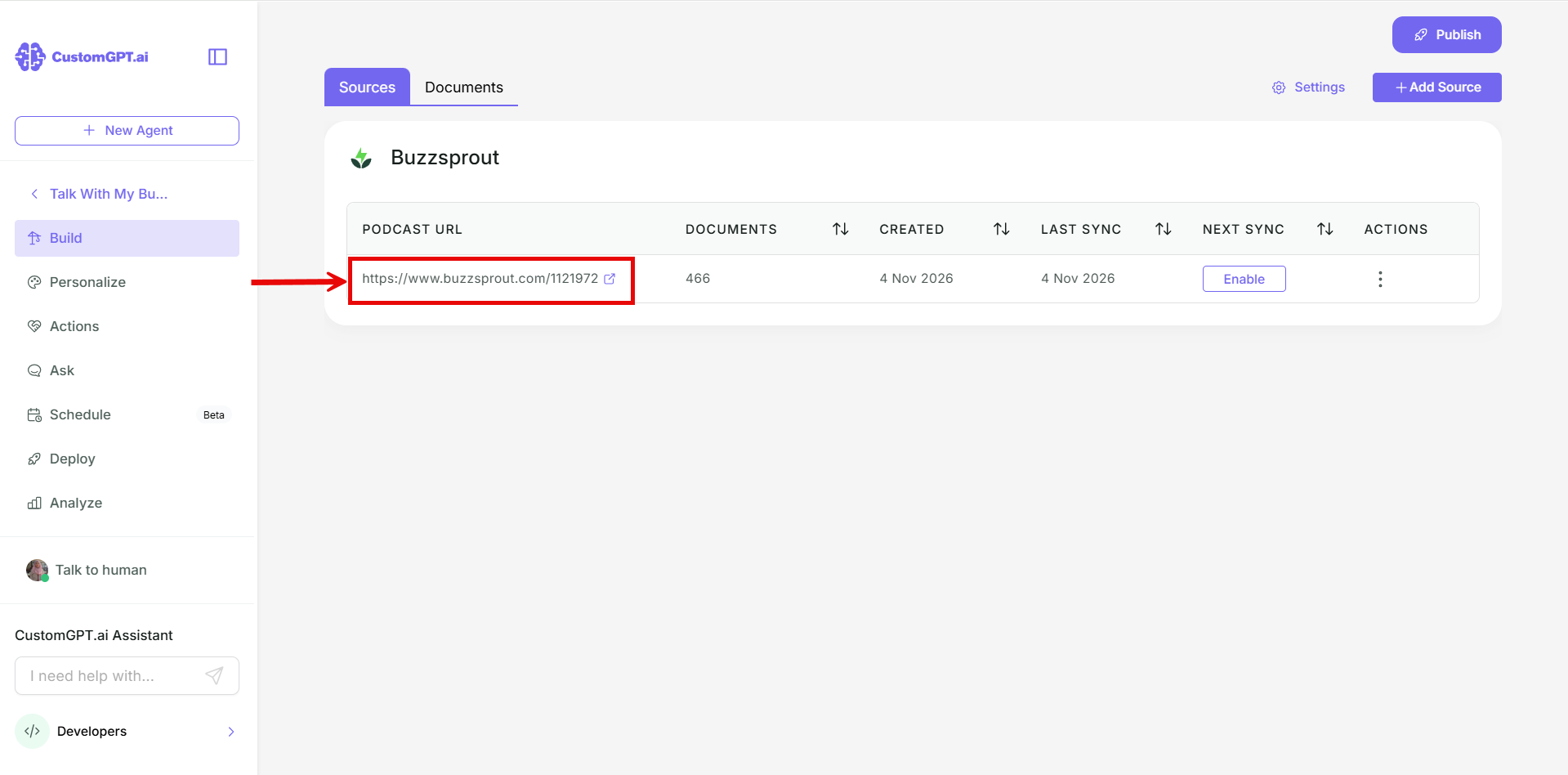
- Find your source: in the Podcast section for a podcast, or in the Media section for an RSS feed.
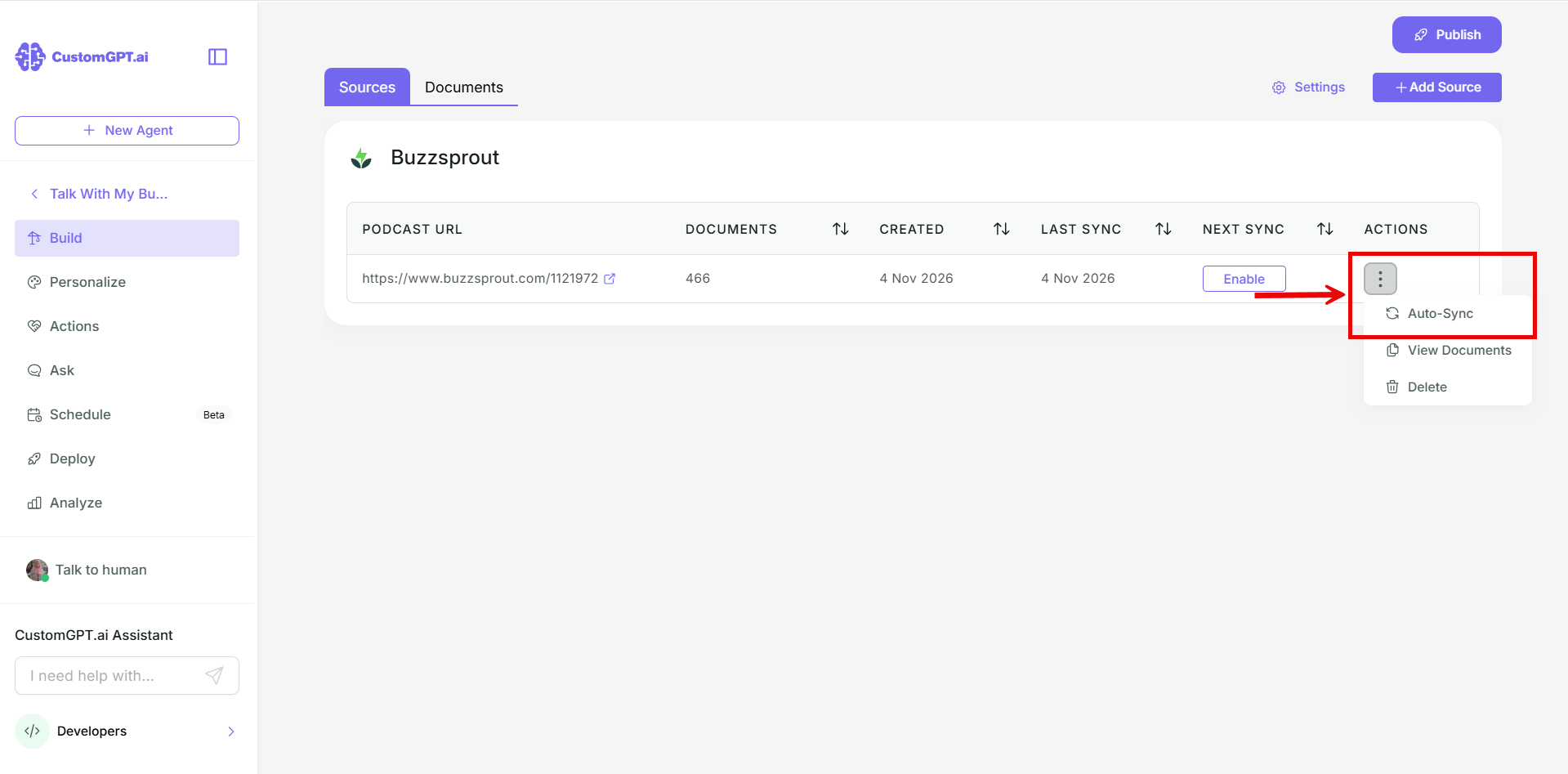
- Click the three-dot menu next to it and select Auto Sync.
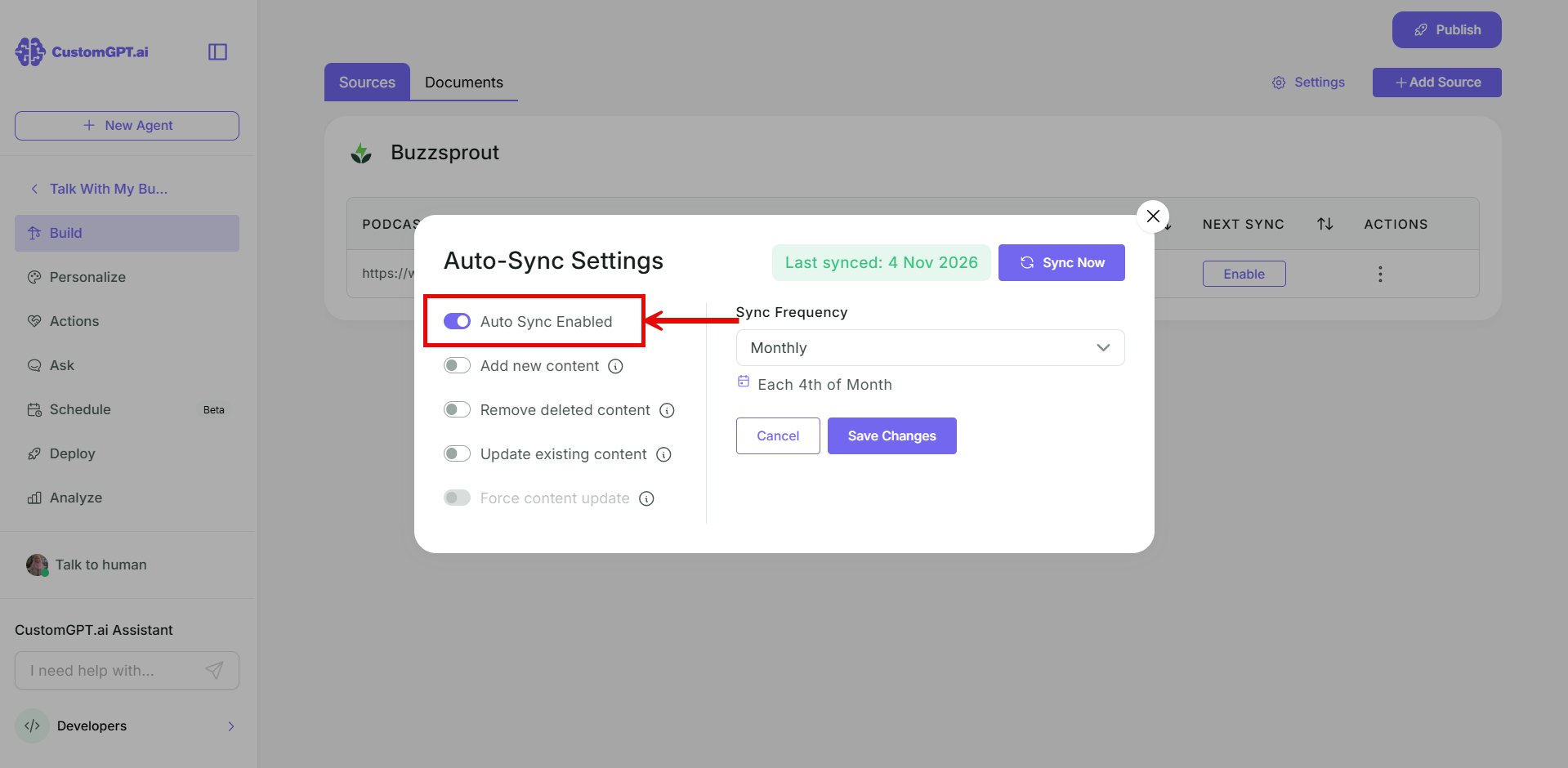
- Toggle on Auto Sync enabled.
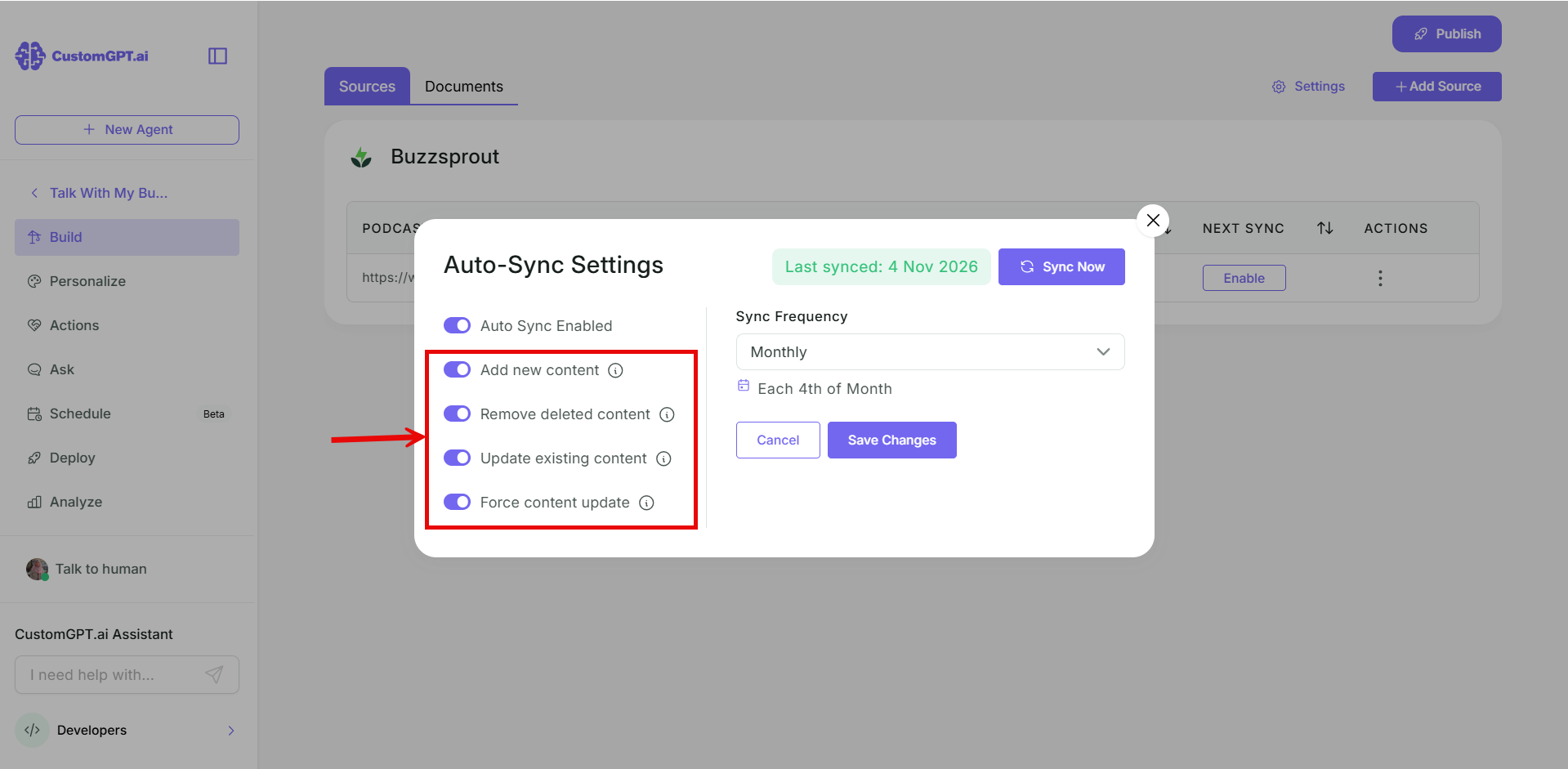
- Toggle on the options you want:
- Add new content
- Remove deleted content
- Update existing content
- Force content update
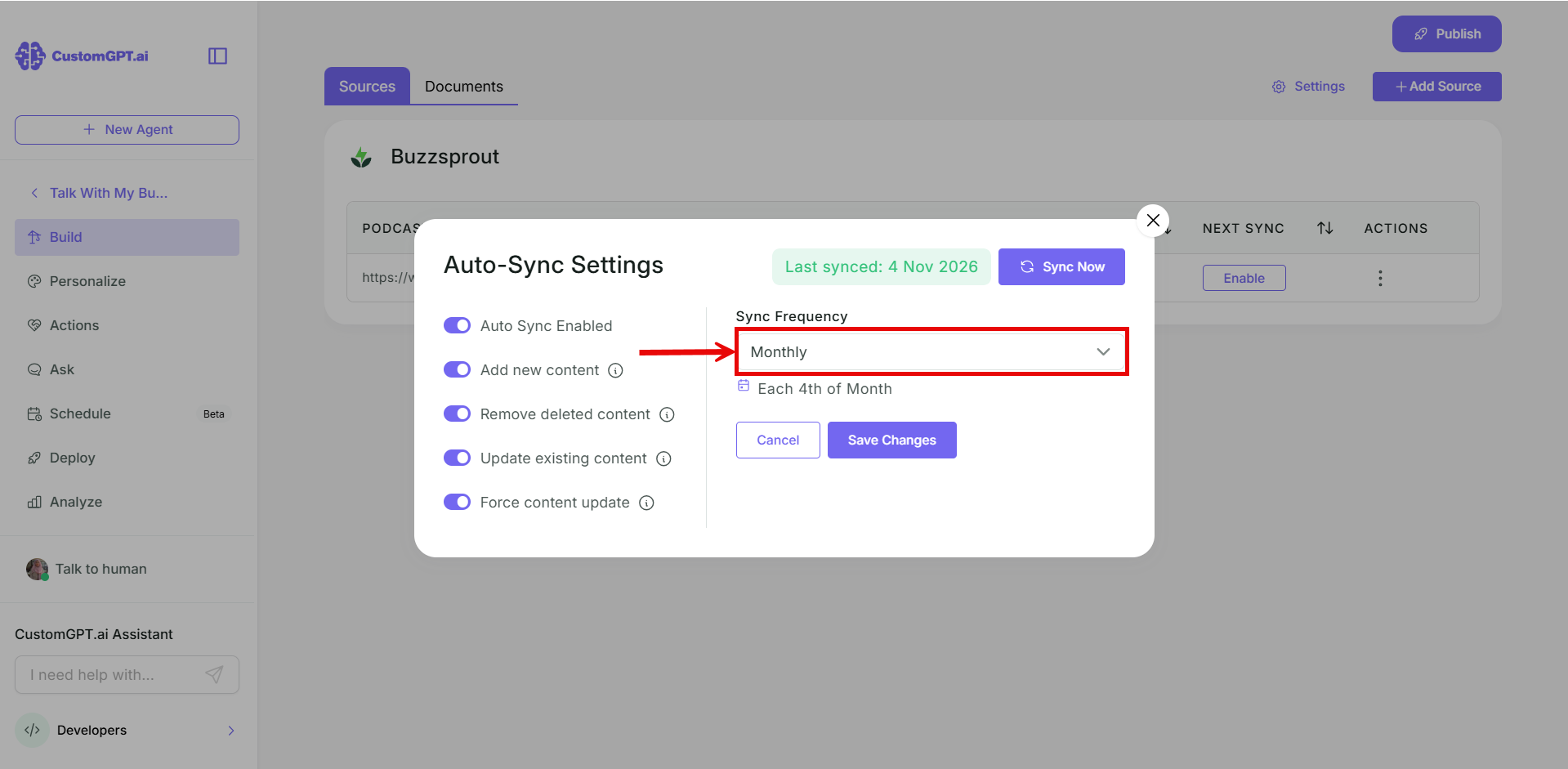
- Set the sync frequency: Never, Daily, Weekly, Monthly, or Custom.
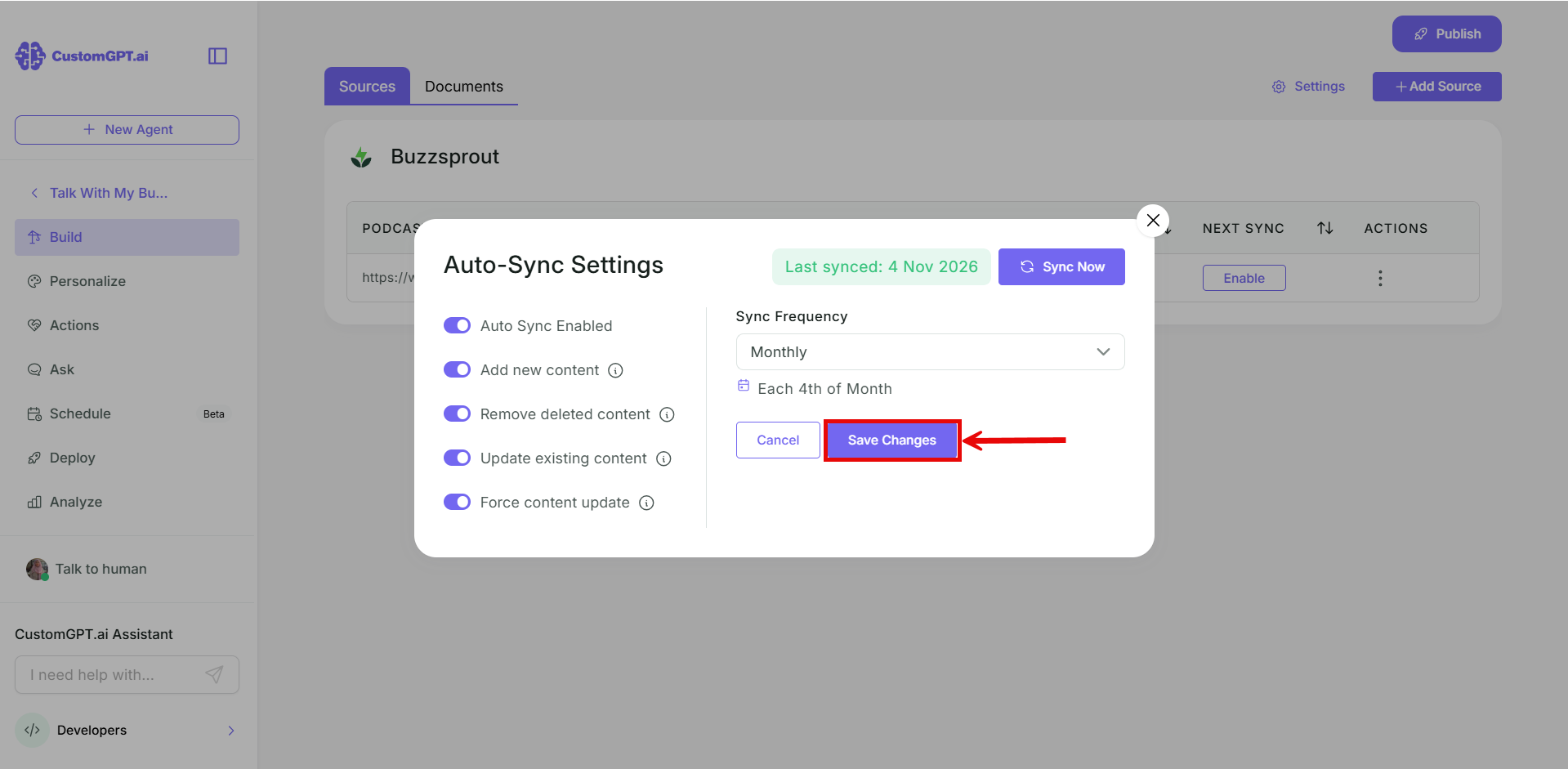
- Click Save Changes.
Related articles
Updated 13 days ago
Did this page help you?